Mastering vs Mixing: What's the Difference
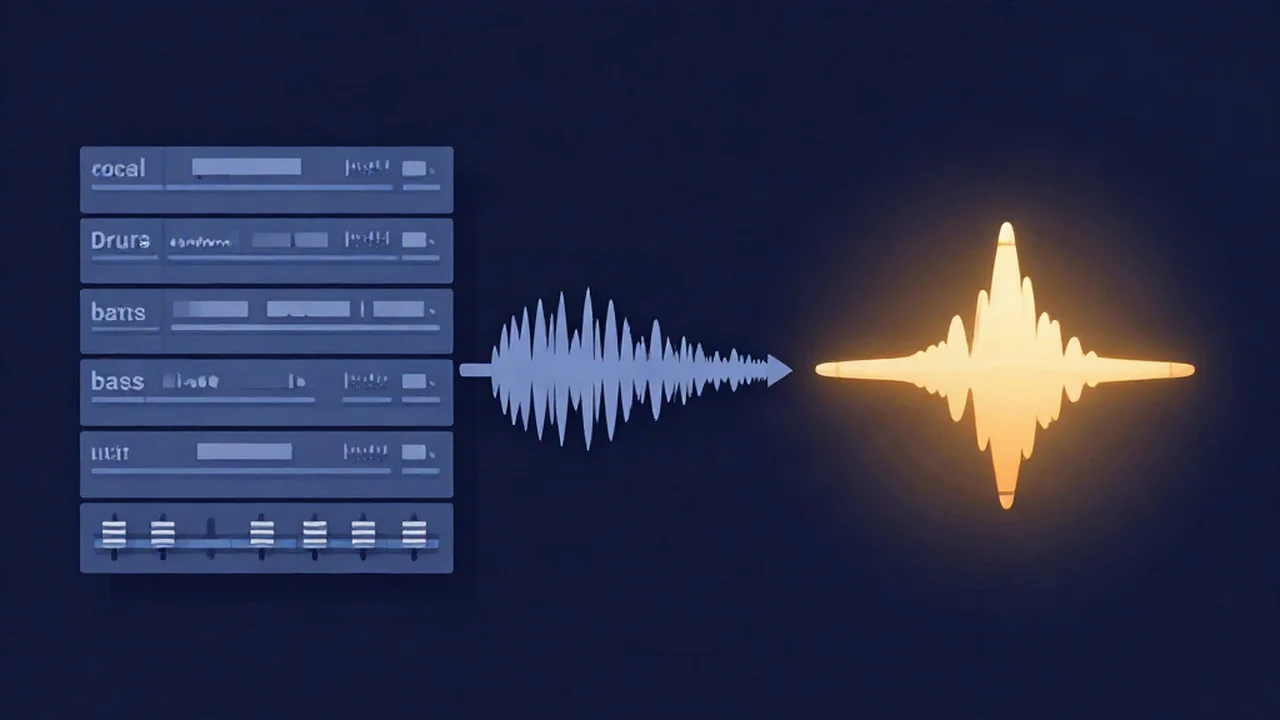
Mastering vs mixing is the difference between shaping the individual tracks inside a song and polishing the finished stereo file as a whole: mixing balances every separate instrument and vocal against each other, while mastering takes that single mixed-down file and prepares it for release — and if you want to try the second stage yourself, our free browser audio mastering tool runs entirely on your device. The confusion is understandable, because both stages use overlapping tools (EQ, compression, level control) and both aim to make a song sound "better." But they act on completely different things, happen in a fixed order, and solve different problems. Getting the distinction right saves you from the single most common beginner trap: trying to fix a mixing problem during mastering, where it can't be fixed.
Here is the whole difference in one view before we go deeper.
| Mixing | Mastering | |
|---|---|---|
| What it acts on | Many separate tracks or stems — every vocal, drum, bass, and instrument as its own channel | One finished stereo file (the mixdown), treated as a single whole |
| Goal | Balance and blend the parts so they sit together as one coherent song | Polish overall tone and loudness so the song translates everywhere and holds up next to commercial releases |
| Typical tools/processes | Level balancing, panning, per-track EQ and compression, reverb, automation | Broad tonal EQ, gentle multiband compression, stereo width, limiting, LUFS metering |
| When it happens | After recording/editing, before mastering | Last — after the mix is finished and bounced |
| Files in / out | Many tracks in → one stereo mix out | One stereo mix in → one release-ready master out |
What mixing does
Mixing is where a pile of separate recordings becomes a song. You start with a multitrack session — potentially dozens of individual channels: a lead vocal, backing vocals, kick, snare, bass, guitars, keys, and so on. Nothing about that raw collection sounds finished, because every part is competing for the same space at whatever level it happened to be recorded. The mixing stage is the work of making those parts agree with each other.
Level balancing comes first and matters most. If the vocal is buried or the kick drum is twice as loud as everything else, no amount of later processing will rescue it. Mixing engineers spend a surprising share of their time simply setting how loud each track sits relative to the others — this is closely tied to gain staging, keeping each track at a healthy level as signal flows through the chain.
Panning places each track across the stereo field — left to right — so parts aren't all stacked in the dead center fighting for the same spot. A guitar nudged left and a keyboard nudged right suddenly both have room to breathe.
EQ per track shapes the frequency content of each individual part. You might roll off the low end of a vocal so it doesn't muddy the bass, or carve a small dip in a guitar exactly where the vocal lives so the two stop masking each other. This is surgical, track-by-track work — the opposite of the broad strokes used in mastering.
Compression per track controls the dynamics of individual parts — evening out a vocal that swings from a whisper to a shout, or tightening a bass so every note lands at a consistent level. Managing this per-track dynamic range is central to a mix that feels controlled rather than chaotic.
The crucial point: all of this happens on the separate tracks, while you still have access to them individually. Once mixing is done, you bounce (export) everything down to a single stereo file — the mixdown, or stereo mix. That one file is what goes to mastering. And here's the catch that trips up beginners: the moment you create that mixdown, the individual tracks are fused together. You can no longer turn the vocal up on its own or fix a too-loud snare, because they no longer exist as separate things. If you want deeper reading on how a full project moves from raw takes to a finished mix, see our beginner's workflow guide.
What mastering does
Mastering treats that finished stereo file as one indivisible object and polishes it as a whole. Instead of adjusting a vocal or a kick, you're making broad decisions about the entire song: a touch of EQ to brighten or warm the overall tone, gentle compression to "glue" the mix together, some stereo-width shaping, and a limiter to raise loudness to a competitive level without letting peaks clip.
Mastering also handles translation — making sure the song sounds right on earbuds, laptop speakers, a car, and a club system, not just in your studio — and loudness targeting for streaming. Because it acts on the sum of everything at once, mastering can only nudge; it can't reach in and fix a specific part. We won't re-explain the full craft here — our complete guide to audio mastering covers what it is and why it matters, and the how-to on mastering a song online for free walks through the actual steps in the tool.
The order of operations (and why it matters)
The sequence is not optional: mix first, then master. Mastering is by definition the treatment of a finished mix, so a master can't exist before the mix does. This ordering has two practical consequences that will genuinely change your results.
You can't fix balance at the master. If the vocal is too quiet in the mix, mastering can't turn it up — the vocal is welded into the stereo file with everything else. Raising the overall level raises the vocal and the drums and the bass together, so the balance problem survives untouched. The only fix is to go back to the mix, correct the vocal level there, and re-export. Beginners lose hours reaching for a mastering EQ to solve problems that only the mix can touch.
Leave headroom in the mix for the master. Don't push your mixdown right up to 0 dBFS. Bounce it with the loudest peaks landing somewhere around -6 to -3 dBFS, leaving headroom so the mastering stage has room to work — apply EQ, compression, and a limiter without immediately running into the ceiling. A mix that's already slammed to the top gives mastering nowhere to go. A typical mastering limiter sets its ceiling around -1 dBTP (true peak) precisely to keep the final file safe for streaming encoders.
Common mistakes
Trying to master a weak mix. Mastering polishes; it doesn't rescue. If the mix has a boomy low end, a harsh vocal, or a lopsided balance, those flaws come through the master intact — often amplified, because loudness processing makes everything more obvious. Fix it in the mix.
Bouncing with no headroom. Exporting a mix that already peaks at 0 dBFS (or clipping) leaves the mastering stage boxed in. Give it room.
Mastering each stem separately. Mastering acts on the whole stereo mix, not on individual parts. Processing each stem on its own and calling it mastering is really just more mixing — and it defeats the point of treating the song as one cohesive object.
Chasing loudness. Cranking a limiter until the song is as loud as physically possible squashes the life out of it, and streaming platforms turn it back down anyway. Spotify and YouTube normalize playback to roughly -14 LUFS and Apple Music to about -16 LUFS, so a hyper-loud master just arrives sounding flat and over-compressed at the same perceived volume as a well-judged one. Aim for a target, not a war.
Skipping the mix entirely. Recording a few takes, bouncing them raw, and jumping straight to a mastering tool skips the stage that actually determines whether a song sounds good. Mastering can't do mixing's job.
Which do you need?
If your parts don't sit well together — a buried vocal, a bass that swamps everything, instruments clashing — that's a mixing problem, and no mastering tool will solve it. If your mix already sounds balanced and you want it louder, more polished, and consistent with commercial releases before you prepare it for a streaming release, that's mastering. Most beginners actually need more mixing than they think, and reach for mastering too early.
Frequently asked questions
Can I mix and master at the same time? It's strongly discouraged, and on most projects it's impossible by definition. Mixing works on separated tracks; mastering works on the single bounced file that only exists after mixing is done. Some producers do rough mastering-style processing on the mix bus while mixing to preview the end result, but the actual master is still made from a finished, exported mix. Keep the stages mentally separate even if you do both yourself.
Do I need to master if I've already mixed well? Not strictly, but it usually helps. A good mix can sound fine on its own, but mastering brings it to a competitive loudness, smooths the overall tone, and makes sure it translates across different speakers and headphones. If you're releasing to streaming platforms, mastering also gets your loudness into a sensible range so the song holds up next to professionally released tracks. For a personal demo, a strong mix alone may be enough.
Can one tool do both mixing and mastering? A full digital audio workstation handles mixing because it holds all your separate tracks. A dedicated mastering tool works on the finished stereo file. Our browser mastering tool is built for the second job — it applies EQ, multiband compression, stereo-width, and a limiter to a mix you already have, with LUFS metering, and exports WAV, MP3, or Opus. It doesn't mix, because mixing needs the individual tracks, which a single stereo file no longer contains.
Is mastering just making the song louder? No, though loudness is part of it. Mastering shapes overall tone with broad EQ, glues the mix with gentle compression, adjusts stereo width, ensures the song translates across playback systems, and only then raises loudness to a sensible target with a limiter. Treating it as a loudness button leads straight to over-compressed, lifeless masters — especially since streaming platforms normalize playback anyway, so raw loudness buys you nothing.
Is the mastering tool free and private? Yes. The mastering tool is free and unlimited with no account and no upload — your audio never leaves your device, since all processing runs in your browser. The processing engine itself downloads to your browser the first time, but your audio file is never sent anywhere. You can export a finished master as WAV, MP3, or Opus.