What Is LUFS? Audio Loudness Explained
LUFS (Loudness Units Full Scale) is a standardized measure of how loud audio feels to human ears over time, rather than how tall its individual peaks are — which is why it, and not raw peak level, is what streaming platforms use to keep every track playing back at a consistent volume. If you have ever wondered why one song sounds punchy and the next sounds timid even though both look "loud" on a meter, LUFS is the concept that explains it.
Why peak level doesn't tell you how loud something is
A peak meter shows the single loudest instant in a signal — the tallest sample, measured in dBFS (decibels relative to full scale, where 0 dBFS is the digital ceiling). That's genuinely useful for one job: making sure you don't run out of headroom and clip. But it's a terrible measure of perceived loudness, because our ears don't respond to instantaneous peaks. They respond to sustained energy across time, weighted toward the frequencies we hear most sensitively.
That gap is easy to picture. A sparse acoustic track with one sharp transient can peak at exactly 0 dBFS yet feel quiet, because the energy underneath that spike is low. A dense, wall-to-wall pop master can peak at the same 0 dBFS and feel twice as loud, because it's full the whole way through. Same peak, very different loudness.
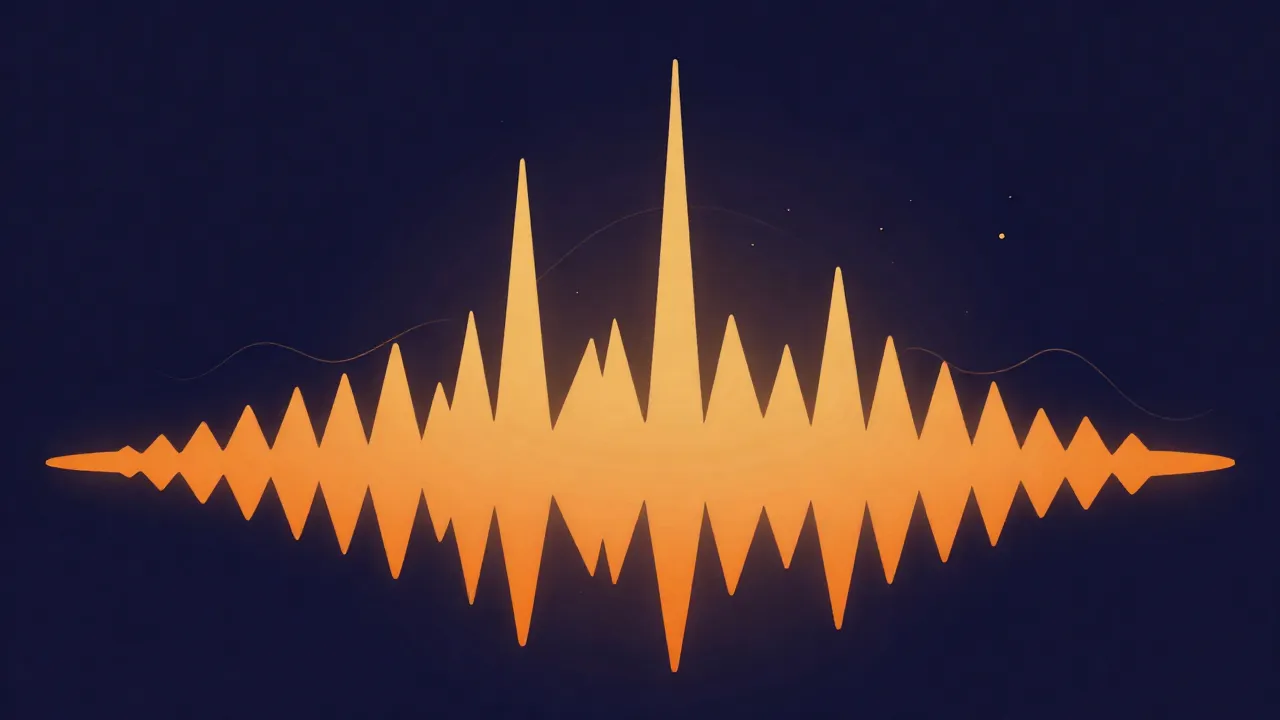
LUFS was designed to close that gap. It runs the signal through a filter that approximates how the ear weights frequency, then integrates the energy over time — so the number it gives you tracks perceived loudness, not the height of one spike. The scale is negative: 0 LUFS is the maximum, and real-world music lands somewhere between roughly -6 and -20 LUFS. Quieter material sits lower (more negative).
You'll also see LKFS, which is the same thing under a different name — the "K" refers to the K-weighting filter the standard uses. Broadcast documents tend to say LKFS; music and streaming tend to say LUFS. They're interchangeable.
Integrated, short-term, and momentary
LUFS comes in three flavors, and the difference matters when you read a meter:
- Integrated (or program) loudness measures the whole file, start to finish, as one number. This is the value platforms normalize to, and the one you're aiming at when you set a target.
- Short-term loudness measures a rolling three-second window — useful for watching how a mix breathes section to section.
- Momentary loudness uses a 400-millisecond window, close to a live level readout.
When someone says "master to -14 LUFS," they almost always mean integrated. A chorus can and should read louder than a verse in the short-term meter; it's the average across the entire track that has to land on target.
Why streaming platforms normalize to LUFS
Streaming platforms measure the integrated loudness of everything you upload and adjust playback so tracks sit at a consistent reference level — turning louder uploads down to match, and (depending on the platform and the user's settings) turning quieter ones up. The goal is simple: a listener shouldn't have to grab the volume knob every time the song changes. Loudness normalization, done on LUFS, is what makes a shuffled playlist feel even.
The practical consequence is the part people miss. If a platform normalizes to a target and your master is far louder than it, the platform simply attenuates your track back down to that target on playback. All the loudness you fought for gets undone at the listener's end — and because you likely squashed the dynamics to get there, what's left often sounds flatter than a track mastered sensibly in the first place.
What the targets actually are
Here's where a lot of online advice quietly invents specifications. Some platforms publish their loudness target; many don't, and the widely repeated numbers for those are measured convention, not documented spec. It's worth keeping the two apart:
| Destination | Common target | Published spec? |
|---|---|---|
| Spotify | -14 LUFS | Yes |
| Apple Podcasts (spoken) | -16 LUFS (±1) | Yes |
| Broadcast (EBU R128) | -23 LUFS | Yes |
| YouTube | around -14 LUFS | No — measured convention |
| Amazon Music | around -14 LUFS | No — measured convention |
| Apple Music (Sound Check) | around -16 LUFS | No — measured convention |
The published ones you can rely on. Spotify's loudness normalization documentation states it normalizes to -14 LUFS measured to the ITU-R BS.1770 standard and asks for true peaks below -1 dBTP. Apple's podcast audio requirements ask for roughly -16 LKFS with a true-peak ceiling. Broadcast has a formal standard: EBU R 128 sets a target level of -23.0 LUFS for European television and radio.
The YouTube, Amazon, and Apple Music figures in that table are different in kind. They're numbers engineers have measured off real playback and settled on — reliable enough to aim at, but not values those platforms publish, so treat them as convention that could drift rather than law. Being honest about which is which saves you from mastering to a "spec" that was never actually stated.
Alongside the loudness target, watch true peak. The accepted convention is to keep true peaks at or below -1 dBTP (decibels true peak) to leave room for inter-sample overshoots that appear when the audio is reconstructed or lossy-encoded — a safeguard against audio clipping that a normal sample peak meter won't warn you about.
Why chasing loudness backfires
Once you understand normalization, the old "make it as loud as possible" instinct stops making sense. Pushing a master well past the platform target buys you nothing on playback — it gets turned back down — and it costs you something real: to raise the LUFS number, you compress and limit the signal, which shrinks the dynamic range, the gap between the quiet and loud parts that gives music its impact. Flatten that gap and the track can measure louder while feeling smaller and more fatiguing.
The healthier approach is to master for the sound you want, keep enough headroom so nothing clips, and let normalization handle the level. Aim near the common streaming target, protect your true peaks, and stop there. A track mastered to about -14 LUFS with -1 dBTP peaks and its dynamics intact will hold up next to anything on a normalized platform — and it'll still breathe.
Measuring and hitting a target in your browser
You don't need a studio setup to work with LUFS. On vocalcut.com, everything runs entirely in your browser — your audio never leaves your device (the processing engines download to you, not the other way around), and there's no account or upload step.
To move a finished file to a specific loudness, the volume normalizer measures a track's integrated LUFS and applies the gain needed to land it on your target — pick -14 for most streaming, -16 for spoken word. If you want loudness handled together with tone and dynamics rather than as a last isolated step, the in-browser mastering chain gives you real DSP processing plus live LUFS metering and a level-matched A/B, so you can compare against the original at equal loudness instead of being fooled by "louder sounds better." For a step-by-step walkthrough of the normalizing process, see how to normalize audio loudness.
Frequently asked questions
What LUFS should I master to for Spotify? Around -14 LUFS integrated, with true peaks at or below -1 dBTP. Spotify publishes this target and normalizes playback toward it, so mastering much louder just gets turned back down — often sounding worse for the lost dynamics.
Is LUFS the same as dBFS? No. dBFS measures peak level — the height of the single loudest sample — while LUFS measures perceived loudness averaged over time with a hearing-based frequency weighting. Two files with identical dBFS peaks can differ by many LUFS.
What does a negative LUFS number mean? The LUFS scale tops out at 0 (full scale) and runs negative from there, so a more negative value means quieter. A track at -20 LUFS is noticeably quieter than one at -9 LUFS. Music typically lands somewhere between about -6 and -20 LUFS integrated.
Is louder always better? No. Because platforms normalize to a loudness target, a super-loud master is simply attenuated on playback, erasing the loudness advantage while keeping the squashed dynamics you created to get there. Mastering to the target with headroom to spare usually sounds better and just as loud.