Bitrate vs Sample Rate: What's the Difference?
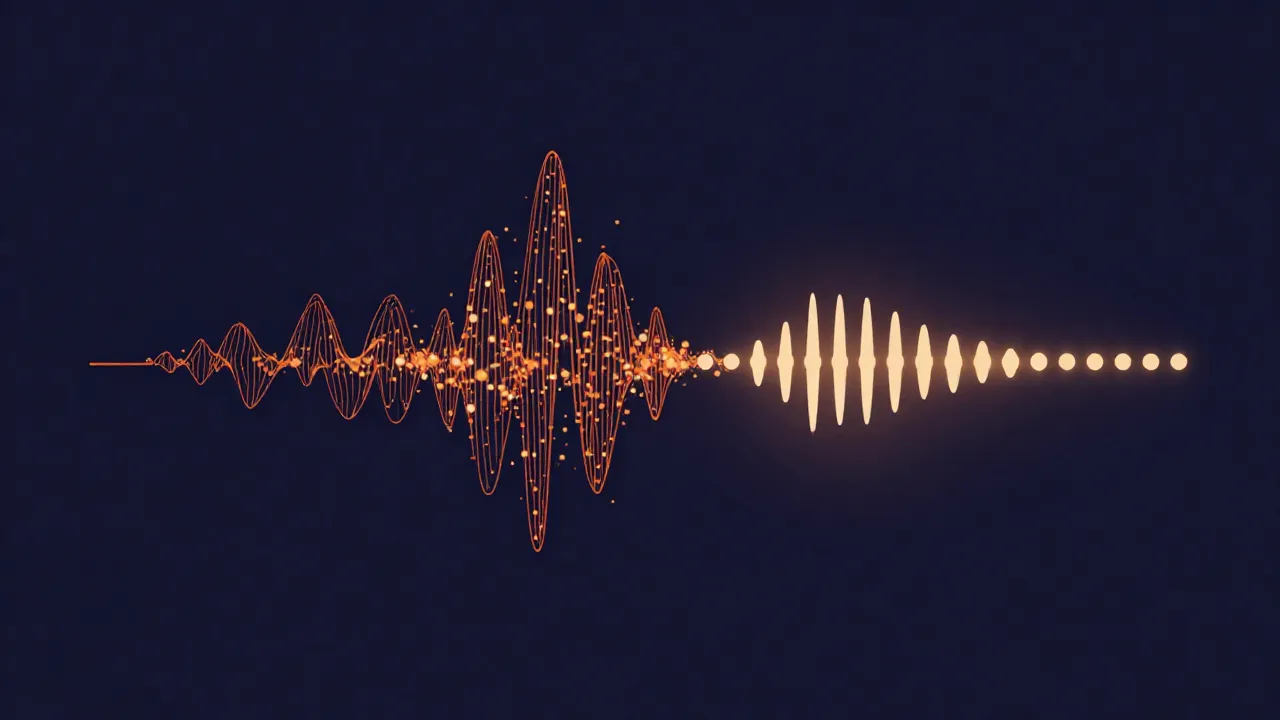
Bitrate is how much data your audio uses per second; sample rate is how many times per second the sound was measured. They sound alike and they're often listed side by side, but they describe two completely different things — and confusing them is why so many people tweak the wrong setting and end up disappointed.
Both numbers affect file size and both can affect quality, which is exactly why they get tangled together. The trick is that they do it along separate axes. Change one and you're adjusting something the other doesn't touch. Let's untangle them.
Sample rate: how often the sound is measured
Digital audio is a series of snapshots of a sound wave, taken at regular intervals. Sample rate is simply how many snapshots happen each second, measured in Hertz. 44.1 kHz means 44,100 measurements per second; 48 kHz means 48,000. A higher rate captures more of the wave's high-frequency detail, at the cost of a bigger file.
One myth worth killing on the way past: 44,100 was not handed down by the Nyquist theorem. Nyquist only says you need to sample a bit more than twice the highest frequency you want to capture — so covering 20 kHz hearing needs something above 40 kHz, not the oddly specific 44.1. The exact figure was an accident of fitting digital samples onto video tape via PCM adaptors in the CD era. If you want the full story on rates — why 44.1 for music, 48 for video, whether 96 kHz is ever worth it — that's its own topic, covered in our guide to audio sample rates. Here, the one thing to hold onto is: sample rate is measured in Hz and describes time resolution.
Bitrate: how much data flows per second
Bitrate is how many bits of data represent each second of audio, measured in kilobits per second (kbps). A 320 kbps MP3 spends 320 kilobits describing every second; a 128 kbps MP3 spends 128. More bits per second means more room to store detail, which usually means it sounds closer to the original — and a larger file.
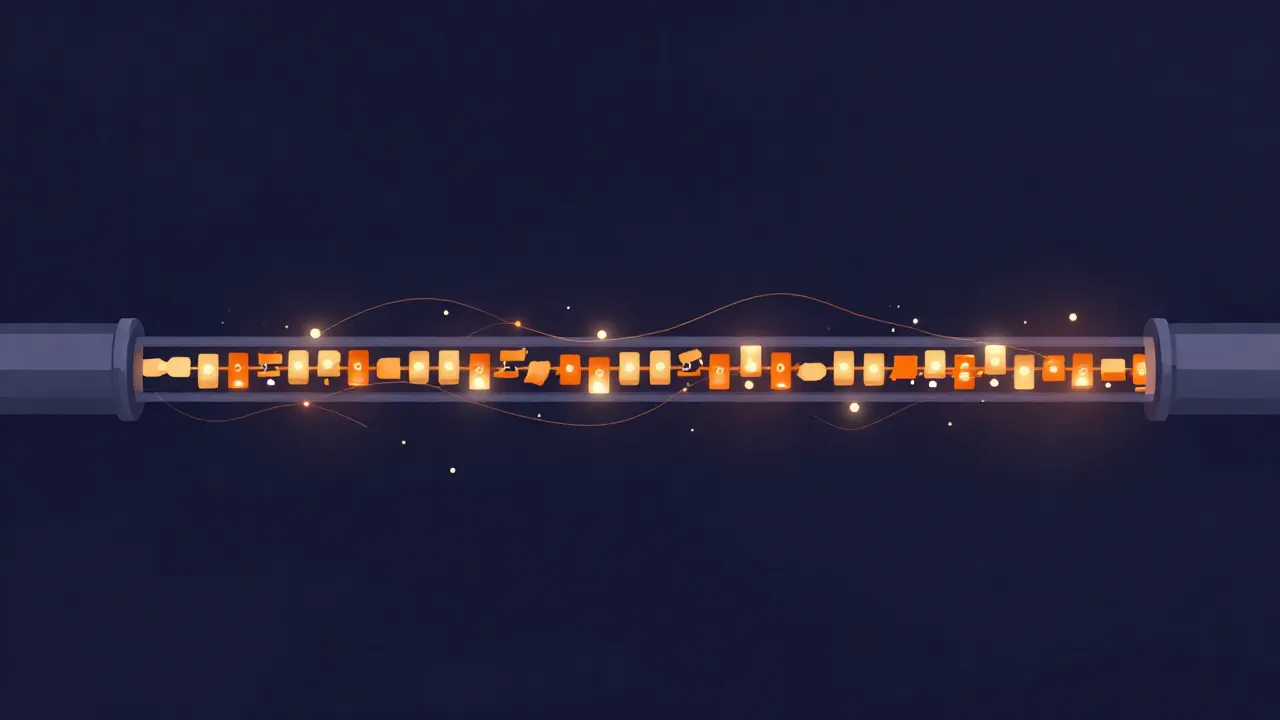
Here's the crucial part: bitrate behaves very differently depending on whether your format is lossy or lossless.
- For lossy codecs (MP3, AAC, Opus), bitrate is the main quality-and-size dial you actually turn. The encoder is allowed to throw away detail to hit a target size, and bitrate is the budget you hand it. Lower budget, more thrown away. This is the number you're choosing when you compress an audio file to fit an email limit.
- For lossless formats (WAV, FLAC), bitrate isn't a setting you pick at all — it's just a consequence. A WAV file's data rate falls out of sample rate × bit depth × channels. FLAC squeezes that down without discarding anything, so its bitrate varies with the music, but in neither case are you "choosing a bitrate" to trade against quality. Nothing is being thrown away.
That split is the source of half the confusion online. "Set a higher bitrate for better quality" is solid advice for an MP3 and meaningless for a WAV.
Bit depth: the third thing people lump in
There's a third term that gets swept into the same pile, and it deserves a quick mention so you don't conflate all three: bit depth. Where sample rate is how often you measure, bit depth is how precisely each individual measurement is recorded — 16-bit vs 24-bit. More bits per sample means a finer volume scale and a lower noise floor, which matters most while recording and mixing with quiet passages. Bit depth is measured in bits (per sample); bitrate is measured in bits per second. Same word root, different unit, different job.
The one-glance comparison

| Sample rate | Bit depth | Bitrate | |
|---|---|---|---|
| What it measures | How often the wave is sampled | How precisely each sample is stored | How much data is used per second |
| Unit | Hertz (Hz / kHz) | Bits per sample (16, 24) | Kilobits per second (kbps) |
| Mainly affects | High-frequency detail, file size | Dynamic range, noise floor, file size | Lossy quality-vs-size tradeoff |
| Do you set it directly? | Yes, per project | Yes, per project | Lossy: yes. Lossless: no — it's a byproduct |
| Typical values | 44.1 / 48 kHz | 16-bit / 24-bit | 128 / 192 / 320 kbps (MP3) |
Notice that for a lossless file, sample rate and bit depth are the inputs and bitrate is the output. For a lossy file, you set a target bitrate and the encoder works within it. That's the whole relationship in one table.
How they interact (and why that's confusing)
Both sample rate and bitrate push on file size, but through different doors. Raise the sample rate of a WAV and its bitrate climbs automatically, because there's more raw data per second to store. Raise the bitrate of an MP3 and you've changed nothing about how often the sound was sampled — you've just given the encoder a bigger budget to describe it.
This is why you can have a 44.1 kHz file at 128 kbps and a 44.1 kHz file at 320 kbps: identical sample rate, very different bitrate and very different sound. And it's why bumping an MP3 from 128 to 320 kbps helps, but "upsampling" a 128 kbps MP3 to 96 kHz helps nothing — you can't add back detail the lossy encoder already discarded. The two dials are independent, and only one of them is holding the quality you lost.
Efficiency between codecs matters here too. AAC reaches roughly the same quality as MP3 at about 70% of the bitrate — Fraunhofer's own finding — so a 224 kbps AAC file competes with a 320 kbps MP3. That's a meaningful gap, not a rounding error, and it's a good reason to think about format and bitrate together rather than fixating on the number alone. If you're weighing lossless against lossy in the first place, our rundown of file formats for audio editing covers that choice.
Two related building blocks worth a look while you're here: channel count, which multiplies data rate (see mono vs stereo audio), and what a waveform actually is — the thing all these numbers are describing in the first place.
When each one actually matters
- Choosing a delivery format for a podcast, upload, or attachment? That's a bitrate decision. Pick a lossy format and set a bitrate that fits your size limit. 128–192 kbps is a common floor for spoken word; music tends to sit higher. These aren't legal standards — they're conventions, so trust your ears over any single "correct" number. Change it in a browser with the audio compressor or the audio converter.
- Recording, mixing, or mastering? Work at a fixed sample rate (44.1 or 48 kHz) and don't obsess over it mid-project; consistency matters more than the exact value, especially if you're also tracking loudness with LUFS.
- Archiving a master? Go lossless — WAV or FLAC — where bitrate isn't a lever at all, and let sample rate and bit depth carry the quality.
The short version: sample rate is a recording-side decision about time resolution, and bitrate is mostly a delivery-side decision about how much you're willing to compress. Keep them in separate mental boxes and the settings screen stops being a guessing game.
Everything above runs the same way on vocalcut.com: free, entirely in your browser, with no upload and no account. Your audio never leaves your device — though the converter does fetch its engine from our CDN once for certain formats (FLAC, OGG, M4A, AAC), while MP3, WAV, and Opus use built-in encoders with nothing to download.
Frequently asked questions
Is a higher bitrate always better? For lossy formats like MP3 and AAC, a higher bitrate generally sounds better because the encoder discards less — up to a point of diminishing returns where you can't hear the difference but the file keeps growing. For lossless formats, "higher bitrate" isn't something you choose; it's just a side effect of the sample rate and bit depth, so there's no quality dial to turn there.
Does changing the bitrate change the sample rate? No. They're independent. Re-encoding an MP3 at a different bitrate leaves the sample rate untouched, and resampling a file to a different sample rate is a separate operation. A tool might change both at once if you ask it to, but one does not automatically drag the other along.
Which one makes the bigger difference to file size? For lossy files, bitrate is the dominant lever — it's literally a data-per-second budget, so halving it roughly halves the file. For lossless files you can't set bitrate directly, so sample rate, bit depth, and channel count are what move the size. In practice, if your goal is a smaller file, lowering the bitrate (by exporting to a lossy format) is the biggest single win.
Can I improve a low-bitrate MP3 by increasing its bitrate? No. Once a lossy encoder has thrown detail away, it's gone. Re-encoding that MP3 at 320 kbps — or upsampling it to a higher sample rate — only makes a bigger file that still contains the same lost-detail audio. Quality has to be preserved from the original source; it can't be added back after the fact.