Mono vs Stereo: What's the Difference?
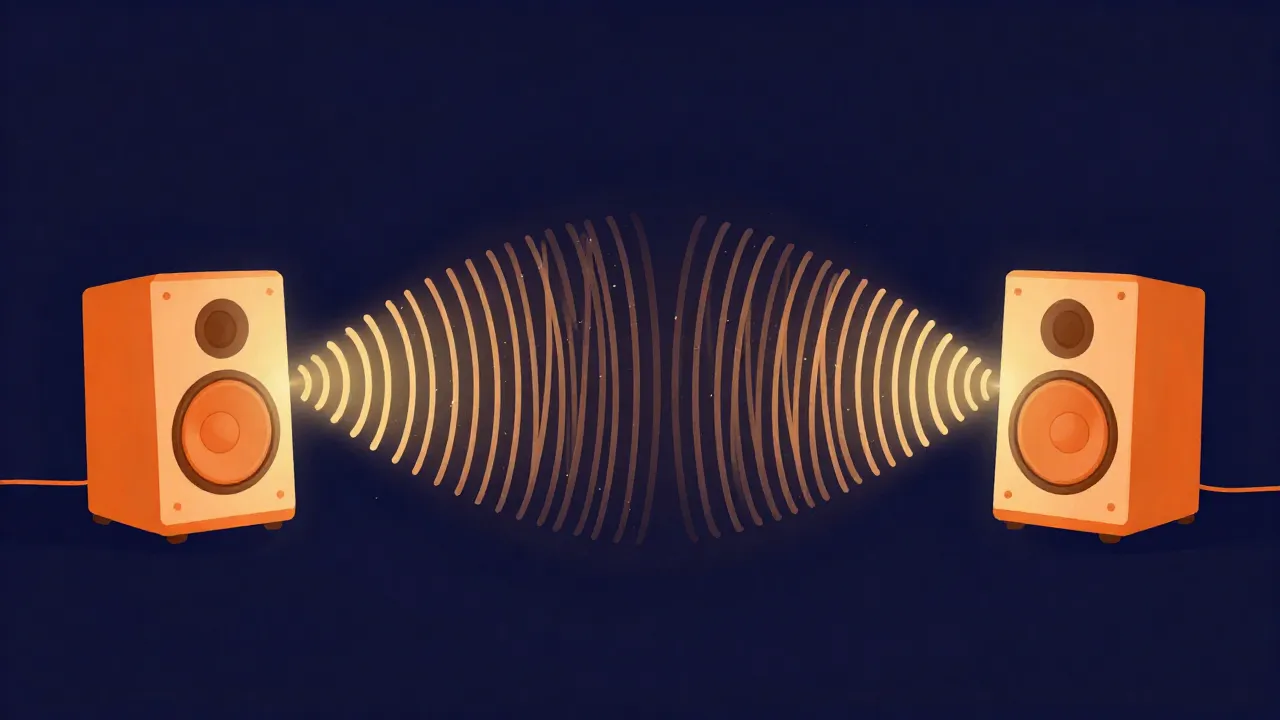
Mono audio has one channel: the same signal plays out of every speaker, so nothing has a left or right position. Stereo has two channels, a left and a right, which lets sounds sit anywhere across the space between your speakers. That single difference — one channel versus two — is where everything else follows from: whether a recording feels wide or centered, how big the file is, and whether it will still sound right on a phone speaker.
Neither one is "better." Stereo is the right call for music you want to feel immersive; mono is the right call for a lot of spoken-word and single-source audio where width buys you nothing and can even cause problems. This guide walks through what each actually is, when to use it, the compatibility trap that catches people, and how to convert between the two.
One channel versus two
Every digital audio file stores its sound as a stream of samples — the numbers that describe the waveform moment by moment. A mono file stores one such stream. Play it back on a stereo system and the player simply sends that identical stream to both the left and right speakers. The sound has no direction; it appears to come from dead center, no matter how many speakers you have.
A stereo file stores two independent streams, one for the left channel and one for the right. Because the two can differ, a mixing engineer can make a guitar louder on the left than the right, or add a touch of delay to one side, and your ears read those differences as position and space. Play a stereo file and you're hearing two slightly different versions of the moment, one per ear. To hear each side on its own, the Channel Splitter saves the left and right as separate mono files.
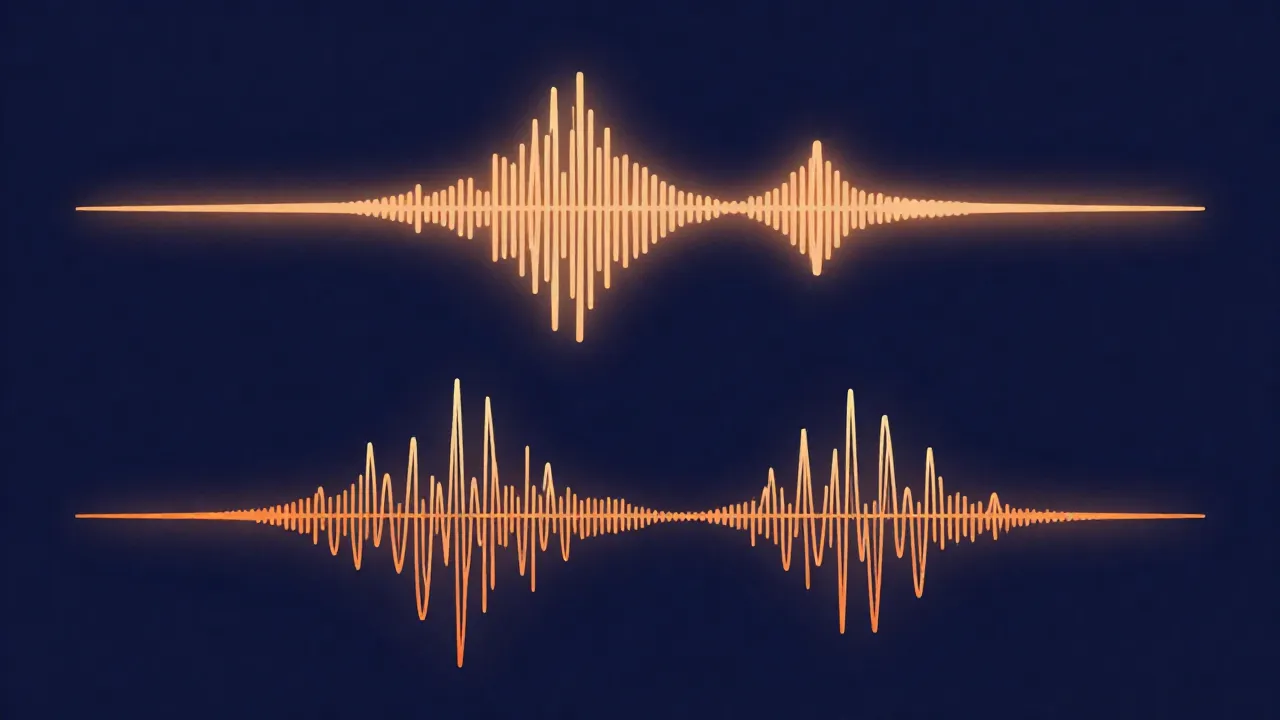
That's the whole mechanism. Mono is one description of the sound; stereo is two descriptions that your brain fuses into a scene.
The stereo image: panning and width
The "space" a stereo mix creates is called the stereo image or the stereo field. It's the perceived layout of instruments from far left to far right, and the sense of width and depth between them. Two tools build it:
- Panning places a sound left or right by making it louder in one channel than the other. A voice panned dead center is equally loud in both; a hi-hat panned right is louder on the right.
- Level and timing differences between the channels add width and a sense of a real room. Reverb and stereo effects lean on this heavily.
Mono has none of this. Everything is centered, stacked in the same spot. That sounds like a limitation, and for music it usually is — but for a lot of content, a narrow, dead-center image is exactly what you want.
When mono is the right choice
Mono is the better pick more often than people expect:
- Podcasts, voiceover, and interviews. A single voice has no natural left/right position, so panning it anywhere is arbitrary. Mono keeps it centered and consistent, and it guarantees every listener hears the full voice regardless of their setup.
- Single-source recordings. One microphone on one instrument is inherently mono. Capturing it as mono is honest to the source and avoids fake width.
- Playback on a single speaker. Phones, laptops, smart speakers, and Bluetooth speakers often have one speaker or two tiny ones inches apart. On those, stereo width mostly collapses anyway — so mono loses you almost nothing.
- Anywhere file size matters. A mono file carries half as many samples, which we'll get to.
If you're recording voice in the browser to begin with, the audio recorder captures cleanly, and you can decide on channel count when you export.
When stereo is the right choice
Stereo earns its second channel whenever position and space are part of the experience:
- Music. Almost all released music is stereo. The width — drums spread across the field, backing vocals off to the sides, a wide synth pad — is a core part of how a mix feels.
- Immersive or cinematic audio. Ambience, field recordings, sound design, and anything meant to place you in a scene rely on the stereo image to feel real.
- Anything mixed to be heard on headphones or a proper two-speaker setup, where the left and right are genuinely separated and the image has room to open up.
The rule of thumb: if the width is doing creative work, keep it stereo. If it isn't, mono is lighter and safer.
Mono vs stereo at a glance
| Mono | Stereo | |
|---|---|---|
| Channels | 1 | 2 (left + right) |
| Stereo image | None — everything centered | Full — panning, width, depth |
| Best for | Podcasts, voiceover, interviews, single-mic sources, single-speaker playback | Music, immersive/cinematic audio, headphone and two-speaker listening |
| File size (PCM/WAV) | Roughly half of stereo | Baseline (two channels of data) |
| File size (lossy: MP3/AAC/Opus) | Smaller, but usually not half | Baseline |
| Main gotcha | Loses width that a mix may depend on | Must still "fold down" to mono cleanly — phase issues can cancel sound |
Mono compatibility: why stereo still has to fold down cleanly
Here's the trap. A stereo mix doesn't just get played on stereo systems. It constantly gets summed to mono — collapsed back into one channel — without anyone choosing to. A single Bluetooth speaker, many phone speakers, a club PA, some laptops, and a lot of TV setups all combine the two channels into one on the fly.
When left and right combine, they add together. If a sound sits similarly in both channels, that's fine. But if part of one channel is out of phase with the other — the waveform pushing up on the left exactly when it pushes down on the right — the two cancel when summed. The result: a sound that's clear in stereo can go quiet, thin, or disappear entirely in mono. Bass and lead vocals are the usual casualties, and they're the last things you want to lose.

This is why engineers talk about mono compatibility: a good stereo mix is one that still sounds right when it's flattened to mono. The practical habit is to check your mix in mono before you call it done — flip a stereo file to mono, listen for anything that vanishes or weakens, and fix the phase relationship or the extreme stereo effect that caused it. Wide is good; wide at the cost of falling apart on half your listeners' devices is not. If a track is simply too wide, the Stereo Widener can pull it back toward mono — or widen a narrow one — with a single slider. Keeping an eye on your levels and headroom at the same time is worth the extra minute.
File size: does mono really halve it?
For uncompressed PCM audio (WAV, AIFF), yes — near enough. The format stores every sample of every channel literally, so two channels take twice the data of one. Convert a stereo WAV to mono and you drop close to half the file size. Channel count is one of the direct levers on raw data rate, right alongside sample rate and bit depth.
For lossy formats (MP3, AAC, Opus), it's more nuanced, and "mono halves it" is not true. Lossy encoders use joint stereo, which already exploits the fact that the two channels usually share a lot of information — it stores what's common between them once and only encodes the differences. Because that redundancy is already removed, switching to true mono saves less than half; the exact amount depends on the codec, the bitrate, and how different the two channels were to begin with. You still save space going mono, just not a clean 50%. If shrinking a file is the actual goal, the bigger win is usually choosing a lossy format and bitrate sensibly — see how to compress audio files — and reaching for mono as a bonus where the content allows it. The audio compressor handles that in the browser.
How to convert between mono and stereo
Converting is straightforward, and it goes both directions:
- Stereo to mono sums the left and right channels into one. This is the mono-compatibility check made permanent, and it's how you halve a WAV or trim a voice recording that never needed two channels. Watch for the same phase cancellation described above — if something sounds off after the fold-down, the source mix had a phase problem worth fixing first.
- Mono to stereo copies the single channel into both left and right. Be clear-eyed about what this does: it produces a two-channel file, but it does not create real stereo width. Both channels are identical, so it still sounds centered — you've just doubled the channel count (and, for PCM, the size) without adding any image. It's occasionally useful for meeting a system's stereo requirement, but it won't make a mono recording "sound stereo."
In the browser, the Stereo to Mono converter handles the fold-down: it checks the phase first, and can keep just the left or right side instead of mixing. The audio converter then changes the format if you need a different one. If you're also deciding what format to hand off, the rundown of file formats for audio editing and how to convert audio formats cover the surrounding choices.
Everything here runs on vocalcut.com the same way: free, entirely in your browser, with no upload and no account. Your audio never leaves your device — though some tools do fetch their processing engine from our CDN once for certain formats, after which there's nothing more to download.
Frequently asked questions
Is stereo always better than mono? No. Stereo is better when position and width are part of the sound — music, ambience, anything cinematic. Mono is better for a single voice or single-source recording, for playback on one speaker, and anywhere file size matters. For a lone podcast voice, stereo adds size and complexity without adding anything you can hear.
Does converting stereo to mono lose quality? It loses the stereo image — panning and width collapse to center — but it doesn't degrade the audio the way lossy compression does. The one real risk is phase cancellation: if the original mix had out-of-phase content, some sounds can get quieter or disappear when the two channels sum. Check the result before committing, and if something vanishes, the source mix had a phase issue worth addressing.
Does mono really halve the file size? For uncompressed WAV or AIFF, close to it — one channel of samples instead of two. For lossy formats like MP3, AAC, and Opus, no: joint stereo already removes most of the redundancy between channels, so going mono saves noticeably less than half. You still save space, just not a clean 50%.
Can I turn a mono recording into real stereo? Not by conversion alone. Copying a mono channel to both sides gives you a two-channel file, but both channels are identical, so it still sounds centered — there's no width. Genuine stereo has to come from the recording (two mics) or from a mix where sounds were deliberately placed and processed across the field. Duplicating the channel only changes the container, not the image.