A Quick Guide to Audio Sample Rates
Sample rate is one of those settings that quietly matters far more than its dull label suggests. Get it wrong and files play at the wrong speed or balloon in size for no benefit. Here's what it actually controls and how to pick the right one without overthinking it.
What sample rate actually means
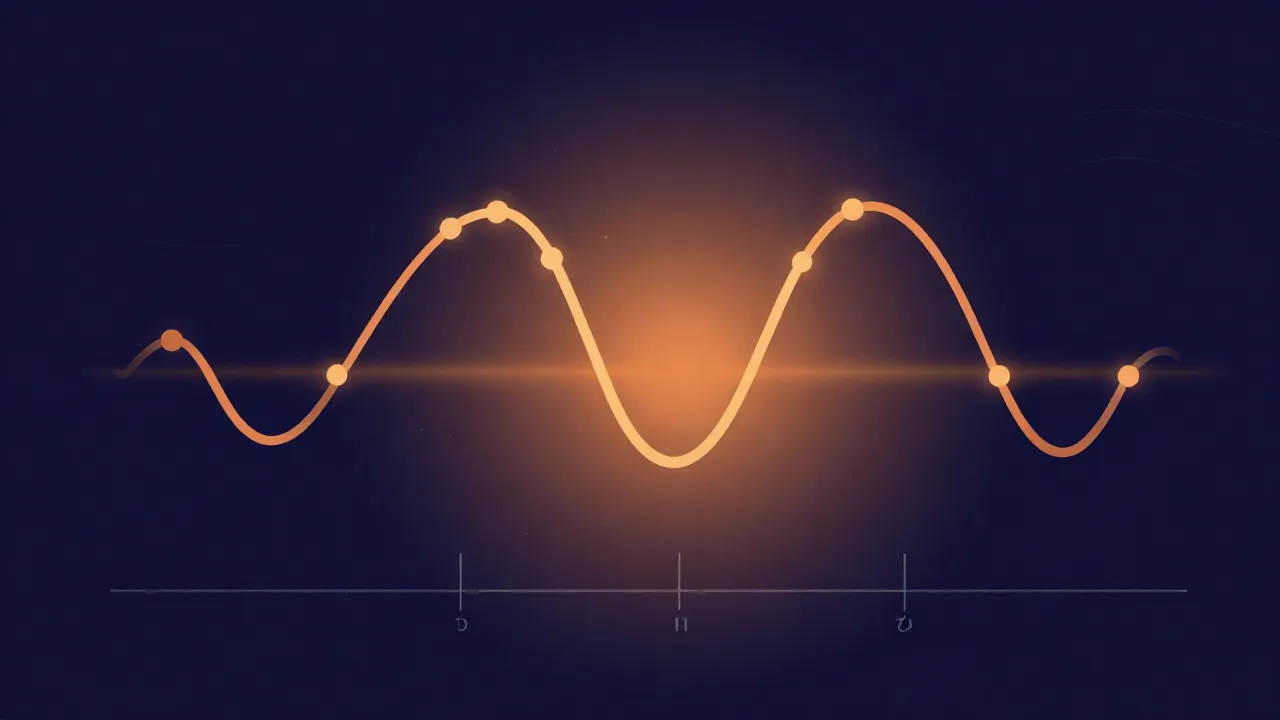
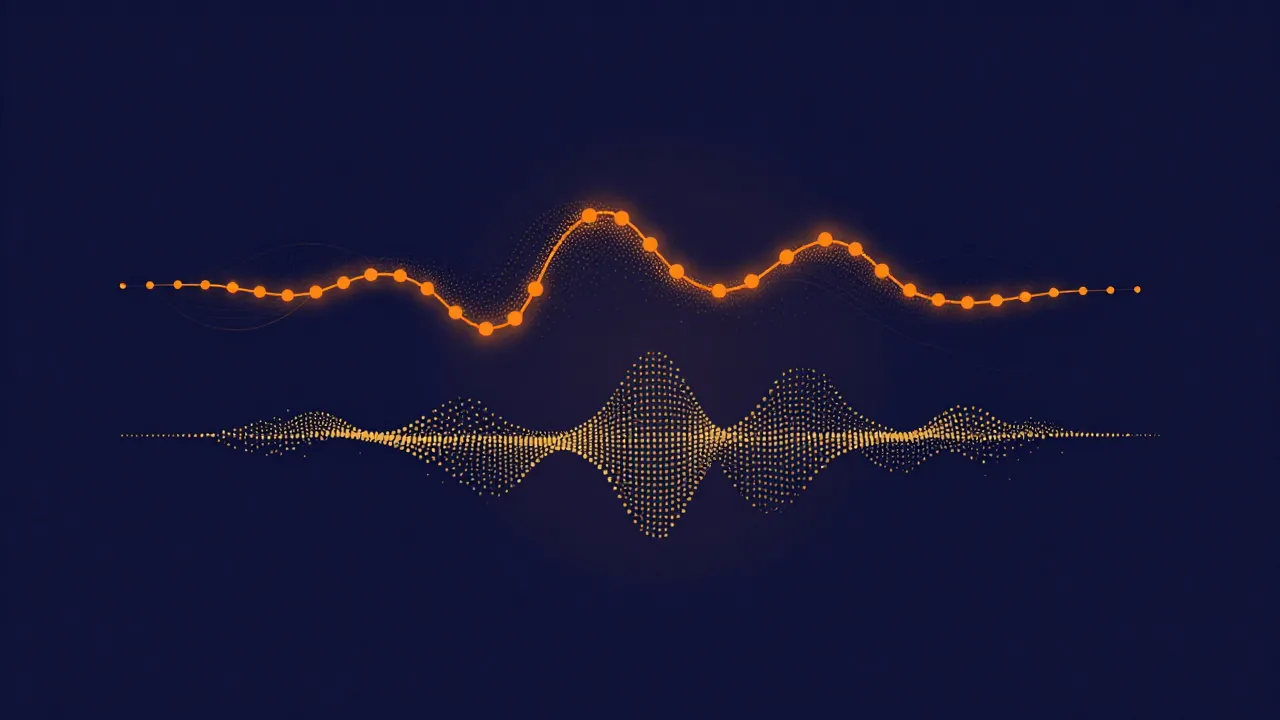
Digital audio is a series of snapshots — "samples" — of a sound wave, taken at regular intervals. Sample rate is simply how many snapshots happen per second, measured in Hertz. 44,100 Hz (44.1 kHz) means 44,100 samples captured every second. A higher rate captures more of the wave's detail, especially at high frequencies — but it also makes a bigger file for the same length of audio. That's the whole tradeoff in one sentence.
Why 44.1 kHz became the music standard
44.1 kHz was chosen decades ago for CD audio because it comfortably covers the full range of human hearing (roughly up to 20 kHz). That comes from the Nyquist theorem: to capture a given frequency accurately, you need to sample a bit more than twice as fast. Double 20 kHz and you need to clear 40 kHz.
That explains the 40, but not the .1 — and the oddly specific remainder is an accident of history rather than acoustics. The exact rate was inherited from PCM adaptors, the machines that stored digital audio on video tape before dedicated digital recorders existed: 44,100 samples per second was precisely what fit three samples onto every usable video line in both the PAL and NTSC formats. The margin it happens to leave above 40 kHz is genuinely useful — anti-aliasing filters need room to roll off — but nobody derived 44.1 from the ear directly. It's been the default for music distribution ever since, and most streaming platforms and most production still center on it.
Why video work usually uses 48 kHz
48 kHz became the standard for film and video for historical and technical reasons tied to broadcast and digital video formats, and it stuck as the default in most video editing software. It's more than habit — the AES/EBU digital audio interface spec states that 48 kHz is "the recommended sampling frequency for use in broadcasting studios", and that expectation propagated outward into the tools. If you're scoring or editing audio for video, 48 kHz is the safer pick to avoid a mismatch on import.
Do 96 kHz or 192 kHz actually help?
For listening, most people can't tell 44.1 kHz from 96 kHz — the extra detail sits largely above what human ears can hear. Where higher rates can help is during heavy processing like extreme pitch shifting or time-stretching, where more frequency headroom can slightly reduce artifacts. That's the same headroom that matters when you're pitch shifting without ruining vocals. For everyday trimming, separating, or joining, 44.1 kHz is plenty — and keeps files smaller and processing faster.
What happens when you mix sample rates
Combine two files at different rates (say 44.1 and 48 kHz) and one must be resampled to match before they can be processed together — a good tool does this automatically and transparently, whether you're merging files or converting formats. Sample rate and file format are the two halves of the same decision, so it's worth reading them together with the best file formats for audio editing.
The short answer
If you're not sure what to pick: 44.1 kHz / 16-bit for music, 48 kHz for anything tied to video. That first pairing isn't a rule of thumb someone invented — it's exactly what the CD Red Book standard specifies (two channels of 16-bit audio at 44,100 Hz), which is why it's supported literally everywhere. Both are safe, standard, and future-proof for the vast majority of work.