Best File Formats for Audio Editing
Most format advice tells you which format is "best." That's the wrong question — the right one is best for which stage. A track passes through three of them on its way to a listener, and the format that's correct in the middle is usually wrong at the end. Get the staging right and the individual format choices mostly answer themselves.
(If you want the underlying lossless-vs-lossy explanation and the re-encoding trap in full, how to convert audio between formats is the deeper dive. This piece is about when each one belongs.)
Stage 1 — Working: WAV or FLAC, always
While you're actively cutting, pitch-shifting, or separating stems, work lossless. WAV is uncompressed (bigger, zero decoding overhead); FLAC compresses losslessly (smaller, byte-for-byte identical once decoded). That second claim is a guarantee rather than a marketing line — the FLAC specification defines the format as reducing file size "without needing to remove or irreversibly alter any of this data," so decompressing returns exactly the original samples, and every FLAC file stores an MD5 checksum of the original audio so a decoder can prove it. Either is fine — the point is that every processing step operates on full original data rather than on something a codec already made decisions about.
This matters most in the middle of an edit, and that's the part people miss. A single lossy encode at the end is a one-time, mostly inaudible cost. A lossy file that you then edit gets its damage compounded: each subsequent step processes the artifacts as if they were signal, and stacks new ones on top. AI stem separation is the sharpest example — the model is making per-frequency decisions, and a 128 kbps source has already thrown away the detail those decisions depend on (why source quality caps separation).
Stage 2 — Handing off: WAV
Passing a track to another editor, a DAW, or a mastering engineer? WAV, every time. Not because it sounds better than FLAC (it doesn't — they're identical), but because it needs no decoding and has no compatibility quirks in older software. A handoff format's job is to be boring.
Stage 3 — Publishing: match the destination
Only at the very end does lossy earn its place, and here the right answer is whatever the destination expects:
| Destination | Format |
|---|---|
| Broad sharing | MP3 — universal compatibility, small files, the safe default |
| Streaming / Apple devices | AAC — meaningfully better quality per kilobit than MP3 |
| Archive or audiophile copy | FLAC — lossless without a giant uncompressed file |
| Another editor or engineer | WAV — see Stage 2 |
The AAC line is worth a number: Fraunhofer's own AES paper on the two codecs found that AAC "reaches on average the same quality as Layer-3 at about 70 % of the bit-rate" — Layer-3 being MP3. So an AAC file can be roughly a third smaller for the same listening experience, which is exactly why streaming services standardised on it and why MP3 survives on compatibility rather than merit.
Switching at this stage is exactly what an audio converter is for, and if you only need to shrink a file for sharing, an audio compressor lets you trade size for bitrate deliberately rather than by accident.
The rule that ties all three stages together: keep a lossless master and export lossy last. As long as the master survives, any export is reversible — you can always make another. Once the master is a lossy file, the loss is permanent, and every future edit inherits it. That's the whole reason staging matters more than the format names.
Don't forget sample rate
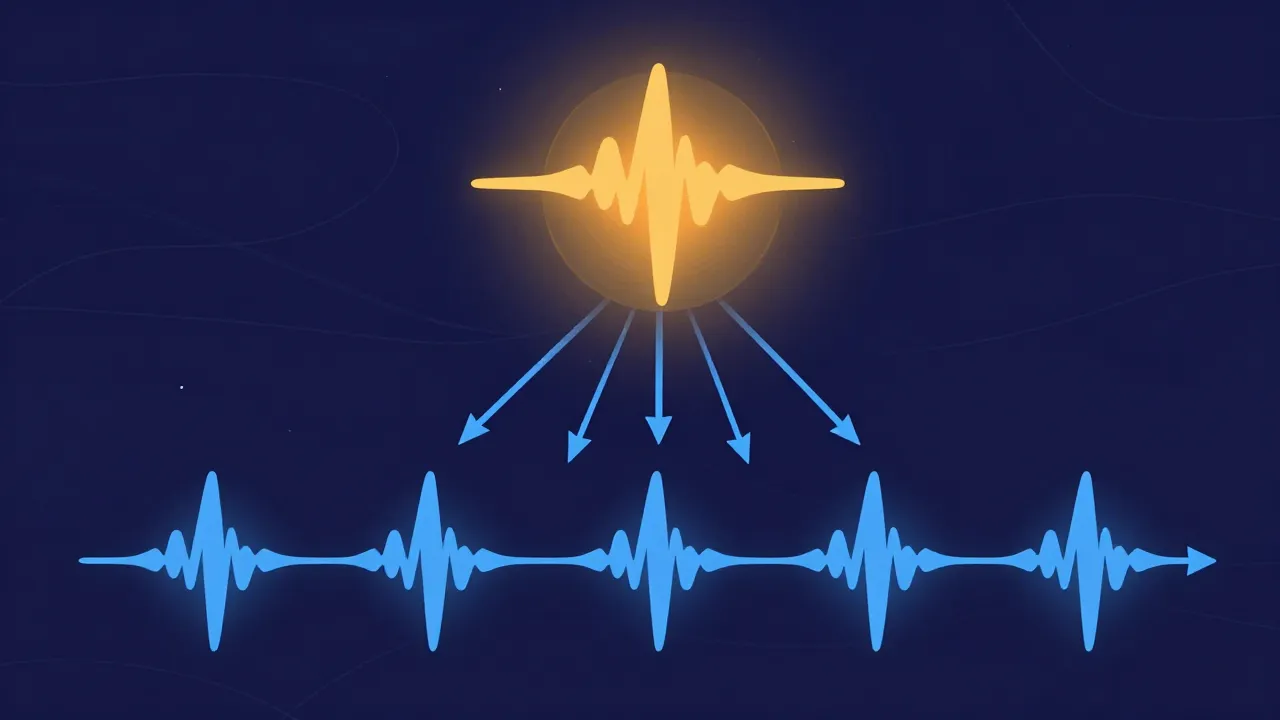
Format is only half the picture — sample rate is the other. 44.1 kHz is the standard for music (CDs, most streaming); 48 kHz is common in video. Mixing rates mid-edit — say joining a 44.1 kHz track with a 48 kHz one — forces a resample, which a good tool does automatically and transparently. If you're unsure, 44.1 kHz / 16-bit WAV is a safe default for music work. The full story is in the quick guide to audio sample rates.
Frequently asked questions
Is WAV or FLAC better for editing? Both are lossless and equally safe to edit — FLAC just saves disk space. WAV is marginally simpler when handing files to other software since it needs no decoding.
Does converting WAV to MP3 lose quality? Yes, once — MP3 is lossy, so it discards data. Do it only as the final export, and keep the WAV master in case you need to edit again.
What format should I export a finished track as? MP3 for broad sharing, AAC for streaming/Apple, FLAC for a lossless archive. Match the destination, not habit.