What Is an Audio Codec?
A codec is the algorithm that turns sound into stored data and back again. The word is a contraction of coder–decoder: the encoder compresses raw audio samples into a smaller stream of bits, and the decoder reconstructs a playable waveform from those bits. MP3, AAC, Opus, FLAC and ALAC are all codecs. What they have in common is that each one defines a specific recipe for packing audio down and unpacking it later.
That is a different thing from a file format, and mixing the two up is the single most common source of confusion here. So before anything else, let's separate them.
Codec vs. format vs. container
A codec is the algorithm. A format (or container) is the file that holds the encoded data plus its metadata — title, artist, artwork, timestamps. They travel together, which is why people use the names interchangeably, but they aren't the same layer.
- MP3 is unusual in that the codec and the container share a name: an
.mp3file holds MP3-encoded audio, full stop. .m4ais where the distinction becomes obvious. That extension is a container (MPEG-4 audio). It can hold AAC (lossy) or ALAC (lossless) inside. Same file extension, two completely different codecs, very different results. You cannot tell which one is inside from the name alone..oggis a container too; it usually holds Vorbis or Opus.
So "what format is this?" and "what codec is this?" are two questions. The format tells you the wrapper; the codec tells you how the audio itself was encoded — and the codec is what actually determines quality and size. If you want the practical side of choosing wrappers for a project, our guide to file formats for audio editing covers containers stage by stage; this piece stays on the algorithm underneath.
Lossy codecs: throwing detail away on purpose
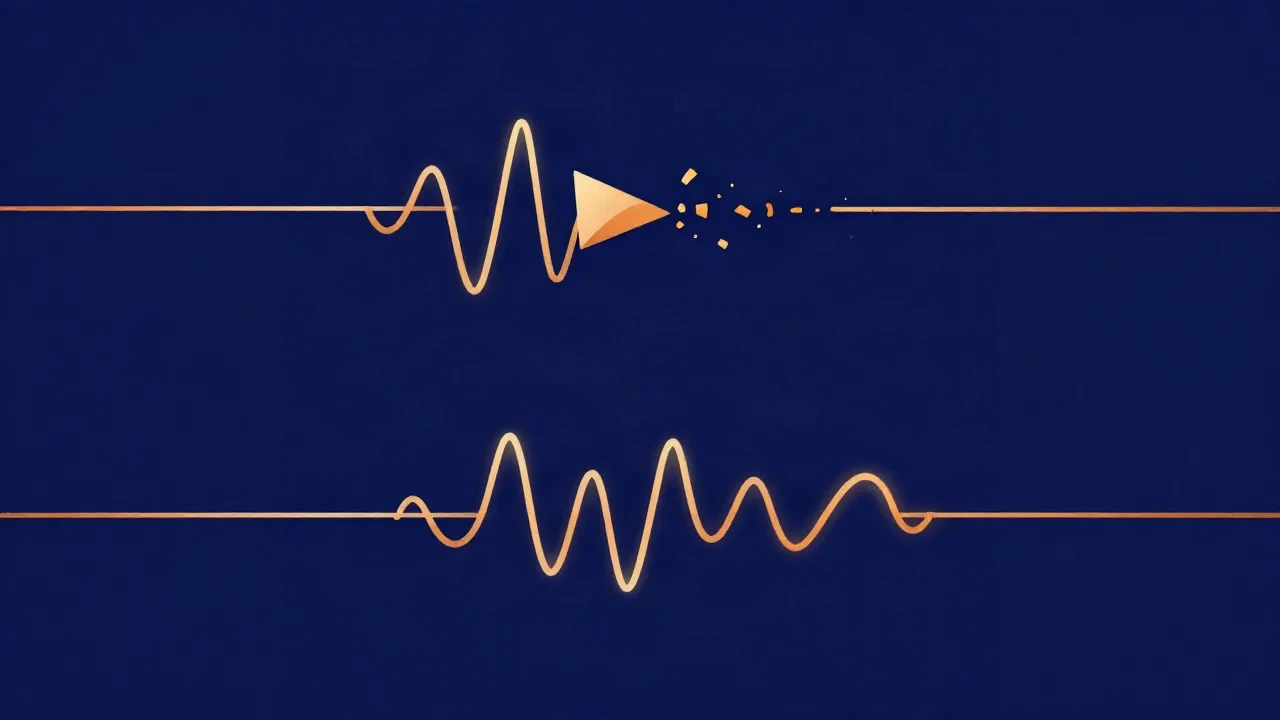
Lossy codecs shrink files by permanently discarding audio data the encoder judges you're least likely to miss. The decoded result is not bit-for-bit identical to the original — it's an approximation that's meant to sound the same to a human ear.
How does an encoder decide what to throw away? Through psychoacoustics — a model of the limits of human hearing. Two effects do most of the work:
- Masking. A loud sound hides a quieter one nearby in pitch or in time. If a prominent tone is masking a faint detail sitting just beside it in the frequency range, the encoder can drop that detail because you wouldn't have heard it anyway. (This works across the audible frequency spectrum — masking happens between neighbouring frequencies.)
- Loudness thresholds. Anything quieter than the ear can detect in a given moment — measured in decibels relative to the surrounding sound — is a candidate to be removed entirely.
The encoder spends its available data budget on the parts you will notice and skimps on the parts you won't. That budget is the bitrate, and it's the main quality dial for every lossy codec — a separate lever worth understanding on its own, which bitrate vs. sample rate unpacks in full. The key point for codecs is that a lower bitrate forces more aggressive discarding, and once the data is gone it can't be recovered by re-encoding.
The lossy codecs you'll actually meet:
- MP3 — the old universal. Not the most efficient by modern standards, but it plays on literally everything, which is why it refuses to die.
- AAC — MP3's successor. It reaches roughly the same quality as MP3 at about 70% of the bitrate, per Fraunhofer's own comparison (the institute that co-developed both). That's a meaningful efficiency gain, not a rounding error — which is why streaming services and Apple standardised on it.
- Opus — the modern open codec. Highly efficient across a wide range of bitrates and low-latency, which is why it dominates voice chat, video calls and much of the streaming web.
- Vorbis — an older open, royalty-free codec (the usual occupant of
.oggfiles), largely superseded by Opus for new work but still widely supported.
Lossless codecs: perfect reconstruction
Lossless codecs also compress — they make files smaller — but they throw nothing away. The decoder reconstructs the original samples exactly, bit for bit. Compressing and then decompressing returns precisely what went in, the way zipping and unzipping a document does. You get a smaller file and the full original audio; the trade-off is that the file is bigger than a lossy one.
- FLAC — Free Lossless Audio Codec. Open, royalty-free, widely supported. Each FLAC file even stores a checksum of the original audio so a decoder can prove the reconstruction is exact.
- ALAC — Apple Lossless. The same idea in the Apple ecosystem; typically lives inside an
.m4acontainer (the very ambiguity mentioned above).
Because nothing is discarded, "bitrate" isn't a setting you choose for a lossless codec — the data rate is just whatever the music compresses down to. There's no quality-versus-size dial to turn, because quality is fixed at "identical to the source."
Lossy vs. lossless codecs at a glance
| Codec | Type | Container(s) | Typical use |
|---|---|---|---|
| MP3 | Lossy | .mp3 |
Broad sharing, maximum compatibility |
| AAC | Lossy | .m4a, .aac |
Streaming, Apple devices, video |
| Opus | Lossy | .ogg, .opus, WebM |
Voice/video calls, modern streaming |
| Vorbis | Lossy | .ogg |
Older open-source apps and games |
| FLAC | Lossless | .flac |
Archiving, audiophile libraries |
| ALAC | Lossless | .m4a |
Lossless in the Apple ecosystem |
How to pick one
Work backwards from the destination, not from a "best codec" ranking — there isn't one, only the right fit for a job.
- Editing, mixing, archiving? Use a lossless codec (FLAC) or uncompressed WAV. Every edit should start from full-quality source, because lossy damage compounds when you process and re-export a file that's already been through a lossy encoder.
- Publishing for broad reach? MP3 if you need something that plays anywhere; AAC if the destination supports it, since you get the same quality in a smaller file.
- Voice, calls, or bandwidth-constrained streaming? Opus, which is built for exactly that.
- A lossless library that isn't enormous? FLAC — smaller than WAV, still bit-perfect.
Notice that none of these choices is about the file extension. Pick the codec for the job, and the container usually follows. And avoid re-encoding lossy → lossy (say MP3 to AAC): you're stacking one codec's discards on top of another's, and the result is worse than either alone.
Changing codecs in your browser
Moving audio from one codec to another is what a converter does. On vocalcut.com the audio converter runs entirely in your browser — your audio never leaves your device. MP3, WAV and Opus use your browser's built-in encoders, so there's nothing extra to fetch. FLAC, OGG, M4A and AAC are handled by an ffmpeg engine that downloads once (about 20 MB) and is then cached for reuse — so it's the engine that downloads to you, not your audio going anywhere. The step-by-step version lives in how to convert audio between formats.
If your goal is a smaller file rather than a different codec, the audio compressor lets you lower the bitrate of a lossy codec deliberately — trading size for quality on purpose instead of by accident.
Frequently asked questions
Is a codec the same as a file format?
No. A codec is the algorithm that encodes and decodes the audio; a file format (or container) is the file that wraps that encoded data along with metadata. They often share a name — MP3 is both — but a single container like .m4a can hold different codecs (AAC or ALAC), which is why the extension alone doesn't tell you how the audio was encoded.
Which audio codec has the best quality? For a bit-perfect copy of the original, a lossless codec like FLAC or ALAC is the best "quality," since it discards nothing. Among lossy codecs, Opus and AAC are more efficient than MP3 — they reach comparable quality at a lower bitrate — but the right choice depends on where the file is going, not on a single ranking.
Why does the same song sound different as MP3 and AAC? Because they're different algorithms making different psychoacoustic decisions about what to discard. At the same bitrate, AAC generally preserves more of what you'd notice, since it reaches MP3-equivalent quality at roughly 70% of the bitrate. The container and bitrate matter too, but the codec is doing the actual encoding work.
Do I need to install a codec to convert my audio? Not on vocalcut.com. The conversion runs in your browser: MP3, WAV and Opus use built-in browser encoders, and FLAC, OGG, M4A and AAC use an ffmpeg engine that downloads once and is then cached. Your audio itself stays on your device the whole time.