What Is a DAW?
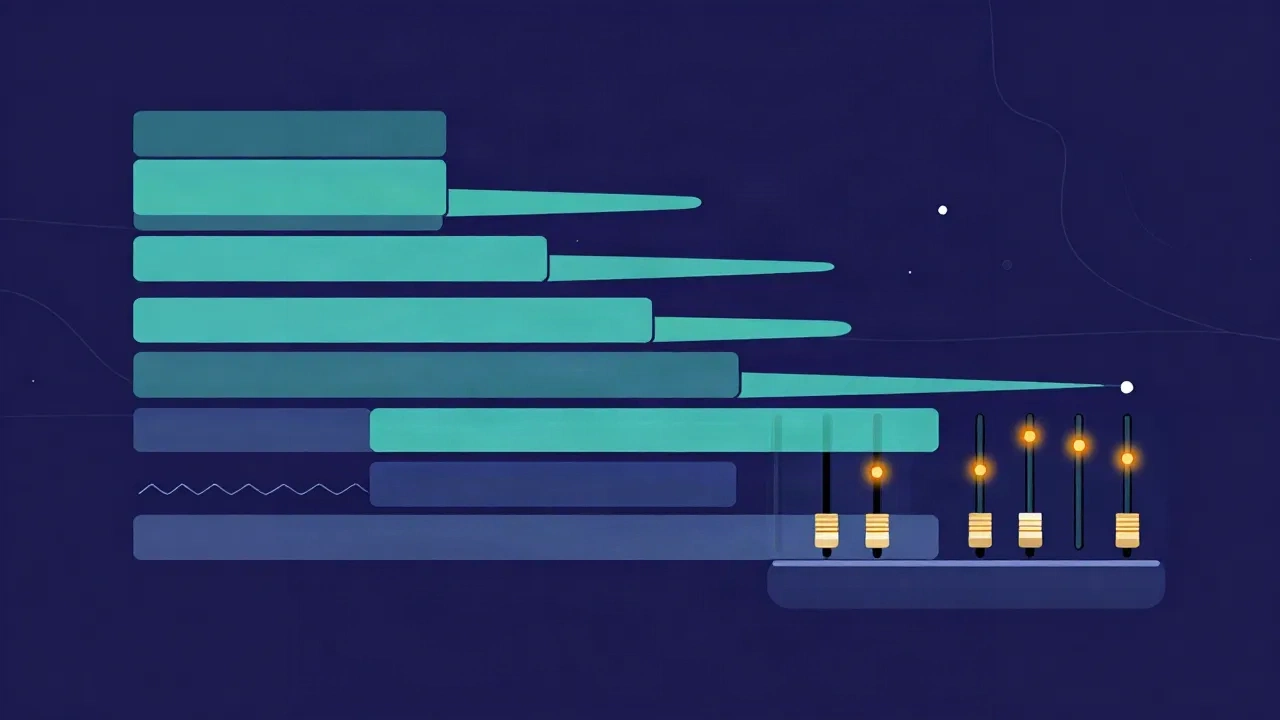
A DAW (Digital Audio Workstation) is software for recording, editing, mixing, and producing audio. Think of it as the modern recording studio collapsed into one program: instead of a room full of tape machines, mixing consoles, and outboard effects racks, you get all of that on screen. You record or import sound, arrange it on a timeline, shape it with effects, balance everything in a mixer, and export a finished file. Popular examples include Ableton Live, Logic Pro, FL Studio, Pro Tools, GarageBand, and Reaper — but they all share the same core ideas.
If you have ever wondered what the tool behind a produced song, a polished podcast, or a film's sound design actually is, this is it. Here is how a DAW is put together and what each part does.
The core idea: tracks on a timeline
Open any DAW and you see two things straight away: a timeline running left to right, and a stack of tracks running top to bottom.
The timeline is time itself. The further right something sits, the later it plays. A vertical playhead sweeps across as the project runs.
Tracks are horizontal lanes, and each one holds a separate layer of sound — vocals on one, drums on another, bass below that, a synth pad under those. Because every part lives on its own lane, you can move it, trim it, mute it, or turn it up without touching anything else. That separation is the whole point of "multitrack": a song is not one locked recording but a stack of independent parts you assemble and rebalance freely.
Audio tracks vs MIDI tracks
There are two fundamentally different kinds of track, and the difference trips up a lot of beginners.
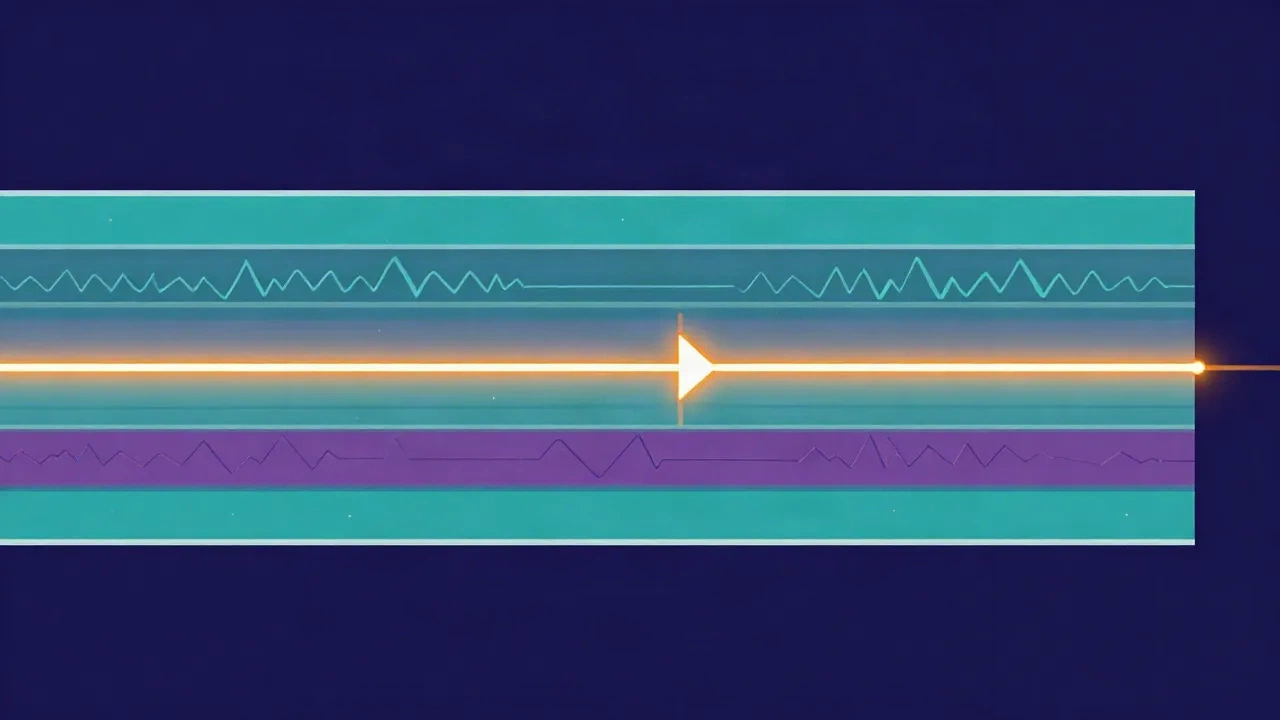
An audio track holds actual recorded sound — a singer at a microphone, a guitar, a sample. What you see on the lane is a waveform, the visual shape of that recording. Editing an audio track means cutting, moving, or processing the sound that was captured.
A MIDI track holds no sound at all. It holds instructions — which note, how hard, how long — a bit like digital sheet music. Those instructions drive a virtual instrument (a piano, a synth, a drum kit) that generates the actual audio on playback. Because MIDI is just data, you can change a wrong note, swap the piano for strings, or shift the whole part into a different key long after you "played" it. Audio is a photograph of a performance; MIDI is the recipe for one.
Most productions mix both: MIDI for programmed instruments, audio for anything recorded live.
Plugins and effects
A DAW on its own is a container. The processing that shapes your sound comes largely from plugins — small software modules you load onto a track.
Effects plugins are the big category. An equalizer (EQ) reshapes the balance of frequencies, brightening a dull vocal or taming a boomy bass. A compressor evens out the level so loud and quiet moments sit closer together. Reverb adds space, delay adds echoes, and dozens of others colour, distort, or clean up the signal. Instrument plugins are the other category — the synths and sampled pianos that MIDI tracks play.
Every DAW ships with a stock set of these, and you can add third-party ones. Stacking a few in order on a track (a "chain") is how a raw recording becomes a produced sound.
The mixer
Zoom out from the timeline and every DAW has a mixer — a view that mirrors a hardware mixing console. Each track gets a channel strip with a vertical fader for volume, a pan control to place it left or right in the stereo field, and slots for its effects.
The mixer is where balance happens. Instead of judging parts one at a time, you hear them together and adjust their relative levels until the vocal sits on top, the drums drive without dominating, and nothing masks anything else. Channels feed into a master channel — the combined output of the whole project — where you set the final overall level before export. Keeping healthy levels through this stage so nothing overloads is its own small discipline, closely tied to avoiding clipping.
Exporting (bouncing)
While you work, a project stays as many separate tracks. To share it, you export — often called "bouncing" or "rendering." The DAW plays the whole arrangement, sums every track and effect down to a single stereo file, and writes it out as a WAV, MP3, or similar.
That exported file is the deliverable: the thing you upload, send, or stream. Everything before it — the tracks, the plugins, the automation — is the editable project; the bounce is the flattened result. It is the same decode-process-write step a single-purpose audio converter does, just applied to an entire multitrack session at once.
What people use DAWs for
The name says "music," but DAWs run far wider than that:
- Music production — writing, recording, and mixing songs from scratch, the original use case.
- Podcasts and spoken word — recording hosts, editing out mistakes and dead air, adding intro music, and leveling voices so every speaker sits at a consistent volume.
- Sound design — building effects for film, games, and video, layering and mangling sounds into something new.
- Post-production — syncing dialogue, music, and effects to picture.
Anywhere audio is assembled from multiple parts and needs to end up polished, a DAW is usually the tool.
From a full DAW to a single-purpose browser tool
A full DAW is powerful precisely because it does everything — but that also makes it heavy. You install it, learn its layout, and set up a project before you have done anything. For a real production, that overhead is worth it. For a single quick job, it is often overkill.
That is the gap single-purpose tools fill. A DAW can record audio, but so can a focused browser audio recorder — with nothing to install. A DAW can trim a clip, but if trimming one clip is all you need, an audio cutter does it in seconds. A DAW's mixer can master a track, yet a dedicated audio mastering tool handles a quick loudness-and-polish pass on its own. A DAW's stems can isolate a voice, but an AI vocal remover pulls the vocal out of a finished song in one step — something even a full DAW cannot do without extra plugins.
None of these replace a DAW; they replace opening a DAW for a one-step task. The trade-off between the two approaches — speed, privacy, and capability — is worth understanding on its own, and we break it down in browser-based vs desktop audio tools.
When you actually need a full DAW
Reach for a real DAW when the output is a production, not an edit: when you are layering many parts, arranging a song, programming MIDI instruments, automating changes over time, or building a complex effects chain. Anything that involves assembling and balancing multiple simultaneous tracks is DAW territory, and no single-purpose tool is trying to compete there.
Reach for a browser tool when the job is one clear transformation — cut this, convert that, separate the vocal, level the volume. Many of those run entirely on your own device, so your audio never leaves your browser (the tool's engine downloads to you, not your file up to a server). It is faster to finish a one-off task in a focused tool than to spin up a whole studio for it.
In practice most people use both: a DAW for the projects they build from the ground up, and a handful of quick browser tools for everything else along the way.
Frequently asked questions
Do I need an expensive DAW to get started? No. Capable DAWs like GarageBand, Reaper, and the free tiers of others cost little or nothing, and every one of them shares the same core concepts — tracks, a timeline, MIDI, plugins, a mixer, and exporting. The interface differs, but the skills transfer. Price mostly buys extra instruments, effects, and workflow polish, not a fundamentally different way of working.
What is the difference between a DAW and an audio editor? A DAW is built around many tracks playing together over a timeline, for producing and mixing multi-part audio. A simple audio editor works on one file at a time — trim it, fade it, convert it. There is overlap, but if you are arranging several layers you want a DAW, and if you just need to fix one clip, a focused editor or browser tool is quicker.
Is MIDI the same as audio? No. Audio is recorded sound — an actual waveform captured from a mic or sample. MIDI is a set of instructions (which note, how hard, how long) that tells a virtual instrument what to play; it makes no sound by itself. That is why you can change MIDI notes or swap the instrument after the fact, but editing recorded audio means working with the sound that was already captured.
Can a browser tool replace a DAW? For a full production, no — a DAW's multitrack arranging, MIDI, and effects routing have no browser equivalent. But for a single, well-defined task — recording a take, cutting a clip, converting a format, removing vocals — a single-purpose tool is often faster than opening a DAW at all. The two solve different problems, and most workflows use a mix of both.