Browser-Based vs Desktop Audio Tools
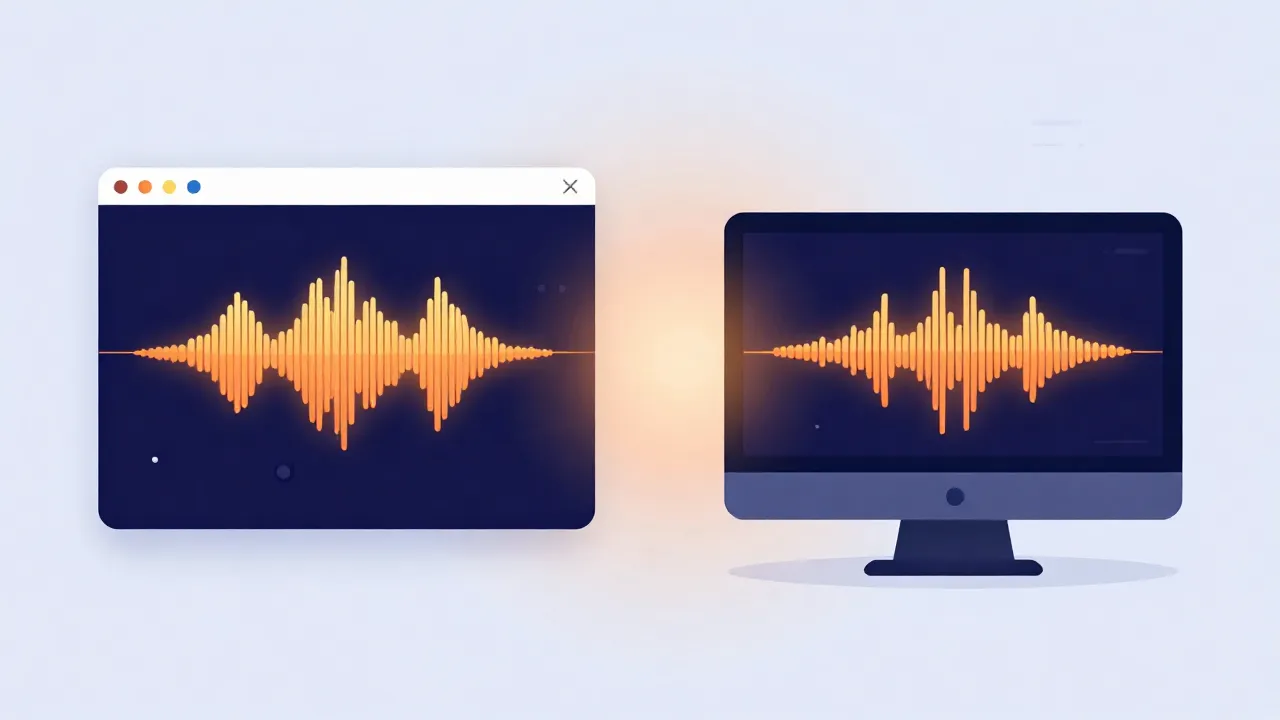
Not every audio task needs a full digital audio workstation (DAW) installed on your machine. But some genuinely do. The trick is knowing which category of tool fits the job in front of you — so here's a practical way to decide, and why the gap between the two is narrower than it used to be.
The quick comparison
| Browser tool | Desktop DAW | |
|---|---|---|
| Best for | One specific transformation (cut, separate, convert) | Multi-track production, mixing, arranging |
| Setup | Open a tab, drop a file | Install, configure, create a project |
| Speed for one task | Seconds — no project overhead | Slower to spin up |
| Privacy (client-side) | File never leaves your device | Local, but heavyweight |
| MIDI, automation, plugins | No | Yes |
When a browser tool is genuinely enough
For one-off, well-defined jobs — separate the vocals, trim a clip, nudge the pitch, find the BPM, join a couple of files — a browser tool is usually faster than opening a DAW. No project to set up, no plugin to configure, and modern tools running on WebGPU or multi-threaded WebAssembly can process a several-minute track in well under a minute. When the tool runs entirely client-side, you also get a privacy benefit a lot of people underrate.
When you actually need a DAW
Multi-track mixing, arranging a song from scratch, layering effects chains, working with MIDI instruments, or fine-grained automation over time is squarely DAW territory. Browser tools are built around a single, specific transformation — they're not trying to replace a production environment, and you shouldn't expect them to. Reach for the DAW when the output is a production, not a one-step edit.
The privacy angle is bigger than it sounds
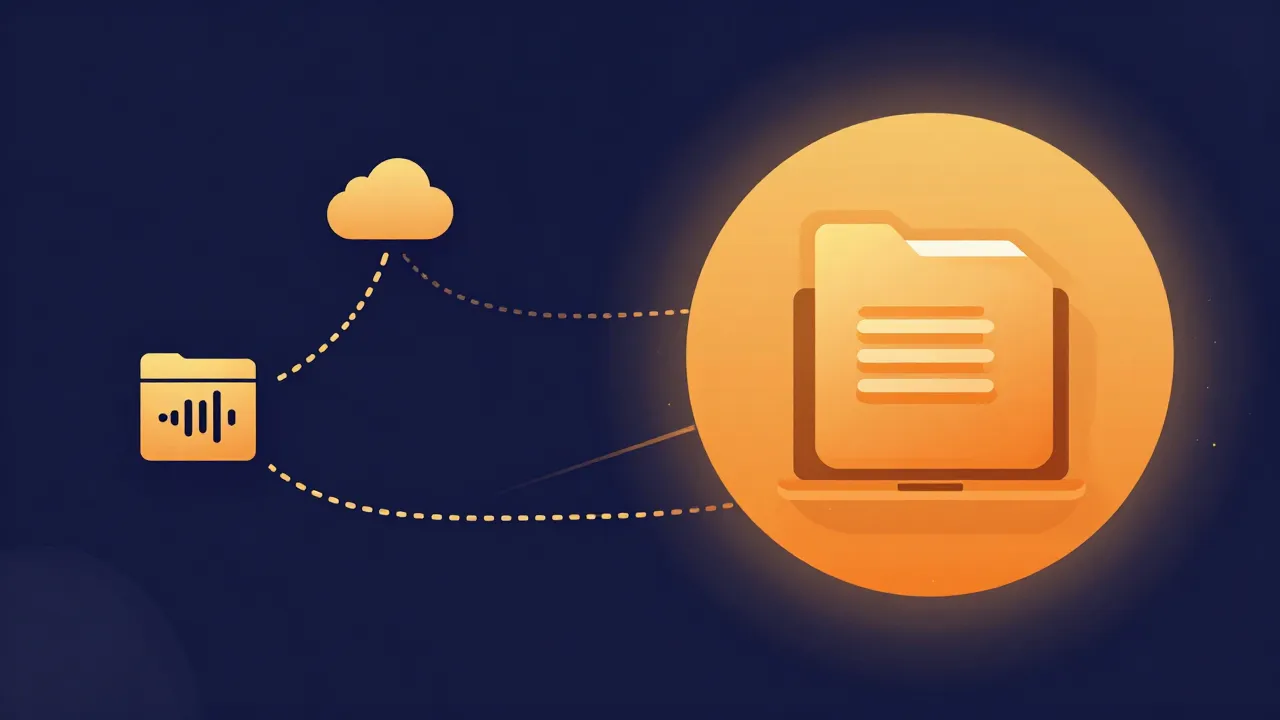
Plenty of "free online converter" sites still work by uploading your file to a server, processing it there, and sending back a result — so your audio (maybe an unreleased track or a private recording) passes through someone else's infrastructure. Tools built to run entirely in the browser sandbox, using the Web Audio API and local models rather than a server round-trip, sidestep that: the file never leaves your device. It's worth checking which kind you're using before you hand over something sensitive — a genuinely client-side tool processes everything locally and never transmits your file at all.
Speed matters more than people expect
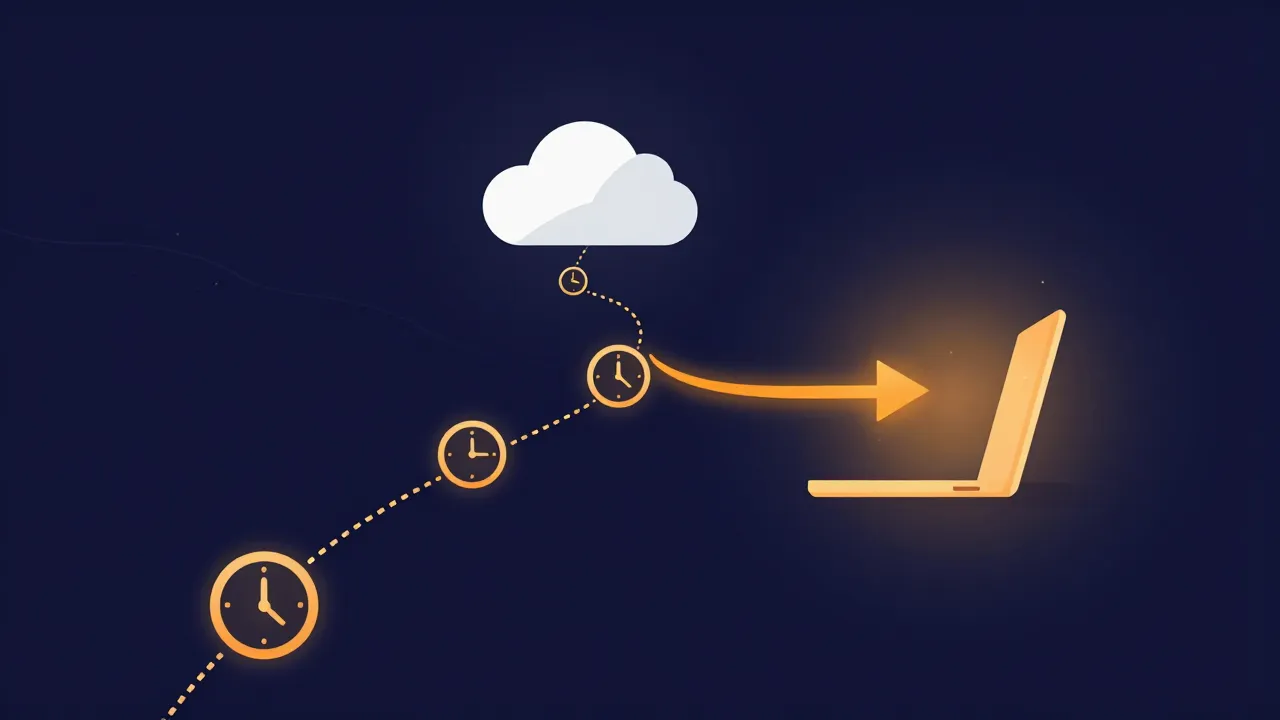
Server-based tools inherit queue times, upload speed, and network latency on top of the actual processing. A client-side tool skips all of it — decode, process, and download happen locally, so the total time is mostly just how fast your own device runs the math. It's the same shift that made running AI vocal removal in a browser practical in the first place.
The bottom line
Reach for a browser tool first for quick, single-purpose jobs like the vocal remover or audio cutter. Reach for a DAW when you're producing or mixing something from the ground up. They're not competing for the same use case — they solve different problems, and most people end up using both.
Frequently asked questions
Is audio quality worse in a browser tool than in a desktop app? No — the processing math is the same, and a browser tool can export lossless WAV just as a desktop app can. Quality is decided by the source file and the output format you choose, not by where the code runs. The real differences are capability and scope: a browser tool does one transformation well, while a DAW gives you multi-track arranging, plugins, MIDI, and automation.
Are browser tools slower because everything has to upload? Only if they upload at all — many don't. A genuinely client-side tool decodes, processes, and downloads locally, so the total time is mostly just how fast your own device runs the math, with no upload, queue, or network latency added on top. Server-based tools inherit all three. That's often why the browser route finishes a single task faster than a DAW even opens.
Do browser-based audio tools work offline? A client-side one keeps working once it's loaded. Tools that use an AI model or a format-conversion engine fetch it on first use and then cache it, so with the page open, processing needs no network at all. Unless the site is an installable offline app, though, you still need a connection to open it in the first place. That first fetch is the engine coming down to you — not your audio going up. It's the basis of the offline test for verifying a privacy claim.