What Is Audio Clipping (and How to Avoid It)?
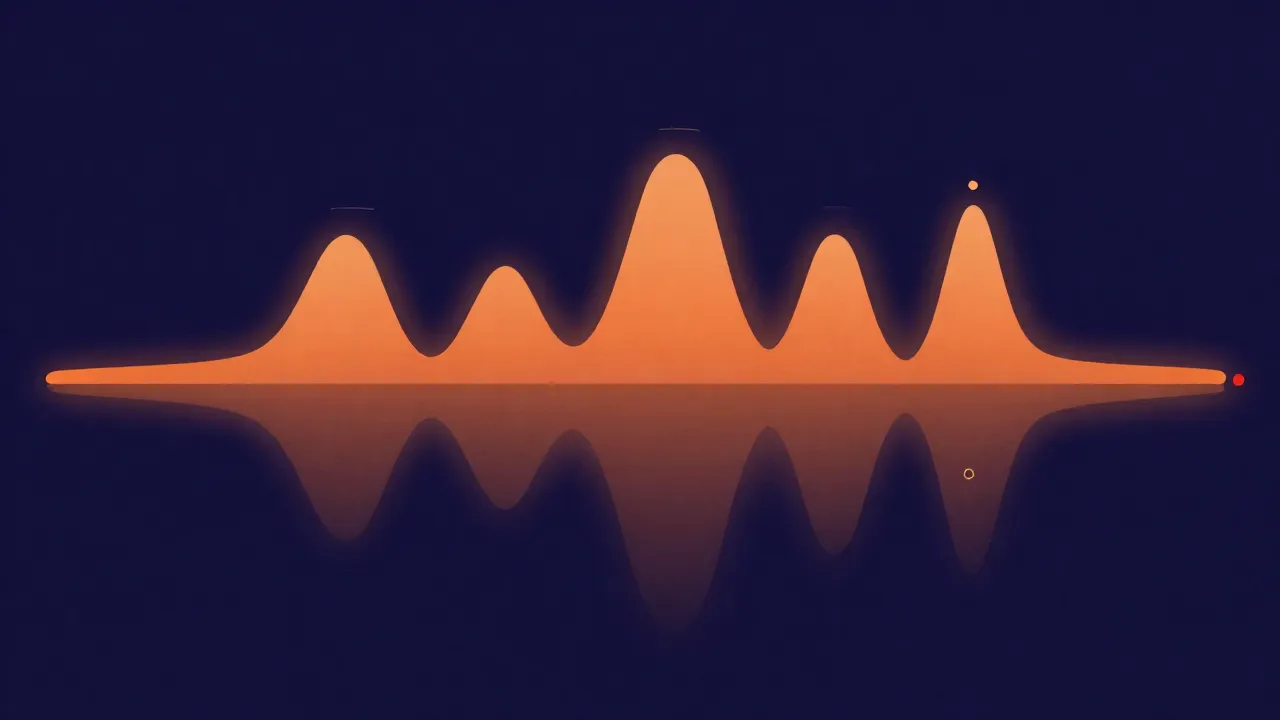
Audio clipping is the distortion that happens when a signal tries to go louder than the maximum level a system can handle, so the tops and bottoms of the waveform get flattened off — turning smooth, rounded peaks into hard, square-edged plateaus that the ear hears as harsh, crackly, or brittle. It is one of the most common ways a recording gets ruined, and one of the easiest to avoid once you understand what causes it.
What clipping actually is
Every audio system — a microphone preamp, an analog-to-digital converter, a mixing bus, a file format — has a ceiling: a maximum amplitude it can represent. In the digital world that ceiling is 0 dBFS (decibels relative to full scale), the loudest value a sample can hold. As long as your signal stays under that ceiling, the waveform keeps its natural shape and the sound comes through cleanly.
Clipping happens when the signal demands more level than the ceiling allows. The system can't represent the part of the wave that would sit above the maximum, so it simply clamps everything at the top to that maximum value. A rounded peak that wanted to reach, say, +3 dB above the ceiling gets sheared flat at 0 dBFS instead. Do that to enough peaks and the smooth curve of the waveform starts to look like it was cut off with scissors — which is exactly where the name comes from.
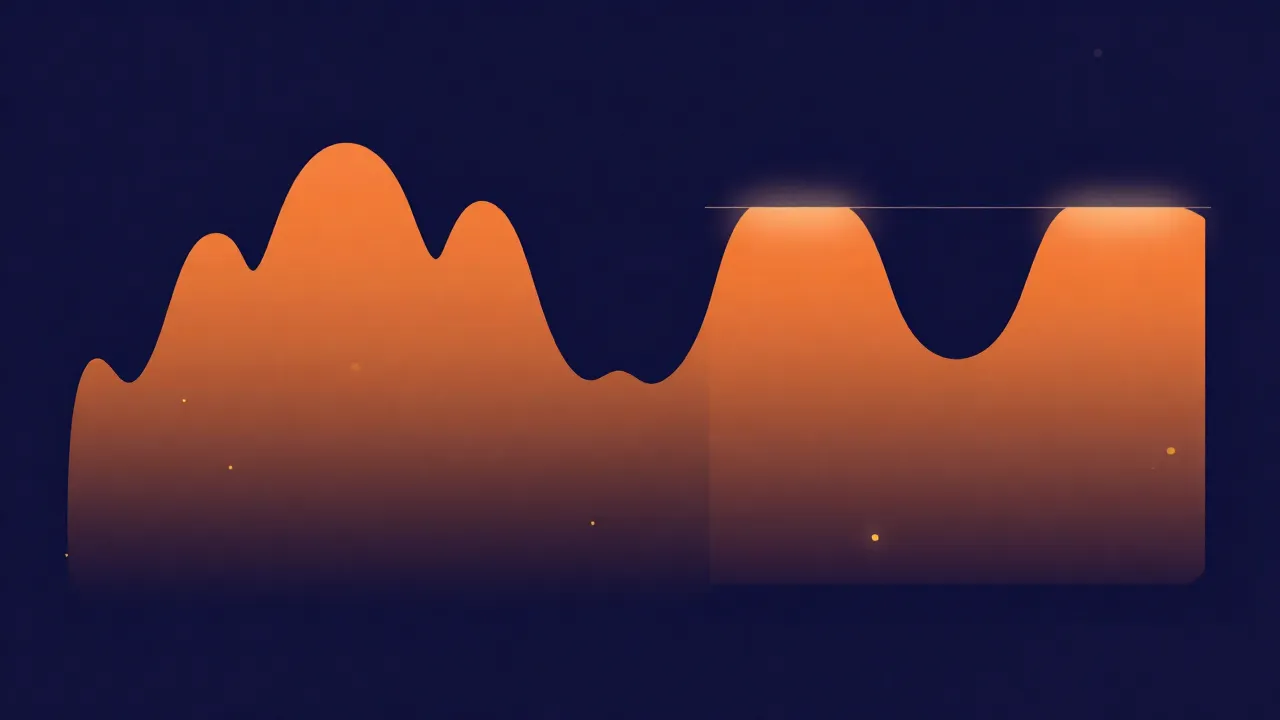
That flattening is not silence — it is new sound. Squaring off a wave introduces a burst of high-frequency harmonic distortion that wasn't in the original. On a sustained note it sounds like fuzz or grit; on a drum hit or a hard consonant it sounds like a nasty tick or crackle. A little can pass unnoticed on a busy mix, but past a point it's unmistakable, and it makes a track sound cheap no matter how good the performance was.
Digital versus analog clipping
Not all clipping sounds equally bad, and the difference comes down to how the ceiling is enforced.
Analog clipping happens in physical circuitry — an overdriven tube, a saturated tape machine, a pushed guitar amp. Real components don't hit their limit as an instant hard wall; they compress and round off as they approach it, so the flattening is gradual and the added harmonics tend to be lower-order and more musical. This is why so much analog gear is deliberately overdriven for warmth or crunch. It is distortion, but it's the kind people pay for on purpose.
Digital clipping is far less forgiving. Once samples hit 0 dBFS there is no more room, and the clamp is perfectly abrupt — a dead-flat line at the ceiling. That sharp square edge generates harsh, high-order harmonics that the ear reads as ugly rather than warm. There is almost never a good reason to let a signal clip in the digital domain. When producers want digital grit, they reach for a distortion or saturation plugin that shapes the sound intentionally, not an accidental overshoot into the converter's ceiling.
The short version: analog clipping is sometimes a creative choice, digital clipping is almost always a mistake.
Why clipping is irreversible
Here is the part that catches people out. When a peak clips, the information above the ceiling isn't reduced — it's thrown away. The converter or the file has no way to store "this sample wanted to be +3 dB louder"; it just writes the maximum value and the excess is gone forever.
That means clipping can't be undone the way a volume change can. Turning a file down after it has clipped doesn't restore the peaks — it just gives you a quieter version of the same flat-topped, distorted waveform. The rounded shape that used to be there was never recorded in the first place. This is fundamentally different from a file that's simply too loud but never actually hit the ceiling, which you can turn down cleanly with no damage.
That one fact — clipping destroys data rather than compressing it — is why every piece of advice below is about prevention. Once the flat tops are baked into a file, the best any repair tool can do is guess at what used to be there.
How to spot clipping
The good news is that clipping is easy to catch if you're looking for it, and there are three reliable signals.
- Your ears. Harsh crackle, fuzz, or a brittle edge on the loudest moments — vocals on the belted notes, the attack of a snare, the peak of a bass line — is the classic tell. If a track only sounds nasty when it gets loud, suspect clipping.
- A peak meter. Almost every recorder, editor, and DAW has one, and most include a red clip indicator that lights when the signal touches 0 dBFS. If that light is coming on during a take, you're clipping. Watch it, don't just glance at it — a single overshoot is enough to leave a mark.
- The waveform itself. Zoom in on the loudest section and look at the peaks. Natural audio has rounded, varied tops; clipped audio has long flat lines where the peaks were sheared off at an identical height. Once you've seen a clipped waveform, you'll recognize it instantly.
How to prevent clipping
Preventing clipping is mostly about leaving yourself room, and it comes down to three habits.
Gain staging. Gain staging means setting the level sensibly at every step of the chain — input, processing, output — so nothing overloads anywhere along the way. The most important stage is the very first one: when recording, set your input gain so the loudest moments land comfortably below the ceiling. If you're clipping at the source, no amount of later care can save it, because the damage is already in the recording.
Headroom. Headroom is the safety gap you deliberately leave between your normal signal level and 0 dBFS. Instead of pushing peaks right up against the ceiling, aim for them to sit several decibels below it — many engineers keep peaks around -6 dBFS while tracking and mixing. That cushion absorbs the surprise-loud moments (a singer suddenly pushing, a transient you didn't expect) without ever touching the ceiling. Headroom is cheap in the digital domain — a quieter file loses nothing meaningful — so there's rarely a reason to skimp on it.
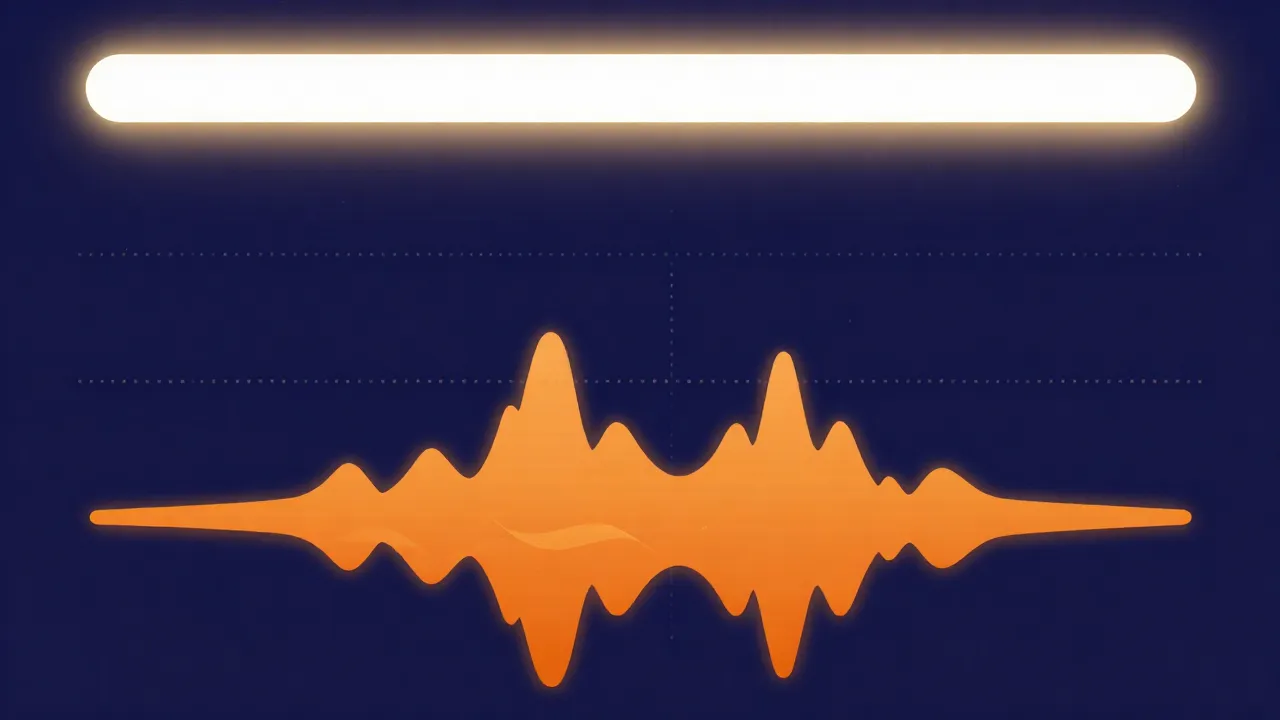
True peak. There's a subtler ceiling that a normal sample meter can miss. A standard sample peak meter only checks the values at each individual sample point, but when audio is played back — or converted, or lossy-encoded to MP3 or AAC — the smooth analog wave gets reconstructed between those samples, and that reconstructed curve can rise higher than any single sample did. These are inter-sample peaks, and they can push a signal that looked safe on a sample meter into clipping on real playback. A true peak meter (measured in dBTP, decibels true peak) accounts for them. The widely accepted convention is to keep true peaks at or below -1 dBTP, leaving a decibel of margin so those inter-sample overshoots don't clip on a listener's device or after encoding.
Can you fix a file that's already clipped?
Sometimes — a little. Declipping tools work by finding the flat plateaus in the waveform and reconstructing a plausible rounded peak in their place, using the surrounding audio as a guide. On mild clipping, spread across a few isolated peaks, this can genuinely improve things. On heavily clipped audio, where large stretches are flattened, the tool is essentially inventing data that was never recorded, and the result ranges from better-than-nothing to obviously artificial.
The honest summary is that repair is a fallback, not a solution. It can rescue a take you can't re-record, but it will never fully undo the damage, because the original peaks are gone. If it's clipped throughout, the realistic fix is to record or bounce it again with proper headroom. Prevention beats cure here — that's not a slogan, it's a direct consequence of clipping being irreversible.
Avoiding clipping in your browser
You don't need a studio to work cleanly. On vocalcut.com everything runs entirely in your browser — your audio never leaves your device (the processing engines download to you, not the other way around), and there's no account or upload step.
When you're capturing sound, the in-browser audio recorder lets you watch your levels and set them so peaks stay well under the ceiling before you commit a take — the single most effective thing you can do about clipping. For finished files, the volume normalizer adjusts a track to a target level without pushing it into the ceiling, and the in-browser mastering chain includes limiting with true-peak awareness, so you can raise loudness while keeping peaks below that -1 dBTP line. For the level side laid out step by step, see how to normalize audio volume.
Clipping is really just one end of a bigger picture about levels. For how loud a track feels rather than how tall its peaks are, see what LUFS means; for why leaving room between your peaks and the ceiling protects the life of a mix, see dynamic range.
Frequently asked questions
Can clipped audio be fixed? Only partially. Declipping tools can rebuild a plausible peak shape where the waveform was flattened, and on mild, occasional clipping that can noticeably reduce the harshness. But the level above the ceiling was discarded when the file clipped, so no tool can truly restore it — heavily clipped audio is best re-recorded or re-bounced with headroom rather than repaired.
Is clipping the same as distortion? Clipping is a specific type of distortion — the kind caused by a signal exceeding the maximum level and having its peaks flattened. Distortion is the broader term for any unwanted (or wanted) alteration of a waveform. All clipping is distortion, but not all distortion is clipping; some is added deliberately for effect.
Why does my recording clip even though it doesn't sound that loud? Clipping depends on peak level, not on how loud something feels. A sharp transient — a snare hit, a plosive on a vocal, a finger tap on a mic — can spike to the ceiling for a fraction of a second while the overall track sounds moderate. Set your input gain for those peaks, not for the average level, and leave headroom for the surprises.
What is the difference between clipping and being too loud? A file that's merely too loud never actually hit the ceiling, so you can turn it down cleanly with no damage. A clipped file did hit the ceiling, and the peaks above it were thrown away — turning it down just gives you a quieter version of the same distorted waveform. That's why "loud" is fixable and "clipped" largely isn't.