How to Extract Audio from a Video
Sometimes you only want the sound from a video — the audio of a lecture you filmed, a song from a concert clip, a voiceover, an interview, or a sound you want to sample. Pulling the audio track out of a video file is quick, and because the audio already exists inside the video as its own stream, you can often extract it without re-encoding and losing quality. Here's how.
The quick version
- Open the video to audio tool and drop in your MP4, MOV, WebM, or MKV.
- Choose your output — MP3 for a small shareable file, WAV for lossless.
- Extract and download. It all runs in your browser; the video never uploads.
No watermark, no account, no "sign up to download" wall.
What's actually happening
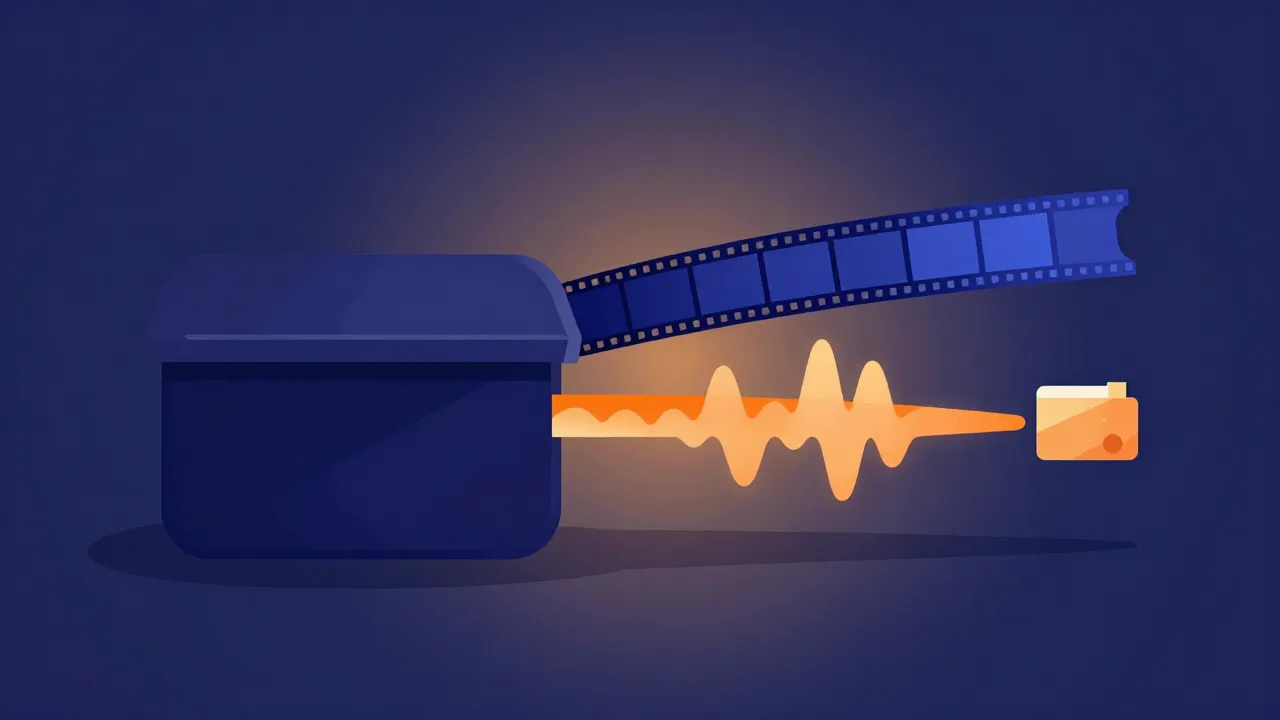
A video file is a container holding separate streams — usually one video track and one audio track, side by side. Extracting audio means copying out the audio stream and saving it on its own. When the video's audio is already in a format you want, this can be a near-instant copy with no quality change at all. When you ask for a different format (say, a WAV from a video whose audio was AAC), the tool re-encodes the audio to that format — still quick, and only ever touching the audio, never re-rendering the video.
Getting the best quality out
- Prefer a lossless or high-bitrate output if you'll edit it. Extract to WAV, do your editing, and make an MP3 at the very end — the same "edit lossless, export lossy" rule from the best file formats for audio editing.
- Don't expect extraction to beat the source. The audio can only be as good as what's in the video. A heavily compressed clip has already-compressed audio; extracting it won't add detail back.
- Watch the sample rate. Video audio is often 48 kHz. If you're combining it with 44.1 kHz music later, something will resample — the sample rate guide explains why that's fine but worth knowing.
What to do with the extracted audio
Once it's a standalone file, the rest of the toolkit opens up: convert it to another format, trim it down, remove the silence from a talky recording, or separate the vocals from a song you captured. Extraction is usually just step one.
Frequently asked questions
How do I get the audio from an MP4? Drop the MP4 into a video to audio extractor and export as MP3 or WAV. It copies out the audio stream — no video re-rendering.
Does extracting audio from a video reduce quality? Not if you extract to a lossless format or keep the original audio codec — it's a copy. It can only re-introduce loss if you export to a lower-bitrate lossy format.
Can I extract audio without uploading my video? Yes. A client-side tool processes the video locally in your browser; the file never leaves your device.
Which video formats work? Common ones like MP4, MOV, WebM, and MKV. The tool reads the audio stream inside the container.