How Streaming Loudness Normalization Works
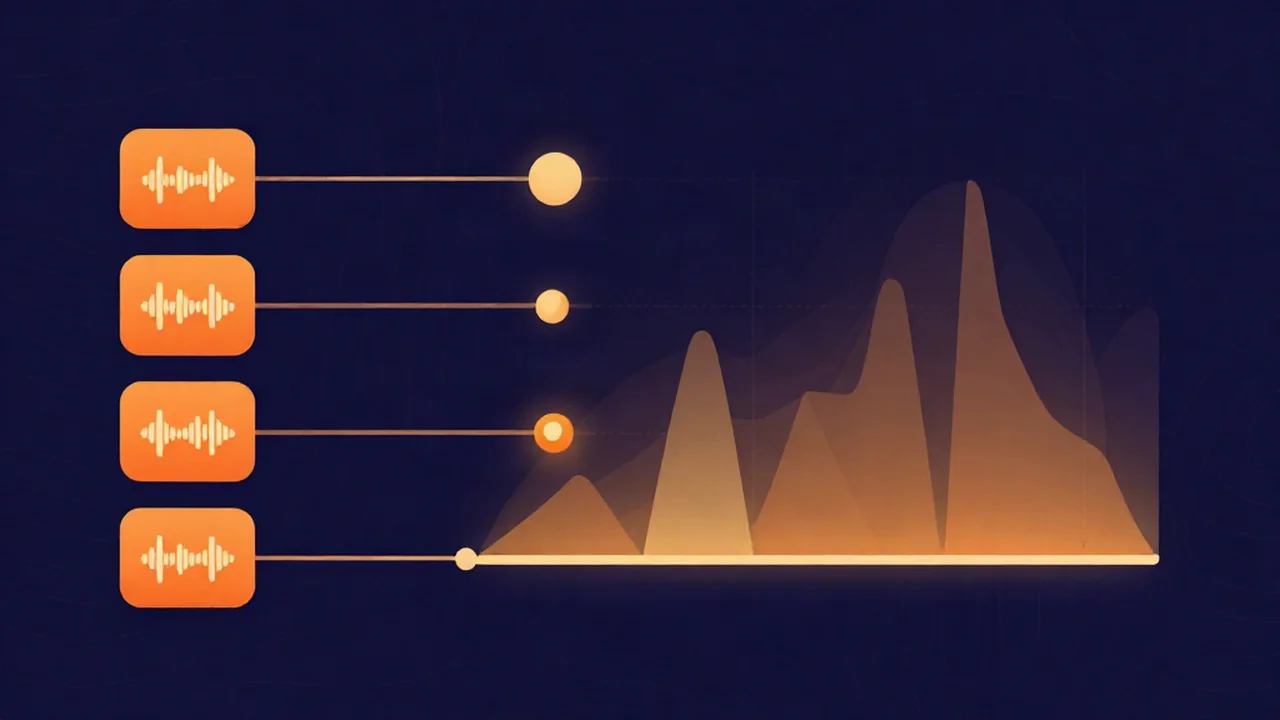
Streaming loudness normalization is the process a service like Spotify uses to measure each track's integrated loudness in LUFS, then apply a single volume adjustment at playback so every song lands at the same reference level — and if you want to move a finished file to a target loudness yourself, the free volume normalizer does the same measurement in your browser. The key thing to understand up front: nothing in your uploaded file gets re-encoded or permanently changed. Normalization is a playback-time volume adjustment, calculated once from a loudness measurement and applied on the listener's device.
That single idea clears up most of the confusion around loudness on streaming. Your master is your master. The platform doesn't rewrite it — it just decides how far up or down to turn the volume before it reaches each listener.
How normalization sets the reference level
To normalize, a platform first needs to know how loud your track actually feels, not how tall its peaks are. It measures integrated LUFS (Loudness Units Full Scale) — the average perceived loudness across the whole track, weighted for how human hearing responds to frequency. If that unit is new to you, what LUFS is covers it in full; here it's enough to know it's one number describing the loudness of the entire file.
The platform then compares that number to its own reference level — the loudness it wants every track to sit at — and works out the difference. That difference becomes a single gain offset, the same value applied to the whole track from start to finish. No compression, no limiting on your audio, no per-section adjustment. Just one volume figure.
The part most people miss: the offset goes both ways
Here's what trips people up. Loudness normalization isn't only about turning loud tracks down. The gain offset can be negative or positive.
- Negative offset (turn down). If your master is louder than the reference — say you squashed it to -8 LUFS and the platform targets -14 — the platform subtracts 6 dB on playback to bring it back to the reference. Every bit of loudness you fought for above the target is simply removed at the listener's end.
- Positive offset (turn up). If your master is quieter than the reference — a delicate acoustic track sitting at -20 LUFS against a -14 target — the platform adds gain to raise it toward the reference, so it isn't left sounding timid next to everything else.
That second direction is the one people forget. A quiet, dynamic master usually isn't punished for being quiet — Spotify loudness normalization will bring it up toward the target. There's one notable exception: YouTube only ever turns tracks down. A master quieter than its reference just plays quiet there, because YouTube never applies positive gain. Everywhere that does turn tracks up, though, chasing a louder master to "compete" stopped working — a shift covered in the loudness war.
Reference levels by platform
This is where a lot of online advice quietly invents specifications, so it's worth separating what platforms actually publish from what the community has measured.
| Destination | Reference level | Source |
|---|---|---|
| Spotify | -14 LUFS integrated, true peak below -1 dBTP | Published by Spotify |
| Apple Music | around -16 LUFS (Sound Check) | Reported target |
| YouTube | around -14 LUFS (turns tracks down only) | Measured convention |
| Amazon Music | around -14 LUFS, true peak below -2 dBTP | Measured convention |
| Tidal | around -14 LUFS (album-based) | Measured convention |
| Broadcast (EBU R128) | -23 LUFS | Published standard |
The reliable anchor is Spotify: it publishes a target of -14 LUFS integrated, measured to the ITU-R BS.1770 standard, and asks for true peaks below -1 dBTP — true peak (dBTP) being the highest level the signal reaches once it's reconstructed on playback, which can overshoot the loudest raw sample. Broadcast has a formal standard too: EBU R128 sets -23 LUFS for European TV and radio, much quieter than music streaming because broadcast serves a different listening context.
Most music services cluster tracks around -14 LUFS, with Apple Music the deliberate outlier a couple of units quieter at roughly -16. For any figure a platform doesn't formally document, treat the number as convention that could drift rather than a spec written in stone. Mastering to a "standard" that was never actually stated is a good way to chase a moving target.
Turning up has a catch
Raising a quiet track toward the reference sounds free, but it isn't. Positive gain lifts everything — including the peaks. Push a quiet-but-peaky track up by several dB and those peaks can sail past the digital ceiling and clip.
Platforms know this, so they don't apply unlimited positive gain. Spotify, for one, says it runs a limiter on soft, dynamic tracks specifically to stop the added gain from introducing distortion and clipping. Leaving true-peak headroom in your master helps here: the more room you leave under the ceiling, the more cleanly a platform can raise your track if it needs to, without a limiter having to catch overshooting peaks. More on that margin in audio headroom.
Track vs album normalization
There's a wrinkle for anyone releasing a body of work rather than a single. Per-track normalization measures and adjusts each song independently — great for a shuffled playlist, but it can flatten the relative levels an album was deliberately mastered with. If you mastered a quiet interlude to sit below the song that follows it, per-track normalization erases that intentional contrast by pulling both toward the same number.
That's why several platforms offer an album (or gapless) mode: it calculates one album-wide offset from the record as a whole and applies that single value to every track, preserving the relationships you built between songs. Tidal, for instance, leans on album-based normalization by default. Which mode a listener gets often depends on how they're playing your music — an album played start to finish versus the same tracks scattered across playlists.
User settings matter too. Spotify exposes Loud / Normal / Quiet loudness options for premium listeners, and each one changes the reference the offset is calculated against — the Loud setting targets a hotter -11 LUFS, for example. So the same master can be normalized to a different level depending on what the listener chose, which you can't control. It's another reason to master for a good result at the reference rather than for one specific playback path.
What this means for your masters
Put it together and the old instinct — make it as loud as possible — stops paying off. Because the platform turns a too-loud master back down, and because you likely crushed the dynamics to get that loud, all you're left with on playback is a flatter-sounding track at the same volume as everyone else. Louder no longer wins on streaming.
The healthier approach is to master so it sounds good after normalization: land near the target with genuine true-peak headroom, and let the platform handle the level. A track mastered to roughly -14 LUFS with peaks at or below -1 dBTP, dynamics intact, will hold up next to anything on a normalized service.
On vocalcut.com, you can do both steps in your browser — your audio never leaves your device, there's no account, and it's free. To move a finished file to a target loudness without re-mastering it, the volume normalizer measures the track's integrated LUFS and applies the gain to hit your chosen target. To shape tone, dynamics, and loudness together as you finish a mix, the in-browser audio mastering tool gives you real DSP processing with live LUFS metering. For the step-by-step version, see how to normalize audio volume; for the full release checklist, how to prepare a song for streaming release; and for where mastering sits in the bigger picture, the beginner's workflow. More explainers like this live in the explainers hub.
Frequently asked questions
Does streaming loudness normalization change my file? No. Normalization is a playback-time volume adjustment, not a re-encode. The platform measures your track's integrated LUFS, calculates one gain offset, and applies that offset when a listener presses play. Your uploaded file stays exactly as you delivered it — the audio itself is never permanently altered or re-rendered.
What LUFS should I target for streaming? Around -14 LUFS integrated, with true peaks at or below -1 dBTP, works for most music services since many cluster there. Rather than chasing a louder number, master for the sound you want near that target and leave headroom — normalization handles the final level either way, and Apple Music sits a little quieter at about -16.
Will a quiet track get turned up? On most platforms, yes. If your master is quieter than the reference, normalization applies positive gain to raise it toward the target, and Spotify limits the peaks so that boost can't push soft tracks into clipping. YouTube is the exception — it only ever turns tracks down, so a quiet master simply plays quiet there.
Does mastering louder help on Spotify? No. Spotify normalizes toward -14 LUFS, so a master that's much louder just gets attenuated back down on playback — you lose the loudness advantage while keeping the squashed dynamics you created to get there. A track mastered to the target with headroom usually sounds better and plays back just as loud.
Is track normalization the same as album normalization? No. Track mode measures and adjusts each song on its own, which can flatten the level differences you built into a record. Album (or gapless) mode calculates one offset for the whole album and applies it to every track, preserving the relative loudness between songs. Which one a listener hears depends on the platform and how they play your music.