What Is Audio Latency?
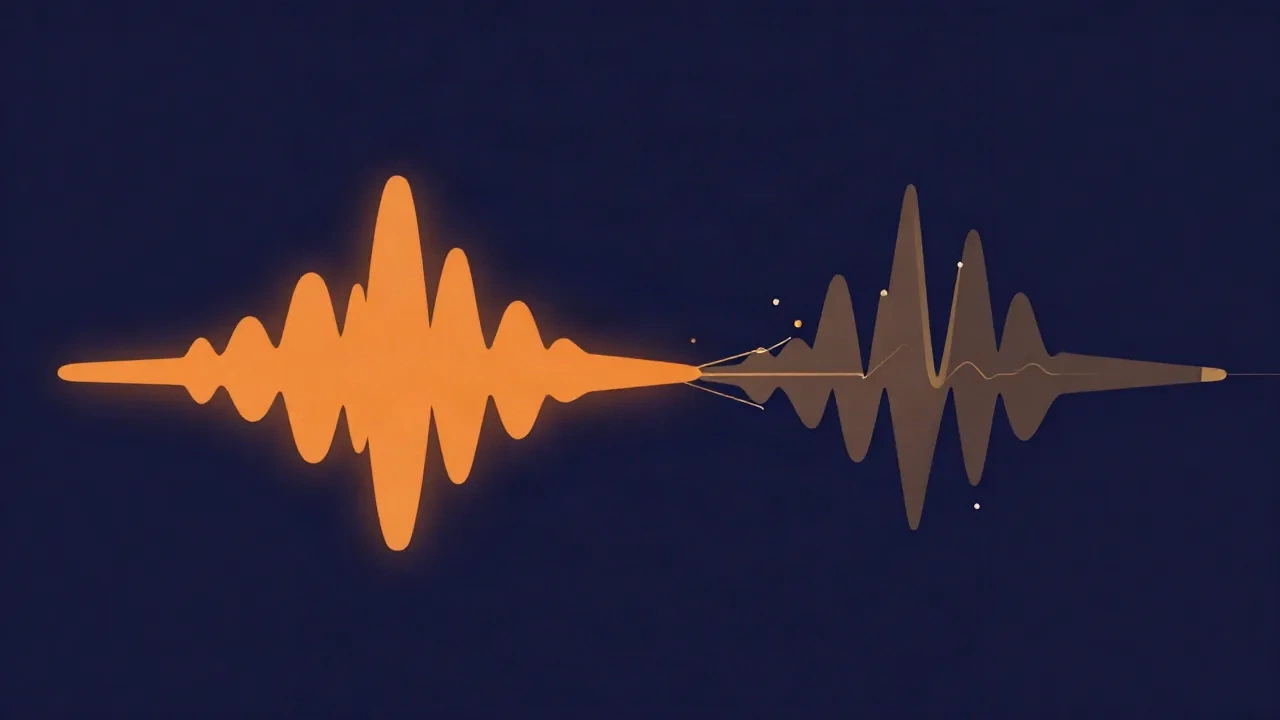
Audio latency is the delay between an audio action and the moment you actually hear the result, measured in milliseconds (ms). Tap a key on a MIDI keyboard, strum a guitar into an interface, or speak into a microphone while monitoring through headphones, and the sound has to travel through a chain of conversions and buffers before it reaches your ears. The time that whole trip takes is the latency. When it's small enough you never notice it; when it grows, the gap between doing and hearing starts to feel like playing an instrument over a bad phone line.
Where latency comes from
Latency isn't one delay — it's the sum of several small ones stacked along the signal path. Understanding each source is what makes the total controllable.
The first is the buffer. Computers don't process audio one sample at a time; that would be wildly inefficient. Instead they hand it around in small batches called buffers, typically 64, 128, 256, or 512 samples. The system fills a buffer, processes it, and passes it on. A bigger buffer means fewer, larger handoffs — smoother and cheaper for the processor, but each batch has to fill before anything moves, so more waiting. Buffer size is the single latency knob you'll adjust most, and its size relates directly to the sample rate: a 256-sample buffer at 44,100 samples per second holds about 5.8 ms of audio, so the same buffer is "longer" in time at a lower sample rate and "shorter" at a higher one.
The second is conversion. Analog-to-digital (A/D) conversion turns the voltage from a microphone or instrument into numbers your computer can work with, and digital-to-analog (D/A) conversion turns the finished audio back into voltage your headphones or speakers can play. Both take a small, fixed amount of time — usually a millisecond or two combined — and both happen on nearly every real recording path.
The third is processing. Every effect, plugin, or piece of software the signal passes through adds its own delay. Most are tiny, but some — look-ahead limiters, linear-phase EQs, convolution reverbs — deliberately delay the signal so they can "see" a moment ahead, and that shows up as extra latency.
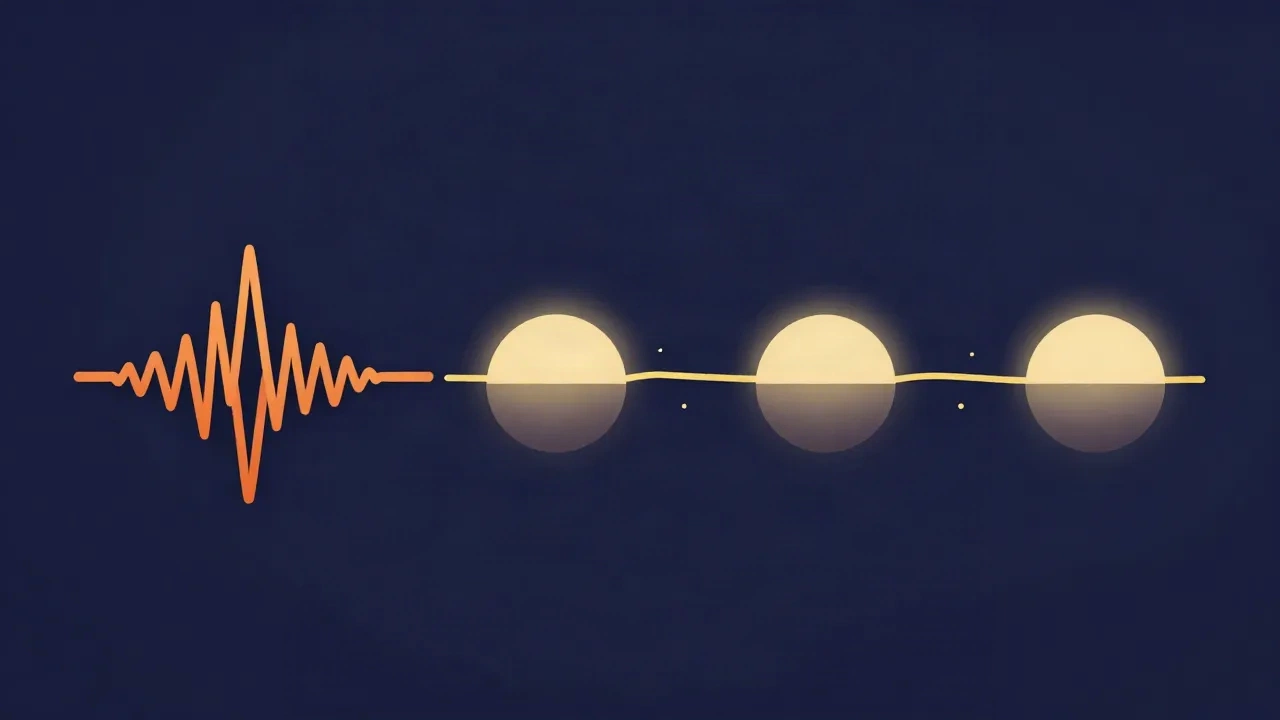
The fourth, and by far the largest, is wireless transmission. Bluetooth in particular has to compress, packetize, transmit, and decode audio, and that pipeline adds a lot of delay — often 100 to 300 ms, sometimes more. It's why wireless earbuds are fine for listening but frustrating for anything time-critical.
Why latency matters
For plain playback, latency barely matters — a 200 ms delay before a podcast starts is invisible because there's nothing to compare it against. Latency only becomes a problem when you're doing something in real time and your body is the reference clock.
Monitoring while recording is the classic case. If you sing or play while listening to yourself through the computer, you hear your own performance slightly after you produce it. A few milliseconds is imperceptible. Twenty or thirty starts to feel like a spongy, disconnected slap-back, and past that it becomes genuinely hard to perform — musicians instinctively slow down to "wait for" the delayed sound.
Singing to a backing track adds a second alignment problem. When you record audio in your browser over a guide vocal or instrumental, or sing along in a live mixer like the karaoke maker, your new take needs to line up with the track. If the monitoring path is laggy you'll compensate by pushing ahead of the beat, and the recorded take ends up early even though it felt right in the moment.
Live performance is the least forgiving. On stage, in-ear monitors, digital mixers, and wireless systems each add latency, and the total has to stay low or performers drift out of time with each other.
Video and lip-sync flip the concern from feel to visible mismatch. If audio arrives noticeably after the picture, mouths move before words land — the classic badly-dubbed look. This is exactly why Bluetooth headphones can make videos feel "off": the 100–300 ms audio delay pushes sound behind the image. Good playback software measures the delay and nudges the audio to compensate, but the underlying latency is real.
The buffer-size tradeoff
Here's the tension at the center of the whole topic: low latency and stable playback pull in opposite directions, and the buffer is where you balance them.
Set the buffer small — 64 or 128 samples — and latency drops to a few milliseconds, tight enough that monitoring feels instant. But small buffers ask the processor to do the same work in more, shorter bursts, and if it can't keep up with even one deadline, the audio stream underruns and you hear a click, pop, or dropout. The more plugins and tracks you're running, the more likely that becomes.
Set the buffer large — 512 or 1024 samples — and the processor gets comfortable headroom: fewer deadlines, more time per batch, rock-solid playback even under load. The cost is latency, which climbs to 20, 30, or more milliseconds — fine for mixing, where you're not playing anything live, but sluggish for tracking.
The practical rule that falls out of this: use a small buffer while recording or performing, and a large buffer while mixing. When you need real-time feel, accept the CPU risk for low latency. When you just need everything to play back reliably, trade latency away for stability. Many people keep two settings and switch between them depending on the task.
What counts as acceptable
There's no single magic number, but there are useful ranges.
Under roughly 10 ms, latency feels essentially immediate — indistinguishable from playing an acoustic instrument, and comfortable for the most demanding real-time work. Between about 10 and 20 ms, most people still monitor comfortably; you may sense it but it doesn't fight you. Past 20–30 ms, the delay becomes noticeable during performance and starts to interfere with timing. And Bluetooth's 100–300 ms is a different category entirely — perfectly fine for listening back, unusable for live monitoring.
For reference, sound travels through air at roughly a millisecond per foot, so standing about ten feet from a guitar amp already gives you ~10 ms of "latency" that no one thinks twice about. That's a helpful sanity check: a little delay is natural, and chasing zero isn't the point — chasing unnoticeable is.
How to reduce latency
If monitoring feels laggy, work down this list:
- Lower the buffer size in your recording software — this is the biggest, most direct lever. Drop it until you get clicks, then step back up one setting.
- Skip Bluetooth for anything real-time. Use wired headphones or wired monitors when you're recording or performing; save the wireless buds for listening back.
- Use direct or hardware monitoring if your audio interface offers it. This routes your input straight to your headphones in analog, bypassing the computer's whole round trip, so you hear yourself with essentially zero latency while still recording into software.
- Reduce the processing load while tracking — disable heavy plugins, freeze finished tracks, and raise the sample rate only if your machine can handle it (higher rates make a given buffer shorter in time, but cost more CPU).
- Set input levels sensibly so you're not fighting other problems at the same time — clean gain staging and healthy levels measured in decibels won't change latency, but they keep the signal clean while you tune the rest.
Latency in the browser
Browser-based audio tools have their own latency story, and it's mostly good news. Because everything on vocalcut.com runs entirely on your own device — your audio never leaves your machine, and there's no upload or account step — there's no network round trip in the processing path at all. (The processing engines download to you the first time you use them; your audio never goes the other way.) That's a real advantage over tools that send your file to a server and wait for it to come back, a difference explored in browser-based vs. desktop audio tools.
When you record in the browser, the browser's own audio stack still adds some monitoring latency, and Bluetooth headphones will still add their 100–300 ms on top — so for tracking against a guide, wired headphones remain the right call. For editing, mixing, and mastering, where you're processing a file rather than performing into it, monitoring latency simply doesn't apply: you're working on recorded audio, and a few extra milliseconds of playback delay changes nothing about the result.
Latency is just the price of doing real work with sound — a stack of small, mostly unavoidable delays. You can't erase it, but once you know where it comes from, you can keep it small where it matters, spend it freely where it doesn't, and stop it getting between you and the take.
Frequently asked questions
What is a good audio latency for recording? Aim for under about 10 ms if you can, which feels essentially instant while monitoring. Up to roughly 20 ms is still comfortable for most people. Once you pass 20–30 ms the delay becomes noticeable and starts to interfere with timing, so you'll want to lower your buffer size or switch to hardware monitoring. The exact number depends on your interface, buffer setting, and how demanding the material is.
Why does Bluetooth have so much latency? Bluetooth audio has to compress the sound, split it into packets, transmit it wirelessly, and decode it on the other end, and every step adds delay. The total is commonly 100 to 300 ms — fine for listening to music or a podcast, where there's nothing to sync against, but far too much for monitoring yourself while recording or for tight lip-sync. For anything real-time, wired headphones remove almost all of that delay.
Does a smaller buffer size always reduce latency? Yes — a smaller buffer directly lowers latency, because audio moves through the system in smaller, more frequent batches. The catch is stability: small buffers demand more of your processor, and if it can't keep every deadline you'll hear clicks, pops, or dropouts. The practical approach is a small buffer while recording (for feel) and a large one while mixing (for reliable playback under load).
Is latency the same as lag? Effectively, yes — in audio, "latency" is the precise term for the delay you'd casually call lag: the time between an action and hearing the result. "Lag" is just the everyday word for the same experience. Latency is usually reserved for the measurable, millisecond-level delay in an audio path, while "lag" gets used more loosely for any sluggish response.