Stem Splitting vs Vocal Removal: Which One?
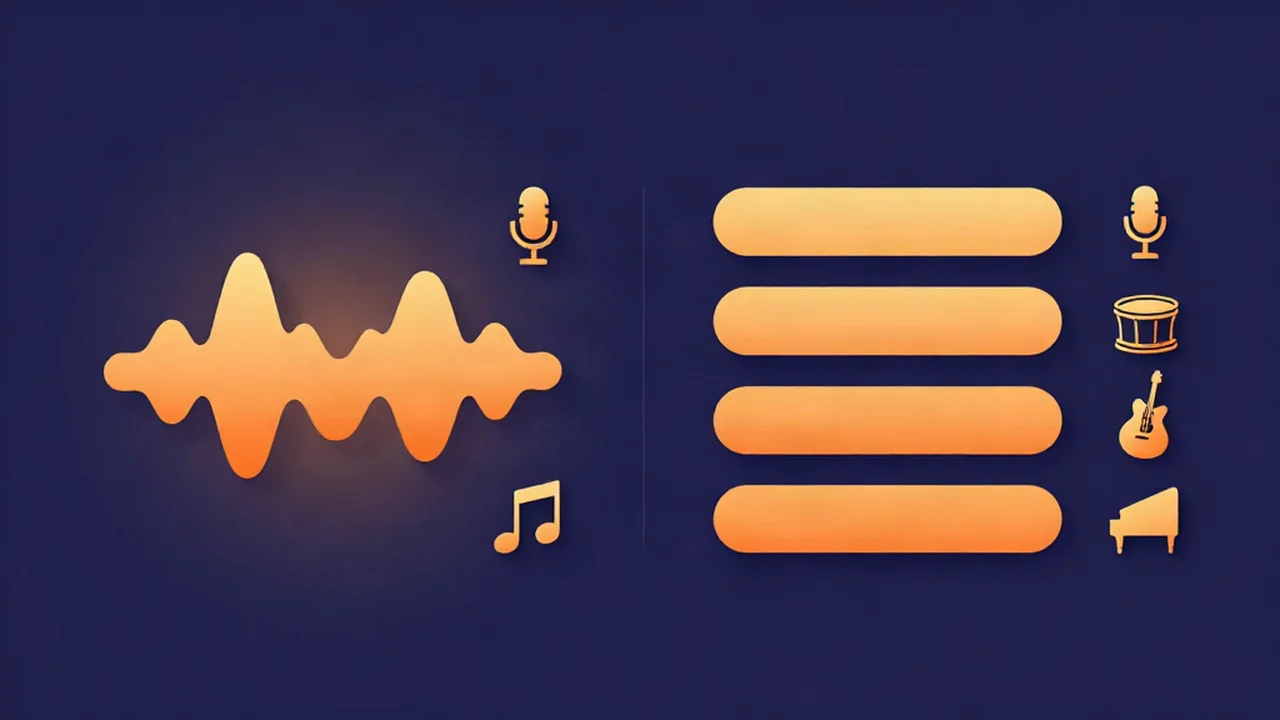
Choosing between stem splitting vs vocal removal is really one question: do you need the backing track as a single piece, or as separate parts? If you just want a song split into voice and everything-else, use the vocal remover. If you need the drums, bass, and other instruments each on their own so you can remix or sample them, use the stem splitter. Both run the same AI model in your browser, both are free, and your audio never leaves your device — the only real difference is how many files you walk away with.
That last point is the one most comparisons get wrong, so it's worth saying up front: the stem splitter is not a "better" or "more accurate" version of the vocal remover. They share one engine. Which you pick is a matter of output shape, not quality.
At a glance
| Vocal remover | Stem splitter | |
|---|---|---|
| What you get | Vocals + instrumental | Vocals, drums, bass, other |
| Number of files | 2 | 4 |
| Live mixer | No — two straight exports | Yes — solo, mute, and balance each stem |
| Best for | Karaoke tracks, acapellas | Remixing, sampling, isolating one instrument, practice |
| Underlying model | HTDemucs (same run) | HTDemucs (same run) |
| Where it runs | Your browser, on your device | Your browser, on your device |
| Cost | Free, no account | Free, no account |
| Your audio uploaded? | No | No |
Every row is identical except the top three: what comes out, how many files, and whether you get a mixer to play with. That's the whole decision.
What vocal removal does
The vocal remover does a 2-stem separation. Drop in a song and it hands you two files: the isolated vocal, and the instrumental — the full backing track with the singer taken out. Nothing to configure, nothing to recombine. Two files, one job.
That's the right tool when you only care about "voice" versus "everything else":
- Karaoke instrumentals. Keep the instrumental, drop the vocal, and you have a backing track to sing over. (For a version with a live vocal guide and a key change to fit your range, the karaoke maker is purpose-built for it.)
- Acapellas. Keep the vocal on its own for a remix, a mashup, or a sample. How to make an acapella from any track walks through cleaning one up.
If your next sentence is "the version with vocals" or "the version without vocals," two stems is all you need, and the vocal remover gets you there with the least fuss. How to remove vocals from a song is the step-by-step.
What stem splitting does
The stem splitter does a 4-stem separation — vocals, drums, bass, and other — and gives you a live mixer to go with them. Each stem gets its own row with a solo button, a mute button, a volume slider, and a save button, so you can isolate any part, mute any part, and audition the mix before you download anything. ("Other" is the catch-all for every instrument that isn't drums or bass — guitars, keys, synths, strings. If the term is new, what audio stems are is a two-minute primer.)
Reach for four stems when you need the parts separately:
- Remixing. Rebuild a song in a DAW — swap the drums, re-pitch the vocal, sit a new beat under the original bassline.
- Sampling. Pull a clean drum loop or an isolated bassline with no melody bleeding over it.
- Mashups. Layer the acapella from one track over the instrumental parts of another.
- Isolating one instrument. Solo the bass to transcribe it, or mute it to hear how the rest sits.
- Practice. Guitarists, drummers, and bassists can mute their own part and play along with everything else.
The full guide to splitting a song into stems covers the whole workflow, mixer and all.
Same AI model under the hood
This is where the two tools stop being different, and it's genuinely how they're built: both use the exact same AI model. Vocal removal isn't a separate, simpler algorithm — it's the four-stem result with three of the pieces added back together.
When you run either tool, one HTDemucs model (via onnxruntime-web) does a single separation into vocals, drums, bass, and other. The stem splitter shows you all four. The vocal remover takes that same output, sums drums + bass + other into one "instrumental" file, and hands you that plus the vocal. There is no second model and no different pass. If you want the details of the separation itself, how AI vocal removal works explains it.
Two things follow from that:
- The isolated vocal is identical between the two tools. Same model, same run, same vocal stem. The stem splitter does not give you a cleaner acapella than the vocal remover — it can't, because it's the same output.
- "More stems" is not "more accurate." Stem splitting doesn't separate better; it just keeps the accompaniment in three labelled pieces instead of blending them into one. If your job doesn't need drums and bass apart, that extra granularity is only extra files to manage.
So the honest way to choose is by the shape of the output you need — not by chasing quality that's already the same on both sides. (This is the same local, in-browser approach the free vocal removers comparison contrasts with cloud tools that upload your file.)
How to choose: match the tool to your intent
| Your goal | Use |
|---|---|
| A karaoke backing track | Vocal remover → keep the instrumental |
| A clean acapella | Vocal remover → keep the vocal |
| Remix a song in a DAW | Stem splitter → all four stems |
| Sample a drum loop or bassline | Stem splitter → save that one stem |
| Mute one instrument to practice | Stem splitter → mute its stem |
| Just an instrumental, nothing fancy | Vocal remover — fewer files |
| Sing along with a key change | Karaoke maker |
A quick rule of thumb: if your next step involves the words "drums" or "bass" specifically, you want the stem splitter. If it's "with vocals" or "without vocals," the vocal remover is the shorter path. And note the stem splitter can also produce an instrumental — mute the vocal stem and combine the other three — so if you already have four stems open, there's no need to run the vocal remover separately.
Practical notes (they apply to both)
Because both tools share an engine, everything below is true either way:
- It runs on your own device, in the browser. There's no server doing the separation, which is exactly why it's free and private — but it also means it isn't instant. Processing takes real time on your own hardware — your CPU, or your GPU where the browser supports it — and how long depends on your device and the length of the track.
- The first run downloads the model. The separator is a real neural network of about 170 MB, fetched once from
cdn.vocalcut.comand then cached. This is the honest asterisk on privacy: your audio never leaves your device and is never uploaded, but the model downloads to you the first time. Every run after that skips the download. - Formats and length. Both accept MP3, WAV, FLAC, and M4A, with no fixed length limit. Separation time grows with length, so trimming a long track to the part you need saves time.
- Export options. Save stems as WAV (lossless, the default), MP3, or Opus.
- Free, unlimited, no account. No sign-up, no per-file cap imposed by a server, and your audio stays on your machine.
Start from the best source you have. A lossless WAV or FLAC gives the model far more to work with than a low-bitrate MP3, and cleaner input means cleaner output — again, on both tools, since it's the same model reading the same file.
Frequently asked questions
Is stem splitting more accurate than vocal removal? No. Both tools run the same HTDemucs AI model in a single pass, so the isolated vocal is identical between them. Vocal removal simply sums the drums, bass, and other stems into one instrumental file, while stem splitting keeps them separate. "More stems" means more granular output, not higher accuracy — neither tool separates a song any better than the other.
Can I get just an instrumental from the stem splitter? Yes. The stem splitter has a live mixer, so mute the vocals stem and you're left with the instrumental — the same result the vocal remover produces, since it's the same three parts. You can preview it, then save. That said, if an instrumental is all you want, the vocal remover is quicker: it outputs the two files directly, with nothing to recombine.
Which should I use for karaoke? The vocal remover, if you just need the backing track and the acapella. Keep the instrumental and you have a karaoke bed in two clicks. For singing along, the dedicated karaoke maker adds a live vocal guide and a key change to fit your range, which a plain instrumental export doesn't. Reach for the stem splitter only if you want to mute individual instruments too.
Do I have to upload my song? No. Both tools run entirely in your browser, on your own device, so your audio never leaves your machine — nothing is uploaded to a server. The one thing that does travel is the AI model itself, which downloads to you once from our CDN and then caches. Your file stays local from start to finish, on every run.
Is it free? Yes — both the vocal remover and the stem splitter are completely free, with no account, no sign-up, and no limit on how many songs you separate. Because the processing happens on your own hardware rather than a server, there's no cloud cost to pass on to you. You can export as many stems as you like, in WAV, MP3, or Opus.
How long does separation take? It's not instant. The separation runs on your own hardware — your CPU, or your GPU where the browser supports it — so the time depends on your device and the length of the track. A current laptop is quick, an older phone noticeably slower. The very first run also downloads the model (about 170 MB) before it can start; every run after that skips the download and is faster.