How to Remove Vocals from a Song for Free
Maybe you want a karaoke version to sing over. Maybe you're building a mashup and need the beat without the original singer on top of it. Or maybe you just want to hear the bassline and drum programming buried under a vocal you've heard a thousand times. Whatever the reason, "removing the vocals" comes down to one technical task: splitting a finished stereo mix back into a vocal track and an instrumental track. Here's how to do that quickly, for free, without installing anything.
This is the broad guide: what the job involves, which methods actually work, and whether it's legal. If you already know which half you're after, the focused walkthroughs go further — isolating a clean instrumental to sing, play, or edit over, or isolating the vocal and checking it's clean enough to use.
The 60-second version
If you just want the instrumental and you're not here for the theory, this is the whole process:
- Open the free AI vocal remover — it runs entirely in your browser, so your file never gets uploaded to a server.
- Drag in your song. MP3, WAV, and FLAC all work.
- Wait while the AI model separates the track into a vocal stem and an instrumental stem. This happens locally on your own device, usually in well under a minute for a normal song.
- Download the instrumental as a lossless WAV (or keep the vocal stem instead — you get both).
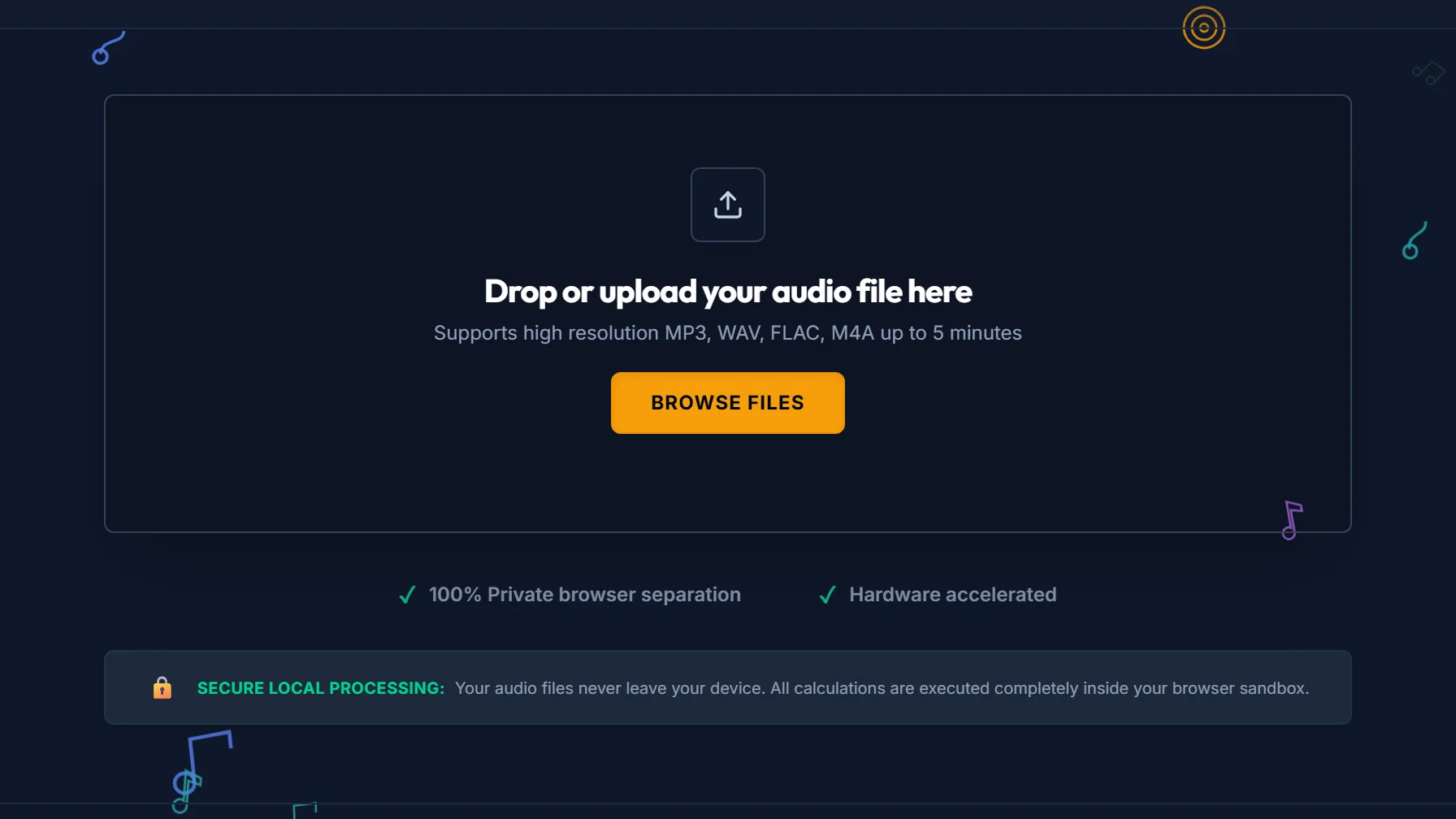
That's the entire interface — there's no project to set up and no settings to get wrong before you start. Drop a file on it and separation begins on its own.
No plugins, no upload queue, no sign-up wall. If that's all you needed, you're done. The rest of this guide explains how to get a cleaner result and what to do when a track fights back.
What to expect the first time
Two things surprise people, and both are worth knowing before you start:
- The first run downloads the model. The AI separator is a real neural network, and it has to reach your browser before it can do anything — that's a one-time download of tens of megabytes from our CDN. It caches afterwards, so every separation after the first needs no network at all. This is also the honest asterisk on "nothing leaves your device": your audio never goes up, but the engine comes down.
- It runs on your hardware, not a server. That's what makes it free and private — there's no GPU farm to bill you for. It also means speed tracks your device: a current laptop chews through a typical song quickly, an older phone takes noticeably longer. Nothing is queued behind other users, but nothing is offloaded either. Plug in if you're on battery.
If a page ever promises instant AI separation with no wait and no download, it's doing the work on a server — which means your file went there.
Why the old "invert one channel" trick usually disappoints
If you've searched this before, you've probably seen the phase-cancellation hack: take a stereo song, invert one channel, sum it with the other, and anything sitting dead-center in the mix cancels out. Because lead vocals are often panned to the center, the theory goes, they vanish.
In practice it rarely works well, for two reasons. First, it only cancels sound that's perfectly centered and identical in both channels — the moment a vocal has stereo reverb, doubling, or any width to it, big chunks of it survive. Second, it takes your kick drum, bass, and snare down with it, because those are usually centered too. You end up with a thin, hollow backing track that still has ghostly vocal artifacts floating over it.
Modern separation works completely differently. Instead of relying on where a sound sits in the stereo field, a neural network is trained on thousands of songs to recognize what a singing voice actually sounds like — its harmonics, its formants, the way it moves. That means it can pull a vocal out even when it's mono, off-center, or drenched in effects, and it leaves your low end intact. It's the same core technology behind how AI vocal removal works under the hood.
Getting the cleanest possible separation
Every song is different, but a few habits reliably improve your results:
- Start from the highest-quality source you can find. A lossless WAV or FLAC hands the model far more detail to work with than a 128 kbps MP3 that already threw away information years ago. Garbage in, garbage out applies here.
- Avoid double-compressed files. Re-exporting an MP3 from another MP3 stacks compression artifacts, and those artifacts smear the exact frequencies the model needs to make clean decisions.
- Expect dense mixes to be harder. A sparse acoustic ballad separates almost perfectly. A wall-of-sound pop production with stacked harmonies, ad-libs, and heavy sidechain compression is a much tougher ask — you may hear faint bleed either way.
- Listen for "watery" artifacts and back off if needed. Aggressive separation can leave a slight underwater shimmer on sustained notes. For a karaoke backing track that's usually fine; for a commercial release it's not.
If you're specifically chasing a clean vocal rather than the instrumental, how to make an acapella from any track covers the three routes to a vocal stem and the habits that squeeze real quality out of each.
How the free options actually differ
"Free vocal remover" covers three genuinely different things, and the tradeoffs are structural rather than a matter of which brand is best:
| Desktop editor's built-in remover | Cloud AI separator | Browser AI separator | |
|---|---|---|---|
| Method | Usually centre-channel cancellation | Neural separation on their servers | Neural separation on your device |
| Your audio | Stays local | Uploaded to their infrastructure | Stays local |
| Install | Yes | No | No |
| Account | No | Commonly | No |
| Limits | Your hardware | Free-tier caps are typical | Your hardware |
| Speed depends on | Your machine | Their queue | Your machine |
A desktop editor like Audacity is free and private, but its built-in vocal reduction is the old centre-channel trick described above — not AI — so it inherits every limitation in that section. Great editor; the vocal removal specifically is a generation behind.
A cloud AI separator uses the same class of model we do, and on a hard mix a well-tuned cloud service may edge out a browser one — they can run bigger models on server GPUs. The cost is the upload: your file goes to their infrastructure, and free tiers usually come with caps or an account. Fine for a track you don't mind sharing; think harder about an unreleased master.
A browser AI separator — what you're reading about — gets you the neural approach without the upload, the install, or the account. The honest tradeoff is that the model runs on your hardware, so an old phone is slower than a server farm, and the first run downloads the model.
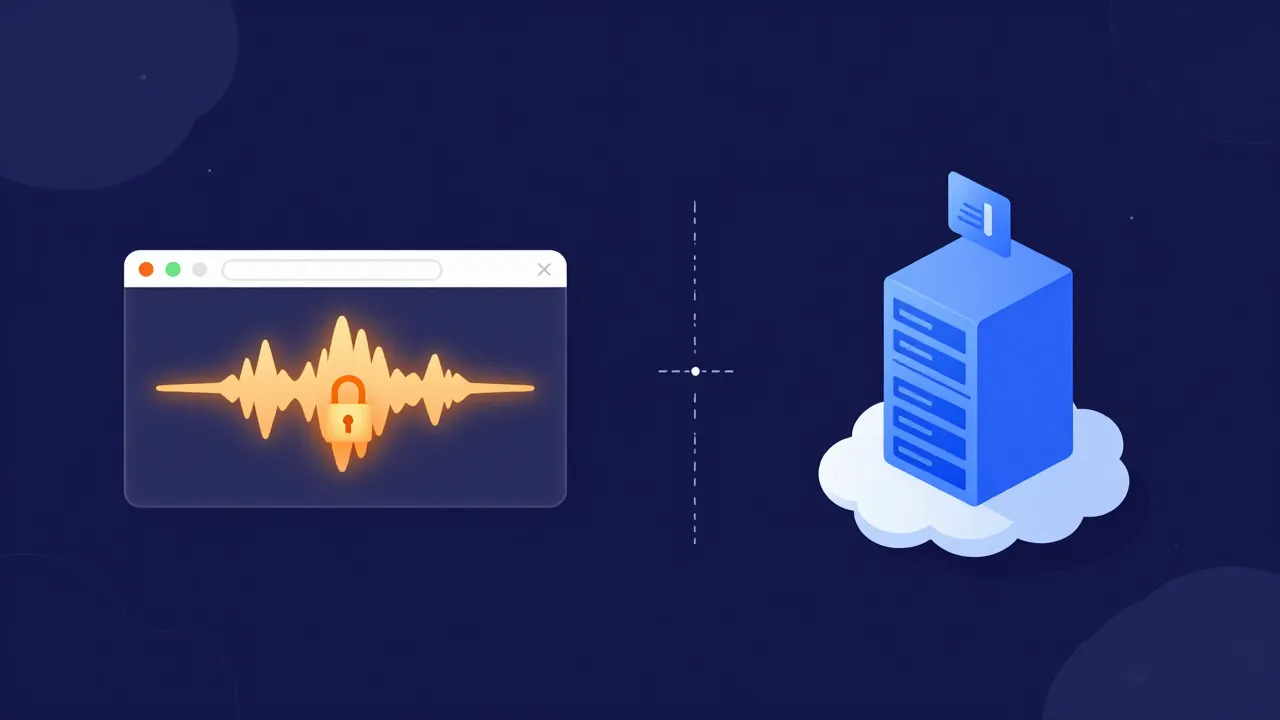
Pick by what you care about: if it's raw quality on a brutal mix and you don't mind uploading, a cloud service is a fair shout. If it's privacy, speed of getting started, or not signing up for anything, local wins — and on typical material the quality gap is small enough that most people never hear it.
Is it legal to remove vocals from a song?
Short version: doing it is fine; what you do next is the part with rules.
Separating a track you already have — to practise over, to sing along with at home, to study how a mix is built — is private use and isn't the risky part. The song stays copyrighted, but nobody is troubled by you making a backing track for your own living room.
Publishing is where it changes. An instrumental or acapella you extracted is still a derivative of someone else's recording, so putting a mashup on streaming, monetising a cover on YouTube, or selling a remix generally needs the rights holder's permission — unless the material was released for that purpose, like an official remix pack or a track under a licence that permits it. Two separate rights are usually in play: the composition (the song) and the sound recording (that specific master). A licence for one isn't a licence for the other.
The practical read: keep it private and you're in ordinary territory. Publish, and get permission or use material cleared for it. This is a plain-English summary rather than legal advice, and the specifics vary by country — copyright and fair use when sampling and remixing goes deeper.
What to actually do with the result
Once you've got your two stems, a few common paths open up:
- Sing over it. Keep the instrumental and you've got an instant backing track. If you want the original vocal as a quiet guide you can fade in and out — plus a key change to fit your range — the karaoke maker is built exactly for that (how to make a karaoke track, start to finish).
- Remix or sample it. Drop the instrumental into your DAW and build something new on top, or chop the isolated vocal into a fresh arrangement.
- Go beyond two stems. If you need drums, bass, and other split out separately rather than one blended instrumental, the 4-stem splitter breaks the song into individual parts you can solo and mute.
- Practice a part. Guitarists and drummers often mute one element to play along with the rest.
Frequently asked questions
Is it actually free, with no catch? Yes. The vocal remover runs the AI model in your browser using your own device's processing power, so there's no server cost to pass on to you and no upload — your audio physically never leaves your computer.
What file formats can I use? MP3, WAV, and FLAC are the safe bets for input. For output, WAV keeps everything lossless; you can convert it afterward if you need a smaller MP3.
Will the instrumental be perfect? On most tracks it's genuinely good — clean enough for karaoke, practice, and casual remixing. On very dense or heavily-processed mixes you may notice faint traces of the vocal or a slight artificial texture. Starting from a lossless source is the single biggest lever you have.
Can I get just the acapella instead? Absolutely — separation produces both stems at once, so you can download the isolated vocal just as easily. If that's your goal, start with how to make an acapella from any track.
Does it work on my phone? Yes, though separation is processing-heavy, so it'll run faster on a laptop or desktop than on an older phone.