Best Free Vocal Removers Compared
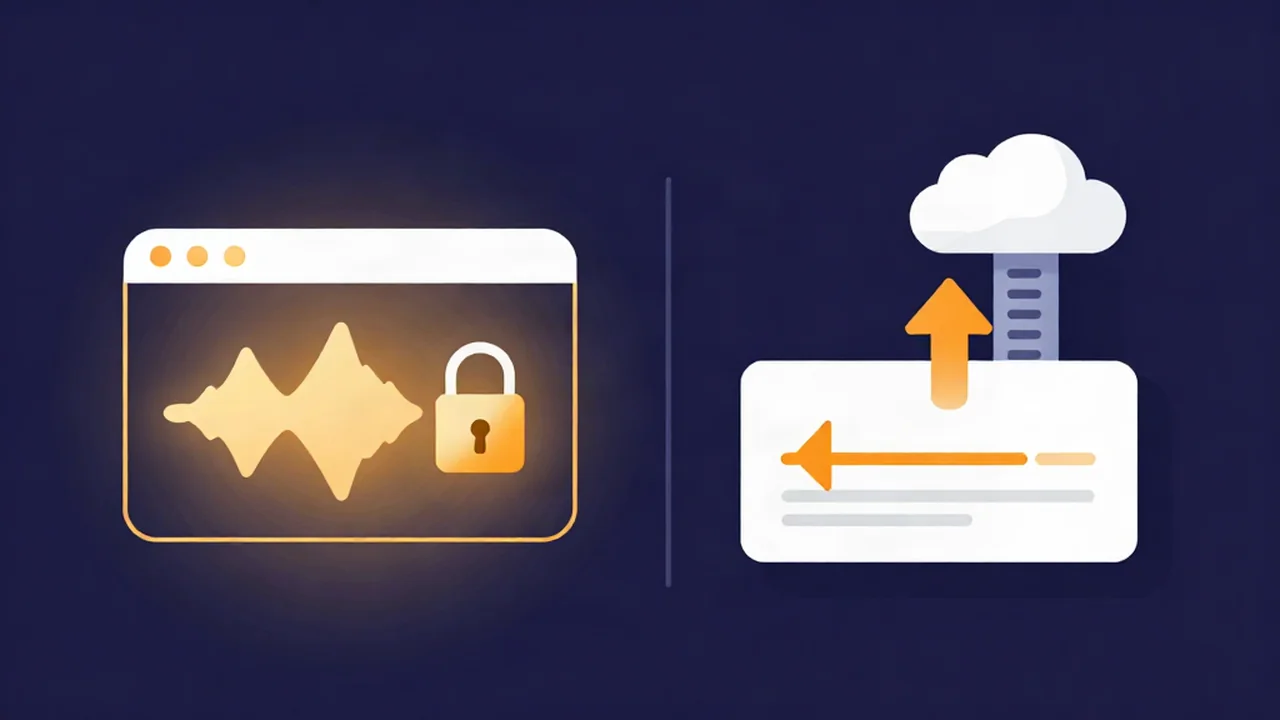
The fastest way to pick a free vocal remover is to stop comparing accuracy scores and ask one question instead: where does your audio file go? Our browser-based vocal remover processes your track locally on your own device, while most convenient online tools upload your file to a server first. That single choice, cloud or local, decides more about privacy, cost, and what you can actually download than any quality claim on a landing page.
Below is a plain comparison of the main free options, grouped by how they work, plus honest notes on the catch each one hides in its free tier. A vocal remover splits a song so you can hear the backing track without the singer; most modern tools do this with an AI model that separates the mix into stems (isolated layers like vocals and instrumental).
At a glance
| Tool | Type | Where your file goes | Free download? | Account needed |
|---|---|---|---|---|
| Vocal Cut | Browser | Local (your device) | Yes, unlimited | No |
| LALAL.AI | Browser | Cloud (uploaded) | Preview only on free tier | Yes |
| Moises | Browser + app | Cloud (uploaded) | Limited free separations | Yes |
| X-Minus | Browser | Cloud (uploaded) | Small daily quota | Not for basic use |
| vocalremover.org | Browser | Cloud (uploaded) | Yes, basic use | No |
| Media.io | Browser | Cloud (uploaded) | Reported to gate downloads | Typically yes |
| PhonicMind | Browser | Cloud (uploaded) | Reported to gate downloads | Typically yes |
| Ultimate Vocal Remover (UVR) | Desktop app | Local (your device) | Yes, unlimited | No |
| Spleeter | Command line | Local (your device) | Yes, unlimited | No |
Every tool in that table can remove vocals. What separates them is the column most roundups skip: where your file goes, and whether you can walk away with the result for free.
The one thing that actually separates them: cloud vs local
Almost every convenient browser vocal remover runs in the cloud. You drop your file into a web page, but the actual separation happens on the company's servers, which means your audio is uploaded, processed remotely, and sent back. For a track you already released publicly, that is usually fine. For anything you cannot freely share, it matters.
Think about what you are separating:
- An unreleased demo you are working on with a collaborator.
- A client's session under an NDA.
- A private recording, an interview, or a rough idea you are not ready to publish.
Uploading any of that to a third-party server means handing a copy to a company whose retention and training policies you have not read. The alternative is local processing, where the separation runs on your own hardware and the file never leaves your machine. Historically, local meant installing a desktop app. The genuinely useful, and rare, combination is a tool that runs in a browser tab and keeps the audio on your device. That near-empty quadrant is where the privacy-conscious choice lives.
To understand what the AI is doing on either side of that line, see how AI vocal removal works.
The cloud browser tools: convenient, but read the free tier
These are the tools most people find first. They are polished, they work on any device, and they lean on strong models. The catch is almost always the same: the free tier lets you hear a result but makes you pay, or at least sign in, to keep it.
LALAL.AI uses a high-quality proprietary model and is genuinely good at clean separation. Its free "Starter" tier, though, is preview-only. You can run files up to roughly 10 minutes and 200 MB through a slower "Relaxed" processing queue, but you cannot download the finished stems without moving to a paid plan, and you need an account to process at all. It is a strong tool to evaluate for free, not to use for free.
Moises works in the browser and as iOS and Android apps, which makes it convenient for musicians practicing on the go. It requires an account, and the free plan gives you a limited number of separations per period; the higher-quality models and extra stems sit behind a subscription. Good for casual, occasional use, less so if you process tracks in volume.
X-Minus is a long-running cloud tool offering both 2-stem and 4-stem separation, though the 4-stem split is a paid feature. Unregistered users get a small daily free quota for basic 2-stem removal, which resets each day. If you only need to pull the vocals off one or two songs occasionally, that free allowance can be enough; for a batch of tracks in one sitting, you will hit the ceiling.
vocalremover.org is a well-known free browser tool with a friendly set of extras — a built-in karaoke mode, plus pitch and tempo utilities — and no account required for basic use. It still does its processing on its servers, so your file is uploaded. It is a reasonable free option if privacy is not your concern.
Media.io and PhonicMind round out the cloud group. Both offer AI vocal removal in the browser with limited free tiers, and both are reported to gate the actual download behind signing in or a subscription. Treat the "free" label as "free to try," and check what it costs to export before you rely on either.
The common thread: these tools are convenient because they offload the heavy computation to a server, which is exactly why your file has to be uploaded, and often why the download is where the paywall lands.
The local open-source tools: free and private, with a setup wall
If unlimited, private, genuinely free separation is the goal and you do not mind installing software, open-source desktop tools are the strongest value available.
Ultimate Vocal Remover (UVR) is a free, open-source desktop app for Windows, Mac, and Linux. It runs Demucs v4 and MDX-Net models entirely on your own machine, with no upload, no account, and no usage limits. Quality is excellent, and you can chain models for cleaner results. The barrier is real, though: you install a desktop application, download the models you want, and learn which model suits vocals versus instrumentals. For someone comfortable with that, UVR is hard to beat. For someone who just wants an instrumental in the next two minutes, the setup is a wall.
Spleeter, made by Deezer, is also free and open source, but it is a Python command-line tool. You install it through a terminal and run separations with typed commands. It uses an older model that is generally lower quality than today's Demucs-based tools, and the command-line workflow rules it out for most non-technical users. It remains a solid choice for developers who want to script batch separation locally.
Both are local and offline, so your audio never touches anyone's server. The price you pay is time spent installing and, in Spleeter's case, working in a terminal. For a fuller picture of the layers these tools pull apart, read what audio stems are.
The browser-and-local option: convenient without the upload
Vocal Cut's vocal remover sits in the quadrant almost nothing else occupies: it runs in a browser tab, and it processes your audio locally on your own device. There is no server-side separation, so your file is never uploaded. There is no account, and it is free with no download limit. You get both stems — the isolated vocal and the instrumental — so it works whether you want a karaoke backing track or an acapella (the vocal on its own). It accepts MP3, WAV, FLAC, and M4A with no fixed length limit, and exports to WAV (lossless), MP3, or Opus.
It does this with an HTDemucs AI model running through onnxruntime-web, directly in your browser. And here is the honest trade-off, stated plainly: it is not instant. The first time you use it, your browser downloads the AI model, tens of megabytes, from our CDN. After that the model is cached, but each separation still takes real processing time on your own CPU, and how fast depends on your hardware. A faster machine finishes sooner; a modest laptop takes longer. What never happens is your audio being sent anywhere — only the model comes down to you.
No tool removes vocals perfectly. AI separation is very good now, but faint bleed or artifacts can remain on difficult mixes, and that is true of every option here, cloud or local. If you want a step-by-step walkthrough, see how to remove vocals from a song; to keep just the singer, how to make an acapella from any track covers that path. For more than two layers — separate drums, bass, and other — the stem splitter does 4-stem separation the same local way.
Which should you use?
There is no single winner, because the right tool depends on what you are optimizing for.
- If privacy is the priority — unreleased, client, or NDA material — choose local processing. That means Vocal Cut if you want it in the browser with no install, or UVR if you are happy to install a desktop app. In both, your audio stays on your device.
- If you want zero install and a free, downloadable result right now, a browser tool that processes locally and does not gate downloads is the shortest path.
- If you process a high volume of tracks and don't mind a terminal, install UVR or Spleeter locally for unlimited runs at no cost.
- If you just need to preview quality before committing, the cloud tools' free tiers (LALAL.AI, Moises, X-Minus) are built for exactly that: hearing the result, not always keeping it.
- If you want a karaoke track specifically, pair the instrumental stem with the karaoke maker, which layers live mixing and key control on top.
- If you need more than vocals and instrumental — isolated drums or bass — use a 4-stem tool like the stem splitter. The guide to splitting a song into stems walks through the whole workflow.
Match the tool to the job, and the "best free vocal remover" is simply the one whose trade-off you can live with.
Frequently asked questions
Which free vocal remover is best for privacy?
A tool that processes your audio locally, so the file is never uploaded to a server. That means an offline desktop app like Ultimate Vocal Remover, or a browser tool that runs the separation on your own device, such as Vocal Cut. Most other online vocal removers run in the cloud and upload your file, which matters for unreleased, client, or NDA material.
Do free vocal removers let you download, or just preview?
It depends on the tool. Several cloud services — LALAL.AI's free Starter tier, for example — let you process and hear a result but require a paid plan to download it. Media.io and PhonicMind are reported to gate downloads behind an account or subscription. Others, including vocalremover.org and Vocal Cut, let you download for free. Always check the export step before you commit.
Is a browser vocal remover as good as a desktop one?
Quality comes from the AI model, not the wrapper around it. A browser tool running an HTDemucs model can match desktop results, because it is running comparable technology. The real differences are convenience and privacy: browser tools need no install, and a local browser tool keeps your audio on your device. No tool, browser or desktop, removes vocals perfectly on every mix.
Do any free vocal removers work without an account?
Yes. Vocal Cut needs no account and no sign-up, and vocalremover.org allows basic use without one. The open-source desktop tools UVR and Spleeter also require no account, since they run entirely on your own machine. Many cloud services, including LALAL.AI and Moises, do require you to register before processing.
Can I get the acapella too, not just the instrumental?
Yes. A good vocal remover produces both stems — the instrumental and the isolated vocal, which is the acapella. Vocal Cut gives you both from a single separation, so you can download whichever you need or keep both. See how to make an acapella from any track for the specifics of isolating and cleaning up the vocal.