Are Free Online Audio Tools Safe?
Before the internet, specialized audio work you couldn't do yourself meant mailing your master tape to a lab. You'd package the one and only copy of your recording, ship it off, and trust that strangers would handle it carefully, use it only for the job, and not lose or misuse it. Once the tape left your hands, there was no way to verify any of that. Keep that image in mind, because a surprising number of "free online" audio tools work exactly the same way today — just faster and less obvious.
The modern equivalent: uploading to a server
Many free audio and video tools follow one pattern: you upload your file, it's sent to a server, processed there, and a result comes back. Functionally, that's mailing the master tape — your file has left your device and sits on infrastructure you don't control, for as long as the service decides to keep it, governed by a privacy policy you may not have read closely.
Most such services are legitimate and delete files promptly. But you can't independently verify that from the outside, the same way you couldn't verify what happened to a tape in the mail. You're trusting a written promise, not observing a fact.
What "runs entirely in your browser" actually means
The alternative is processing that happens entirely on your own device, with nothing uploaded — like a technician coming to your house with their own gear instead of you shipping the tape out. Your file is opened, processed, and the result generated all inside your browser tab, and never packaged up and sent anywhere.
That's not a marginally more private version of a server tool — it's structurally different. There's no upload step to go wrong, no server storage to be breached later, and no deletion policy to trust, because there was never anything on someone else's server to begin with. It's the same distinction covered in browser-based vs desktop audio tools.
The 30-second test that actually proves it
You don't have to take any site's word for it — including this one. Process one file normally, then disconnect from the internet entirely and process another. If it still works offline, nothing is being sent anywhere; there's no connection available for it to use. If it fails or hangs the moment you go offline, it depends on a server.
That "process one file first" step is the part most versions of this test get wrong, and skipping it will mislead you. Plenty of genuinely local tools download a processing engine — an AI model, a codec library — into your browser the first time you use them, then cache it for every run after. Disconnect before that one-time download finishes and the tool breaks, and you'd wrongly conclude it was uploading your audio. Let the first run complete and you're testing the right thing: whether your file needs the network, not whether the engine already fetched itself.
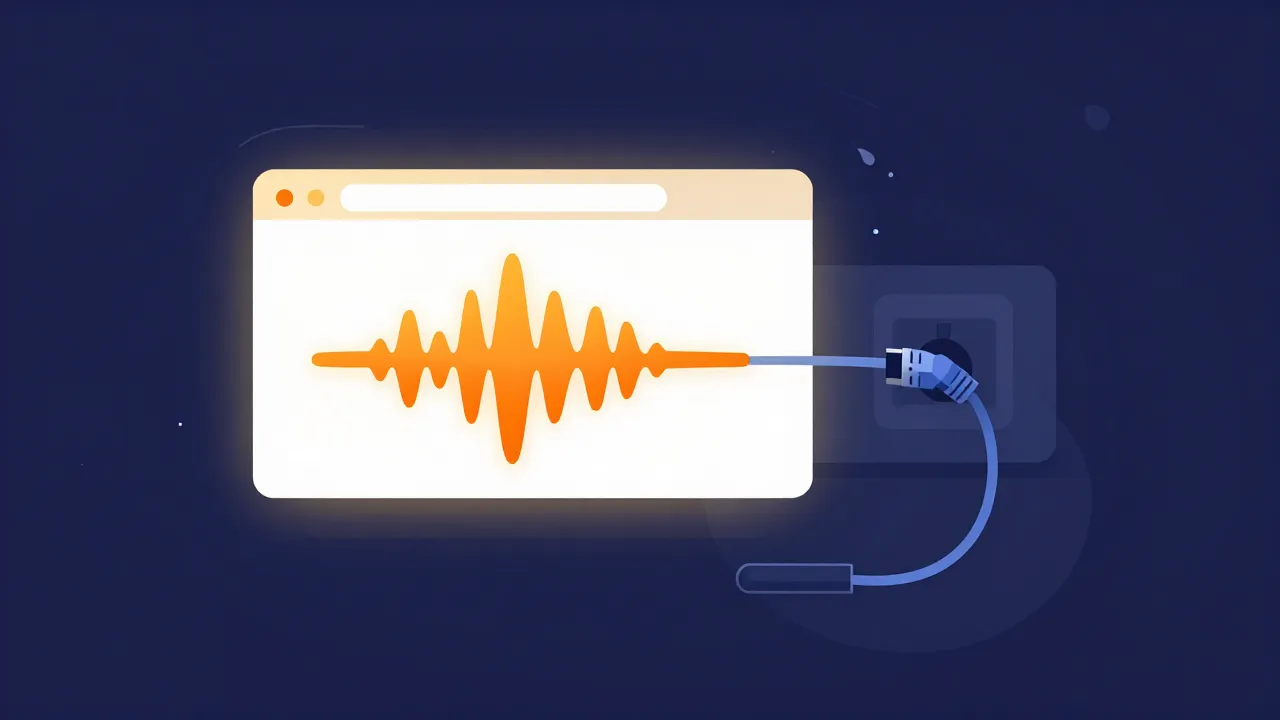
This costs nothing, takes about thirty seconds, and is far more reliable than marketing copy about "privacy" or "security," which get used loosely across the industry. A softer second signal: whether a tool demands an account, login, or email. Not automatically a red flag, but it does tie your usage to an identity somewhere.
Privacy isn't the only kind of safe
Where your file goes is the question people ask first, but it isn't the only one worth asking of a free tool:
- Downloads that aren't your file. A "free converter" that hands you an
.exeinstaller rather than an audio file is not a converter. A browser tool should give you back audio, and nothing else. - Deceptive download buttons. Ad-heavy tool sites often surround the real button with fake ones. If you can't tell which button is the tool, that's a signal about the operator, not about you.
- What funds it. Free costs something to run. Ads, a paid tier, or upselling are all fine and honest. "Free with no visible business model" is worth a second thought — sometimes the product is your data.
- Account walls on simple tasks. Trimming an MP3 shouldn't require an identity. When it does, ask what the account is really for.
When this actually matters
For a lot of everyday tasks, the stakes of where your file goes are low. But sometimes they're high: an unreleased track you don't want leaking, a client recording under an NDA, a private voice memo, or anything with someone else's voice or information in it. There, bring back the mailing-the-master-tape mindset — would you hand this recording to a stranger and trust them with it? If not, specifically seek a tool that processes files locally rather than assuming every free service is equally safe.
Applying the test to us
Since "private" gets used loosely, here's the precise version for this site, including the part that's easy to leave out.
Your audio never leaves your device. Every tool here — the vocal remover, the stem splitter, the audio converter — opens and processes your file inside your browser tab. There is no server to upload to, so there's no storage to breach and no deletion policy to take on faith.
What does travel is the engine, in one direction. The first time you run an AI tool, its model downloads to your browser from our CDN, and the format tools fetch a conversion engine the same way. Both then cache, so later runs need no network at all. Data comes down; your audio never goes up. That's why the test above says process once before you disconnect — do it in the other order on our vocal remover and you'll watch the model download fail and reasonably assume the worst.
So run it properly and it holds: process a file, pull the plug, process another. It'll keep working, offline, on your machine. That's the check we'd want you to run on anyone — us included.
Frequently asked questions
How can I tell whether an online audio tool uploads my file? Test it: process one file normally, then disconnect from the internet entirely and process another. If it still works offline, your file isn't going anywhere — there's no connection for it to use. The first run matters, because genuinely local tools often download a processing engine once and cache it. Disconnect before that finishes and you'll wrongly conclude it was uploading.
If a tool runs in my browser, does that mean nothing downloads? No, and this is the detail marketing copy usually skips. Local AI and format tools typically fetch a model or codec engine to your browser on first use, then cache it. That's data coming down, not your audio going up. "Your audio never leaves your device" and "nothing is downloaded" are different claims — only the first one is what privacy actually depends on.
Is a free tool that doesn't require an account automatically safer?
Not automatically, but no account wall is a mild positive signal — it means your usage isn't tied to an identity somewhere. Weigh it alongside better evidence: whether the tool passes the offline test, whether it hands back audio rather than an .exe installer, whether the real download button is obvious among the ads, and whether it has a visible business model.
When does any of this genuinely matter? For most everyday trimming and converting, the stakes are low. They rise sharply for an unreleased track, a client recording under an NDA, a private voice memo, or anything containing someone else's voice or information. The test: would you hand this recording to a stranger and trust them with it? If not, specifically pick a tool that processes files locally rather than assuming free services are equally safe.