Why No-Upload Audio Tools Matter
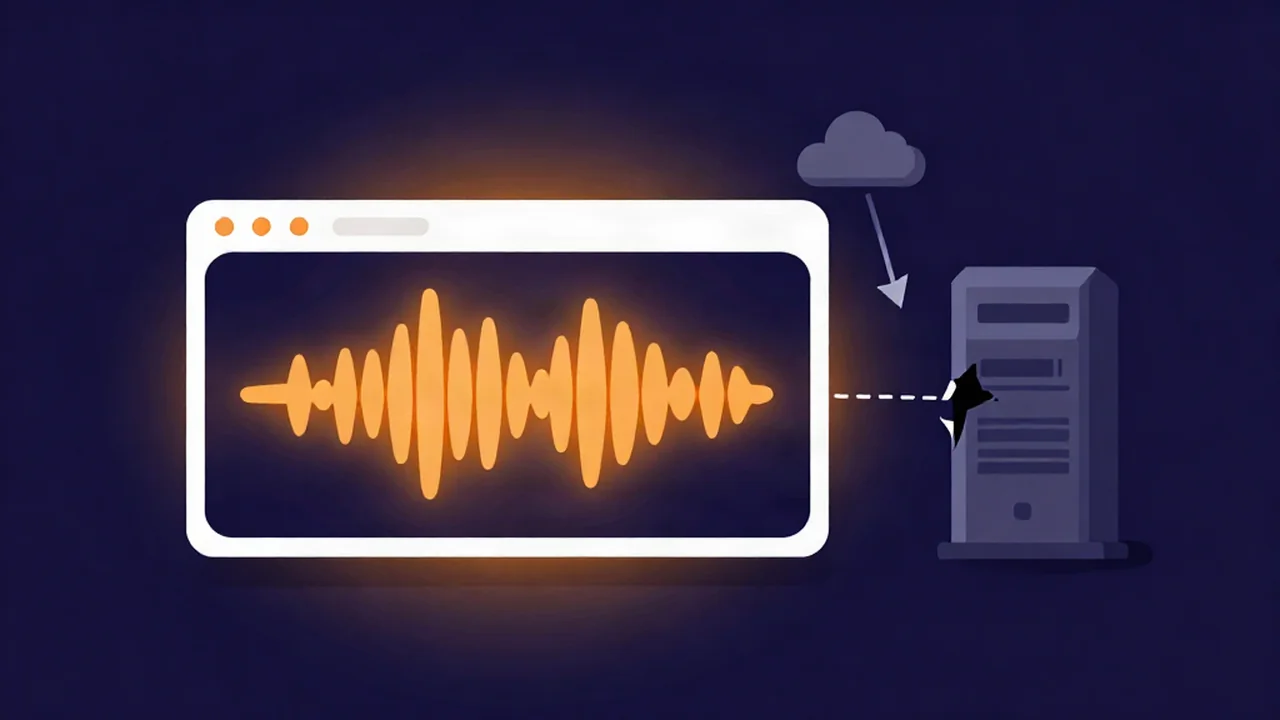
No-upload audio tools process your file entirely inside your own browser, which is a different thing from most "free online" services — and our free vocal remover is one of them. The phrase gets used loosely, so it's worth being precise about what it actually describes: not a promise a company makes about how it treats your file, but a fact about where the work physically happens. When the processing runs on your device, there is no upload to make a promise about. That distinction is the whole point, and it's easy to miss because both kinds of tool look identical in the browser — same drop zone, same download button at the end.
Two ways a "free online tool" can work
Almost every browser audio tool falls into one of two architectures, and they differ in exactly one place: where your file goes to get processed.
| Server-based (upload) | No-upload (client-side) | |
|---|---|---|
| Where your file is processed | On the company's server | On your own device, in the browser tab |
| Does your audio leave your device? | Yes — it's transmitted and stored | No — it never goes out |
| What you rely on for privacy | Their written policy + deletion practice | The architecture itself; there's nothing to trust |
| File-size ceiling | Whatever the server allows | Your device's own memory |
| Upload wait before work starts | Yes, scales with file size | None — work starts immediately |
| Account / email often required | Commonly | Not needed |
The left column is the model most people picture when they hear "online tool." You pick a file, it's transmitted to a machine you don't control, processed there, and the result is sent back. Your recording now exists as a copy on someone else's infrastructure, for however long their systems retain it, governed by a policy you probably didn't read line by line. The service may well delete it promptly and honestly — but you're trusting that, not observing it.
The right column never sends the file anywhere. Your browser opens it, does the work, and produces the result, all locally. There's no upload step, so there's no server copy, so there's no retention window and no deletion policy to take on faith. It's not a more careful version of the first model — it's a structurally different one, and the difference is the part that can't be undone by a policy change or a breach later.
"Your audio never leaves your device" — the honest version
Here's the part marketing copy tends to skip, and getting it right is what makes the claim trustworthy rather than slippery.
"No upload" describes your audio, in one direction: your file never goes out. It does not mean nothing ever crosses the network. The processing engines have to come from somewhere, and the first time you use a heavier tool, they download to your browser — an AI separation model is tens of megabytes, the format-conversion engine is a comparable one-time fetch, and both land from our own CDN. After that first run they're cached, so later runs need no network at all.
So the flow is worth picturing as two arrows. The engine comes down to you, once. Your audio never goes up, ever. Data-in is the tool arriving; data-out is what privacy actually depends on, and that arrow doesn't exist. A tool that told you "nothing is downloaded" would be lying — you can watch the model fetch on first use. A tool that tells you "your audio never leaves your device" is describing the arrow that matters.
This is also why no-upload AI work is fast and local but never instant. That first model download takes real time, and the separation itself runs on your own processor rather than a datacenter's, so a full song is a wait measured in real seconds, not a spinner that resolves the moment you click. Fast, private, and free is the honest promise. Instant isn't.
When no-upload stops being a nicety and becomes the point
For trimming a voice memo or converting a podcast episode you'd happily post publicly, where the file goes barely matters. The calculus flips hard for audio you cannot afford to have sitting on a stranger's server:
- Unreleased music. A leaked track before release day is a genuine commercial event. If you're pulling an acapella or building an instrumental from a mix that isn't out yet, running it through a browser-based vocal remover that never transmits the file removes the leak vector entirely — there's no uploaded copy to escape.
- Confidential client work. Recordings under an NDA, agency deliverables, anything you were trusted with. Editing tags on a confidential master with a metadata editor that leaves the audio bytes bit-identical and local means the file is never copied off your machine to change a title field.
- Legal audio. Recordings tied to privilege, consent, or an active matter. Uploading them to a third-party server can itself be the problem, independent of what the tool does afterward.
- Medical and therapeutic recordings. Patient audio carries obligations that a "we delete within 24 hours" policy doesn't discharge.
- Journalism and source material. Interview tape where a source's safety depends on the recording not existing anywhere it could be subpoenaed, breached, or handed over.
- Internal corporate recordings. Board audio, unreleased announcements, anything that would be damaging to leak. Cleaning up a sensitive recording with a browser-based noise reducer keeps it off any server while you work on it.
The common thread: in each case the recording's value or safety depends on it not spreading, and every upload is one more copy in one more place you don't control. A no-upload tool is the only architecture where "I processed this and no copy exists elsewhere" is simply true, not a claim.
The everyday benefits, too
Even when nothing's confidential, keeping the work local has practical upsides that have nothing to do with privacy:
- No upload queue. Work starts the instant you pick a file. There's no progress bar for transmitting a large file to a server before anything useful happens.
- No server-imposed size cap. Server tools cap file size to protect their infrastructure. A local tool's only ceiling is your own device's memory, so long recordings and lossless files that a free server tier would reject just work.
- No account, no email. There's no upload to attach to an identity, so there's usually no reason to make you sign up. Your usage isn't logged against a profile somewhere.
- It keeps working offline once loaded. With the page open and the engine cached, processing needs no connection at all — which is both a convenience and, conveniently, the basis of the test below.
This is a big part of the broader case for browser-based over desktop audio tools: you get local processing without installing anything.
How to tell whether a tool really is no-upload
Don't take any site's word for it, including ours. The reliable check is simple: process one file normally so any one-time engine finishes downloading and caching, then disconnect from the internet and process another file. If it still works offline, your audio isn't going anywhere — there's no connection for it to use. If it breaks the moment you're offline, it depends on a server.
The "process one file first" step is the part that trips people up, precisely because of the data-in arrow above — disconnect before the engine has cached and a genuinely local tool will fail, and you'll wrongly conclude it was uploading. The full walkthrough, including that gotcha, is in are free online audio tools safe?.
One last distinction worth keeping straight: "no upload" here is about the tool you use to edit a file you already have. It's separate from the quality loss you get when a platform re-encodes your track, which is a different kind of "upload" covered in why your song sounds worse after uploading. And if you're curious how the AI manages to run the separation on your own machine at all, how AI vocal removal works walks through the model that downloads to you and runs locally. For more on the concepts behind the tools, the audio explainers hub collects the rest.
Frequently asked questions
What does "no-upload" actually mean for an audio tool? It means your audio file is processed on your own device, inside the browser tab, and never transmitted to a server. The work happens locally, so there's no uploaded copy of your recording sitting on infrastructure you don't control. It's a fact about where the processing runs, not a promise about how a company handles a file it received.
If nothing is uploaded, why does the tool download something on first use? Because the processing engine has to reach your browser to run. An AI separation model or a format-conversion engine downloads to you once, then caches for every later run. That's data coming down to you, not your audio going up. The two are separate arrows: the engine arrives, your file never leaves. Only the second one is what privacy depends on.
Is a no-upload tool actually private, or just marketing? You can verify it yourself rather than trusting either answer. Process one file so the engine caches, then disconnect from the internet and process another. If it still works with no connection, your audio genuinely isn't being sent anywhere. This test works precisely because there's no server the tool can reach — the architecture, not a policy, is doing the protecting.
Are no-upload tools slower than server-based ones? Sometimes, and it's an honest tradeoff. The first run includes a one-time engine download, and the actual processing uses your device's processor instead of a datacenter's, so heavy AI work takes real seconds rather than being instant. In exchange you skip the upload wait entirely, hit no server file-size cap, and your file never leaves your machine.