Stem Separation for DJs
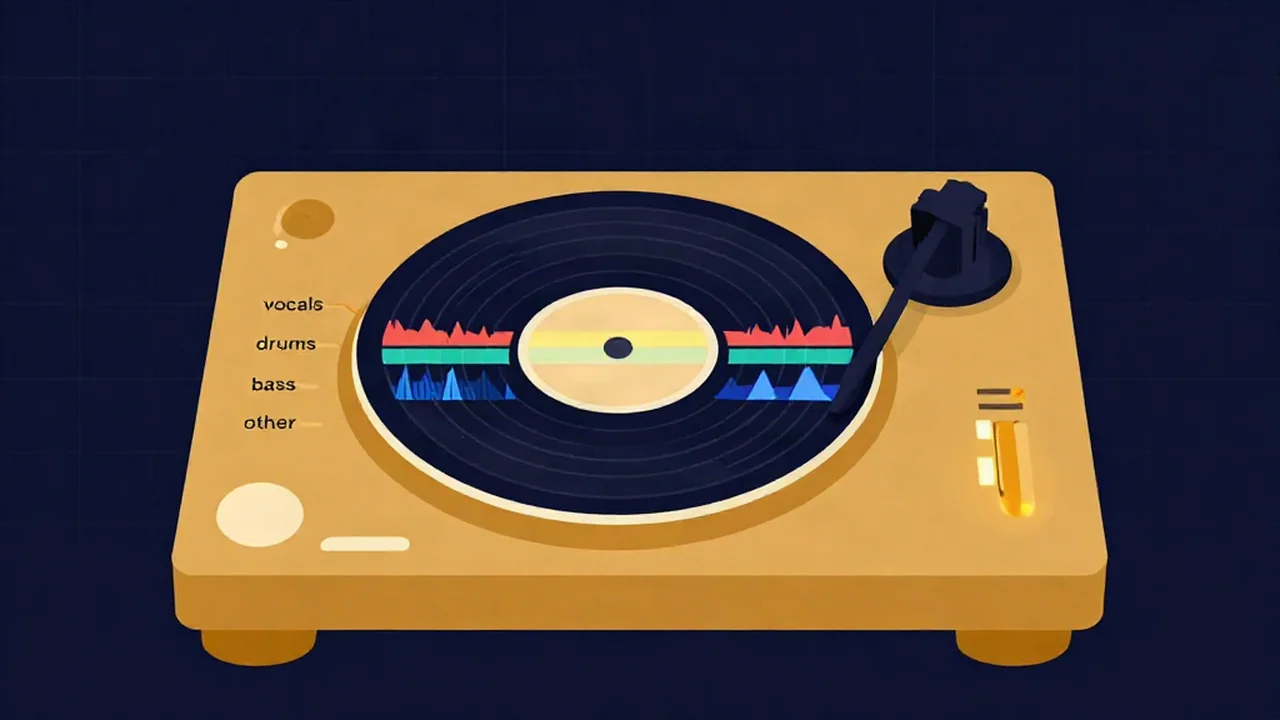
If you DJ, a stem splitter lets you pull the parts of a track apart — vocals, drums, bass, and everything else — so you can blend an acapella over a different instrumental, build a mashup, or drop into a clean drum loop for a transition. It runs right in your browser on tracks you already own, no account and no upload, and once the AI model has loaded the first time, one song takes about a minute of processing on your own computer. This guide walks through the workflow and where it fits in a set.
What you'll need
- A track you already have — an MP3, WAV, FLAC, or most other common audio files. You're separating a file on your device, not ripping from a stream, so this only works with music you actually own or have the right to use.
- A modern browser. The first time you run an AI separation, the tool downloads the model (tens of megabytes) from our servers. Your audio itself never leaves your device — the separation runs locally on your own CPU after the model lands.
- A minute or two per track. Separation is fast and free, but it isn't instant. Prep your acapellas and loops before the gig, not during it.
How to separate a track into stems
- Open the Stem Splitter and drop in your file. Drag a track onto the page or click to browse. Nothing uploads — the file stays in your browser.
- Let it separate. The AI splits the song into four stems: Vocals, Drums, Bass, and Other (guitars, keys, synths, and the rest of the mix). The first run pulls the model down; later runs skip straight to processing.
- Use the mixer to isolate what you want. Each stem has Play/Pause, Solo, Mute, and a Volume slider. Solo the Vocals to check your acapella, or mute the Vocals to leave an instrumental. Preview the whole thing live before you commit.
- Download the stem you need. Each stem has its own Download button, and you pick the format — WAV (lossless, the default), MP3, or Opus. Grab the acapella on its own, the instrumental, or the individual drum and bass stems for loops.
- Reset when you're done. "Reset workspace" clears the current track so you can load the next one.
If all you need is a quick acapella or instrumental, the Vocal Remover is the faster route — it's a 2-stem split (vocals plus instrumental) instead of the full four, so there's less to wait on and less to sort through.
How DJs actually use stems
Acapella-over-instrumental blends. The classic move: solo the vocals from one track, download the acapella, and lay it over the instrumental of another song. When the two tracks share a tempo and key, it sounds like the vocal was written for that beat. Grab tempos with the BPM Finder and keys with the Key Finder so your picks actually sit together — mismatched keys are what make a blend sound off even when the beat lines up.
Cleaner transitions. Muting the vocals on the outgoing track as you bring in the next one clears space so two songs don't fight over the same frequencies. Prepping an instrumental version of a track gives you a vocal-free tail to mix out of.
Mashups. Stack an acapella from one song onto the instrumental of another and you've got a mashup. The four-stem split gives you more room to work — you can drop just the drums and bass from one track under the vocals and "other" of another. Our mashup guide covers the arrangement side.
Drum and bass loops for edits. Solo the Drums stem and you've got a clean break to loop under a transition or to build a quick edit around. The Bass stem on its own is useful for reinforcing a low end or swapping basslines between tracks.
For tying these into a full set, the continuous DJ mix guide and beatmatching and key matching explained are worth a read.
Common problems and how to handle them
Bleed on dense mixes. On busy, heavily produced records, a faint trace of one part can leak into another — a whisper of vocal left in the instrumental, or cymbals bleeding into the "other" stem. It's an AI model estimating what belongs where, not a magic un-mix, so it won't be flawless on every track. Typical pop, rock, and hip-hop usually come out clean; wall-of-sound productions are harder.
Old or mono recordings are weaker. Modern stereo mixes give the model the most to work with. Vintage tracks, mono masters, and low-bitrate MP3s have less separation information baked in, so expect more artifacts. Test these ahead of time rather than trusting them live.
Bass-heavy and sub-heavy tracks. Very bass-forward mixes can blur the line between the Bass and Drums stems. Solo each one and check before you rely on a kick or a bassline in your edit.
Why it's never 100%. Separation reconstructs parts that were mixed together into a single file — the original isolated recordings aren't in there. The result is very good on the right material and good enough for live use on most tracks, but "studio-perfect stems" from a finished master isn't a thing any tool can promise. Prep and audition, and you'll know exactly what you're working with.
Related guides
- How to split a song into stems — the full walkthrough of the four-stem workflow, start to finish.
- Best free stem separation tools — how the free options compare if you want to weigh them.
- Copyright and fair use when sampling and remixing — worth knowing before you play blends and mashups of other people's records in public.
Frequently asked questions
Is the stem splitter free for DJs?
Yes. The stem splitter is completely free, with no account and no sign-up. You can separate as many tracks as you want and download every stem in WAV, MP3, or Opus. It runs in your browser on your own computer, so there's no subscription, no export limit, and no watermark on what you pull out.
Does my music get uploaded anywhere?
No — your audio never leaves your device. The separation runs locally in your browser on your own CPU. The one thing that downloads is the AI model itself, which the tool fetches once on your first use and then reuses. Your tracks, acapellas, and stems are never sent to a server.
How long does it take to separate a track?
It's fast but not instant. The first AI separation of a session downloads the model (tens of megabytes), then processing runs on your computer and usually takes around a minute per song, depending on your hardware. Later tracks skip the download. Prep your acapellas and loops before a gig rather than separating live.
Should I use the stem splitter or the vocal remover?
Use the Vocal Remover when you only need a clean acapella or a plain instrumental — it's a faster 2-stem split. Use the Stem Splitter when you want the drums and bass on their own, or more control for a mashup, since it gives you four separate stems to mute, solo, and download individually.
Will the stems sound perfectly clean?
Usually very clean on typical pop, rock, and hip-hop, and good enough for live use on most tracks. On dense, heavily processed, bass-heavy, mono, or old recordings you may hear some bleed or artifacts, because the AI is estimating parts that were mixed into one file rather than recovering the original recordings. Audition each stem before you build a set around it.