Beatmatching and Key Matching Explained

Long before automatic tempo detection, DJs beatmatched entirely by ear. Standing over two turntables, each with a small pitch fader that nudged a record slightly faster or slower, a DJ listened to both tracks in headphones and adjusted one until the beats lined up — then brought it into the mix. Hearing two slightly-off tempos and knowing which way to nudge took real practice, and it shaped an entire era of DJing. Tools have made finding tempo instant, but beatmatching itself still rests on a few ideas worth understanding, whether you're mixing casually or building a proper set.
Matching the tempo isn't the whole job
Knowing two tracks share a BPM only gets you halfway. Beatmatching also needs phase alignment — the beats must not just occur at the same rate but land at the same moments. Two tracks can both run at 128 BPM and still clash badly if one's kick hits a fraction of a second before the other's, creating a stuttering, out-of-sync feel even though the tempos technically match.
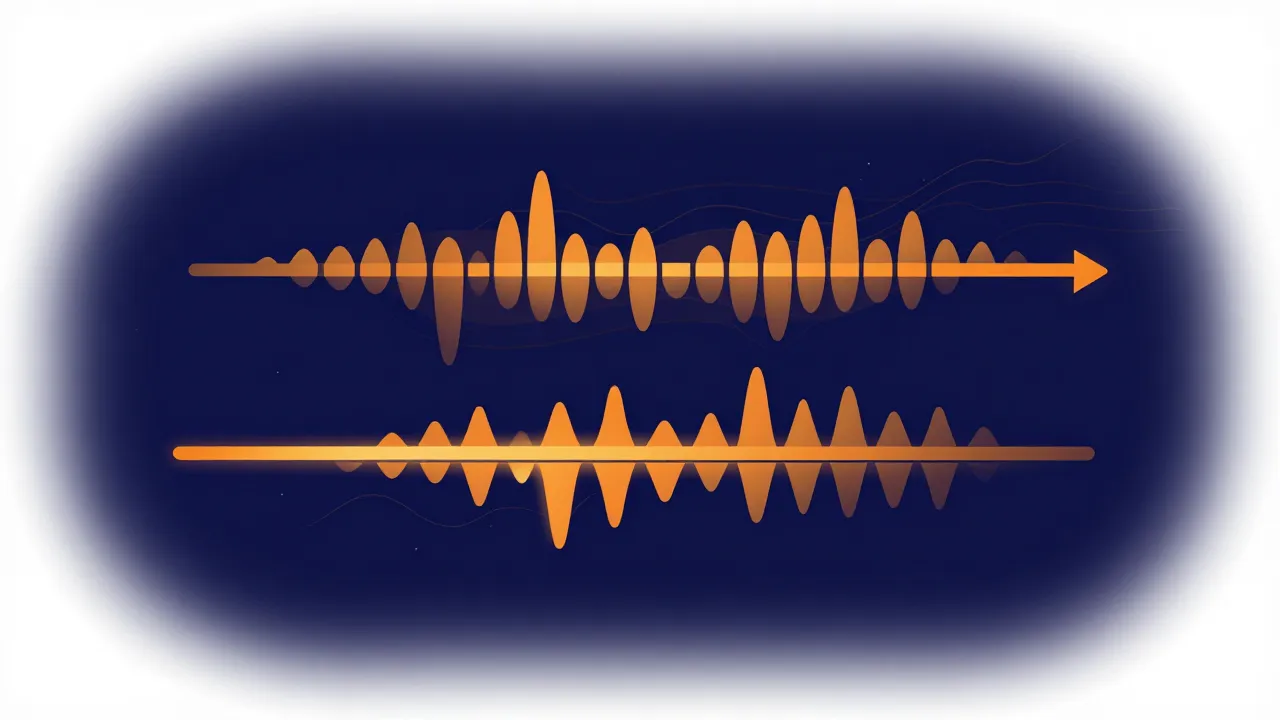
So step one is knowing the tempos — a BPM finder gets you there in seconds, and it helps to know why detectors sometimes report double or half so you're comparing real numbers. Step two, the phase nudge, is the part that traditionally took the most practice; it's easier to feel than to fully automate, which is why even assisted tools often leave the final micro-adjustment to the DJ.
Why key matters too: harmonic mixing
Tempo isn't the only thing that decides whether two tracks blend — key matters just as much, especially when both play at once. Every song centers on a musical key (see What Is Musical Key? A Key Finder Guide for the basics), and layering two clashing keys creates a dissonant, uneasy sound even when the rhythm is perfect, because the underlying notes are fighting. DJs who care about this favor tracks in the same key, or closely related ones — a major key and its relative minor share most of the same notes and sit together comfortably.
This is harmonic mixing, and it's why a DJ might nudge a track's pitch by a semitone or two specifically to bring it into a compatible key — not to match tempo. A key finder tells you what you're working with, and a pitch changer makes the small adjustment.

Typical tempo ranges by genre
A rough sense of genre tempos makes it much faster to judge whether two tracks are even blend candidates:
| Genre | Typical BPM |
|---|---|
| Hip-hop / R&B | 80–100 |
| House | 120–128 |
| Techno | 125–150 |
| Drum & bass | 160–180 (often felt as half) |
| Pop / rock | 90–130 (wide spread) |
None of these are rules — plenty of great tracks sit outside their genre's range — but knowing the neighborhood tells you quickly whether two songs are a natural pairing or a lot of work.
Practical takeaways
You don't need a full DJ rig to use any of this. Building a mashup, a transition, or just wondering why two favorites do or don't sound good together? Check both tempos, then consider whether one needs a small pitch nudge to sit better in key. Small, tasteful adjustments blend far more naturally than forcing a large tempo or key change — and if you need to close a tempo gap without shifting pitch, a speed changer does exactly that. Finally, remember that not every pairing is meant to work; sometimes the honest answer is that two tracks just aren't a match, and that's a normal part of the process.
Frequently asked questions
Two tracks are at the same BPM but still sound like a mess together. Why? Almost certainly phase, not tempo. Beats have to land at the same moments, not just recur at the same rate — two tracks can both run at 128 BPM while one's kick hits a fraction of a second before the other's, which reads as a stuttering, out-of-sync clash. The fix is nudging one track until the beats line up, and it's easier to feel than to calculate.
Do I actually have to match keys, or is that optional? Optional, but it decides a lot when both tracks play at once. Layering two clashing keys sounds dissonant and uneasy even when the rhythm is perfect, because the underlying notes are fighting each other. If the tracks only overlap for a brief transition, you can often get away with ignoring key. For a longer blend or a mashup, it's usually what separates "fine" from "seamless."
Which keys work together? The same key always works. Beyond that, a major key and its relative minor share almost all the same notes and sit together comfortably, as do keys one step apart on the circle of fifths. A key finder tells you what you're starting with, and a pitch changer can move a track a semitone or two into a compatible key.
Can I mix two tracks with very different tempos? You can, but the further you stretch, the more it shows — and large tempo moves tend to sound forced rather than blended. Checking each genre's typical range first tells you quickly whether two songs are natural candidates or a lot of work. To close a modest gap without shifting the key, a speed changer adjusts tempo while leaving pitch untouched.