Transpose a Song for Capo With a Pitch Changer
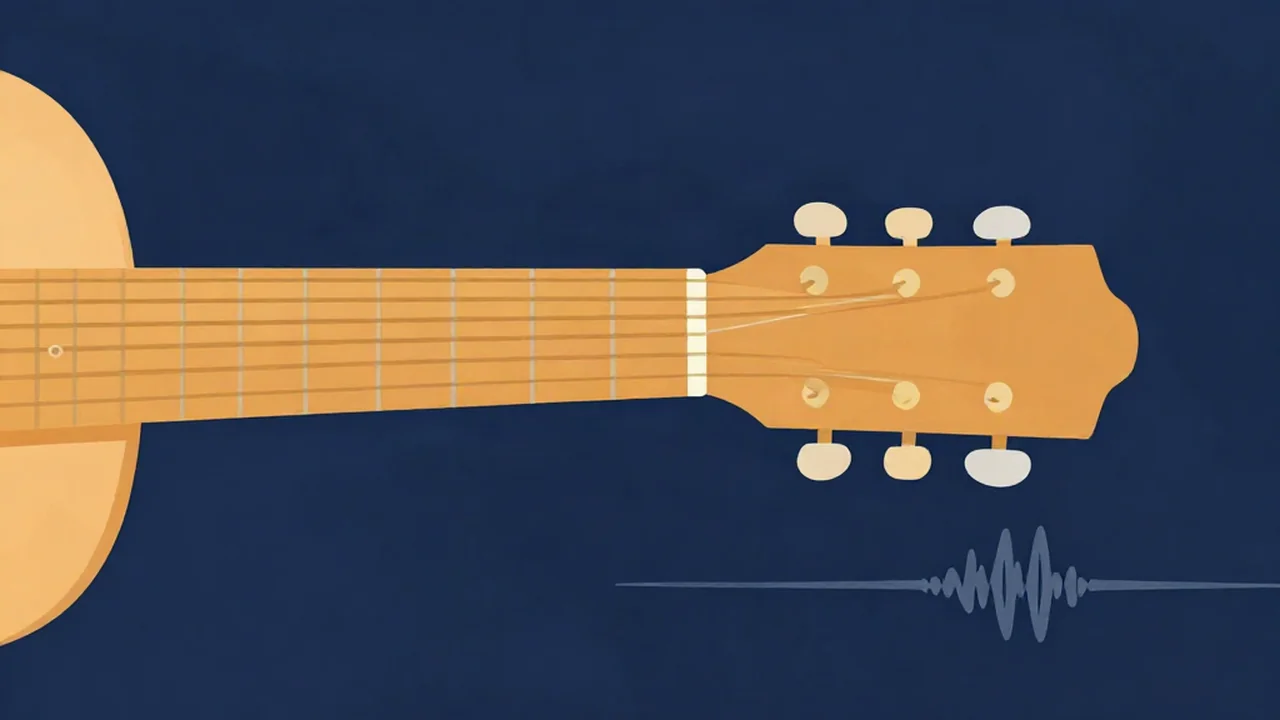
To play along with a recording using the chord shapes you know, either move your capo or shift the song itself with a free online pitch changer. Each capo fret raises your guitar by one semitone, so the sounding key is the shape key plus the capo fret. When the capo can't get you there, say the song sits a half step below the shapes you want, you shift the recording instead.
This guide covers the capo math, a quick chart, and three situations guitarists run into most.
The capo math in one line
A capo is a movable nut. Clamp it on fret 2 and every open string sounds two semitones higher. Play a G shape there and you hear A.
Sounding key = shape key + capo fret (in semitones).
Run it backwards to choose a capo position: count the semitones from the shape key up to the song's key. A song in B played with G shapes needs capo 4, because G to B is four semitones (G, G♯, A, A♯, B).
The one thing a capo can't do is go down. If the song is lower than the shapes you want, no fret helps. That's where a song pitch changer earns its keep.
Capo chart for common shape keys
Find the shape key you want to play in, then read across to the capo fret that gives you each sounding key.
| Capo fret | Semitones up | G shapes | C shapes | D shapes | E shapes | A shapes |
|---|---|---|---|---|---|---|
| 0 | 0 | G | C | D | E | A |
| 1 | +1 | A♭ | D♭ | E♭ | F | B♭ |
| 2 | +2 | A | D | E | F♯ | B |
| 3 | +3 | B♭ | E♭ | F | G | C |
| 4 | +4 | B | E | F♯ | A♭ | D♭ |
| 5 | +5 | C | F | G | A | D |
| 7 | +7 | D | G | A | B | E |
Past fret 7 the guitar gets thin and cramped, so most players stop there. Minor keys follow the same math: Em shapes with capo 2 sound F♯m.
Step 1: Find the song's key
You need a starting point. Run the file through the Key Finder or check a chart you trust. If you want to confirm it by ear, How to Find the Key of a Song With a Key Finder walks through it. Watch for relative keys: a song in G major can come back as E minor, which uses the same notes and gives you the same capo answer for the shapes either way.
Step 2: Decide between the capo and a shift
Check the chart. If your preferred shapes plus some capo fret land on the song's key, use the capo. Nothing about the recording needs to change, and it'll sound exactly like the record.
Reach for a shift when:
- The song is a semitone or two below your favorite shapes (capo can't go down).
- The capo position would be awkward, like fret 6 or higher.
- The recording is in a half-step-down tuning (more on that below).
Keep shifts small. One or two semitones sounds natural on most material. Beyond about three or four, any audio pitch changer starts to sound processed, voices especially. How to Pitch Shift Without Ruining Vocals covers why.
Step 3: Shift the recording in the Pitch Changer
- Open the Pitch Changer and drop in an MP3, WAV, or other audio file you already have.
- In Pitch & Speed Controls, move the Pitch transpose slider by your number of semitones. It goes from −12 to +12 in whole steps, with −1 Octave, No Shift, and +1 Octave marked.
- Leave Playback speed at 1.00x unless you want to practice slower. Pitch and speed are independent here, so a key change doesn't speed the song up.
- Hit play and strum along to check it.
- Pick WAV, MP3, or Opus (Opus doesn't show up on Safari) and click the download button.
Processing happens in your browser with the Web Audio API. Your audio never leaves your device, and there's no account to make.
Three common capo situations
The song is in E♭ and you want to play D shapes
D shapes with no capo give you D. The song is E♭, one semitone higher. You have two choices:
- Capo 1, D shapes. No shift needed. The cleanest option.
- Shift −1, no capo. Useful if you want open strings to ring or you're sharing the backing track with someone who doesn't use a capo.
The song is in B and you like G shapes
G to B is four semitones, so put the capo on fret 4 and play G shapes. No shift. If fret 4 feels too high and tight, you could shift the song down to A (−2) and use capo 2 instead, which keeps the processing mild.
The band tunes a half step down
Lots of rock and grunge records are played in E♭ tuning, every string a semitone low. Learn those songs in standard tuning and your open E chord sounds E, while the record's "E" sounds E♭. You'd be a half step off for the whole song.
Shift the recording +1 and it lines up with standard tuning, so the tab's chord shapes and fret numbers work as written. That's usually easier than retuning just to practice one track. For a full-step-down tuning (D standard), shift +2.
What a whole-semitone shift can't fix
The slider only moves in whole semitones. There's no cents control, so if a recording drifts slightly off A440 (older tape transfers sometimes do), the Pitch Changer can't nudge it into tune. You'd retune your guitar to the record instead. What Is Concert Pitch? A Pitch Changer Guide explains why that happens.
Slowing down a solo while you're at it
The same panel works as an audio pitch and speed changer. Drop Playback speed to 0.75x or lower to learn a fast part, and the key stays put. If you only need tempo changes, the Speed Changer does just that. For the theory behind keeping them separate, see How Pitch, Speed, and Duration Relate.
If you're shifting to suit a singer rather than a chord shape, Fit a Song to Your Voice With a Pitch Changer is the better guide. For general key changes, see How to Transpose a Song With a Pitch Changer, or browse more in How-To Guides.
Frequently asked questions
Does a capo raise or lower the pitch?
A capo always raises the pitch. Each fret you clamp adds one semitone to every open string, so G shapes on capo 3 sound B♭. It can't lower anything. If a song is below the chord shapes you want to use, you need to shift the recording down with a pitch changer or tune your guitar lower, since no capo position will reach it.
How do I work out which capo fret to use?
Count semitones from the key of the shapes you want to play up to the key of the song. That count is the capo fret. A song in A with G shapes needs capo 2, because G to A is two semitones. If the count comes out at 7 or more, try a different shape family, since high capo positions sound thin and feel cramped.
How do I play along with songs recorded in E♭ tuning?
Shift the recording up one semitone. Bands that tune a half step down play standard chord shapes that sound a semitone low, so raising the track by +1 brings it back in line with a guitar in standard tuning. Tabs and chord charts then work as written. For songs in D standard, a full step down, shift up two semitones instead.
Can the Pitch Changer fix a recording that's slightly out of tune?
No. The transpose slider moves only in whole semitones, from −12 to +12, with no cents or fine-tune control. A recording that sits a little sharp or flat of A440 will stay that way after any shift. The practical fix is to tune your guitar to the record by ear or with a tuner set to a custom reference pitch.
Will shifting the key change the song's tempo?
No. Pitch and speed are separate controls in the Pitch Changer, so moving the transpose slider changes the key while the tempo stays the same. You can also slow the playback speed to as low as 0.50x to practice a tricky part, and the key won't move. Small shifts of one or two semitones sound the most natural.