How Pitch, Speed, and Duration Relate
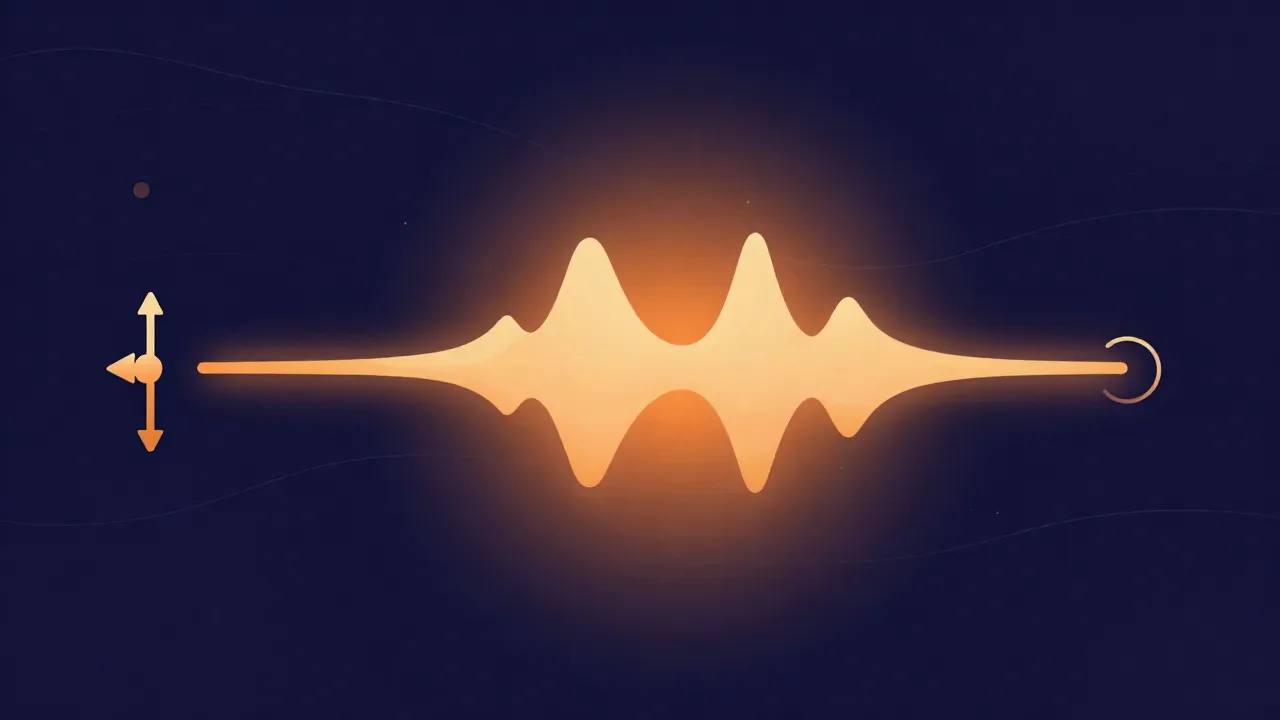
Ever raised the key of a track and noticed it finished a few seconds early? You've bumped into one of the oldest relationships in audio: pitch, playback speed, and duration are naturally tangled together. Understanding why makes it much easier to predict what a tool will do before you commit — and to pick the right kind of adjustment for what you're actually trying to do.
The old, physical link
The relationship comes from how sound was recorded and played for most of the 20th century. A vinyl record or reel of tape stores sound as a physical pattern — a groove, a magnetized strip — read back by moving it past a needle or head at a fixed speed. Speed that playback up and everything speeds up in lockstep: the pitch rises (the wave pattern passes by faster) and the recording finishes sooner (same distance, less time). Slow it down and you get the opposite — lower pitch, longer runtime.
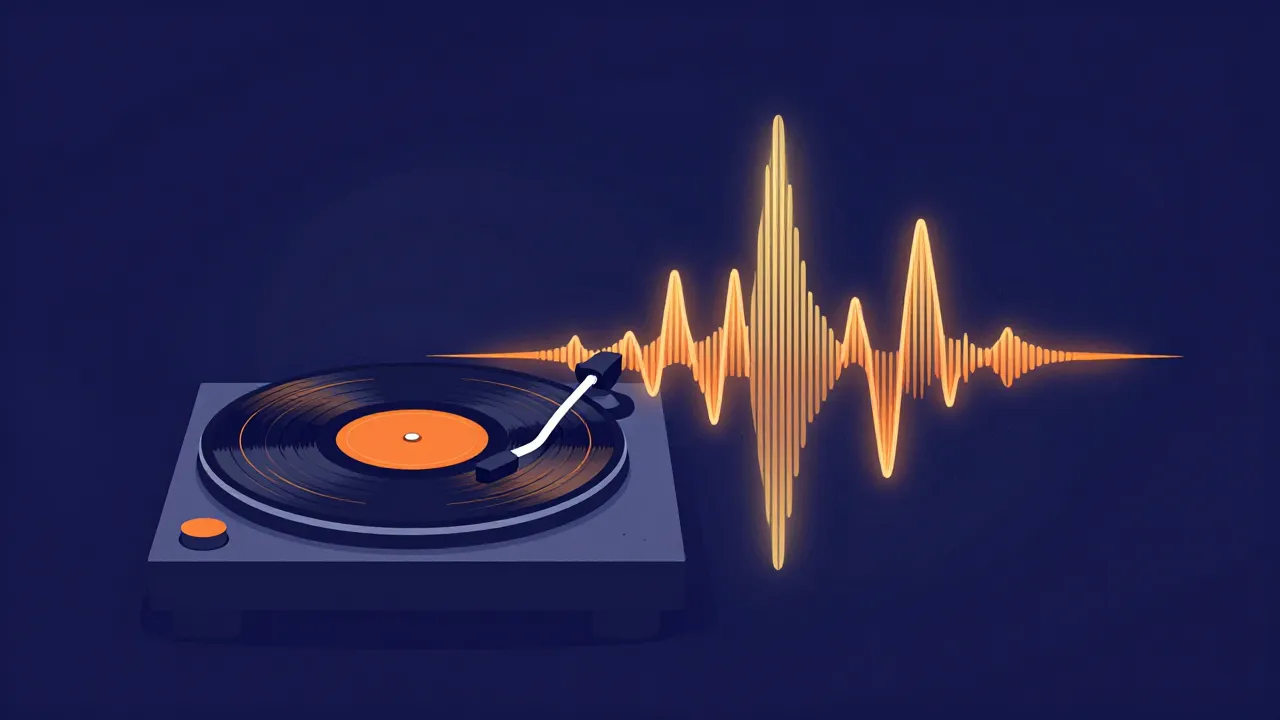
That's why a 45 RPM single sounds like a cartoon at 33 RPM, and it's the origin of the "chipmunk voice." On that gear, pitch, speed, and duration were never separate controls. They were one dial.
Digital inherited the link — and learned to break it
When audio went digital, that link didn't automatically vanish. The simplest way to change pitch is still to change the playback rate, which reproduces the exact tape-and-vinyl behavior: pitch and duration move together. It's simple, sounds clean for small nudges, and is what most lightweight, quick-turnaround pitch tools do by default.
But digital audio also opened the door — for the first time ever — to decoupling these properties. You can now change pitch while holding duration and speed fixed, or change speed while leaving pitch untouched, something no mechanical system could do. This is "time-stretching" or "pitch-preserving" processing. The tradeoff: full decoupling costs more processing and is more prone to artifacts at extreme settings. In practice you pick the tool for the job — a pitch changer for key, a speed changer for tempo without touching pitch. Our walkthrough shows how to slow down a song without changing pitch step by step.
Why extreme shifts sound "off" either way
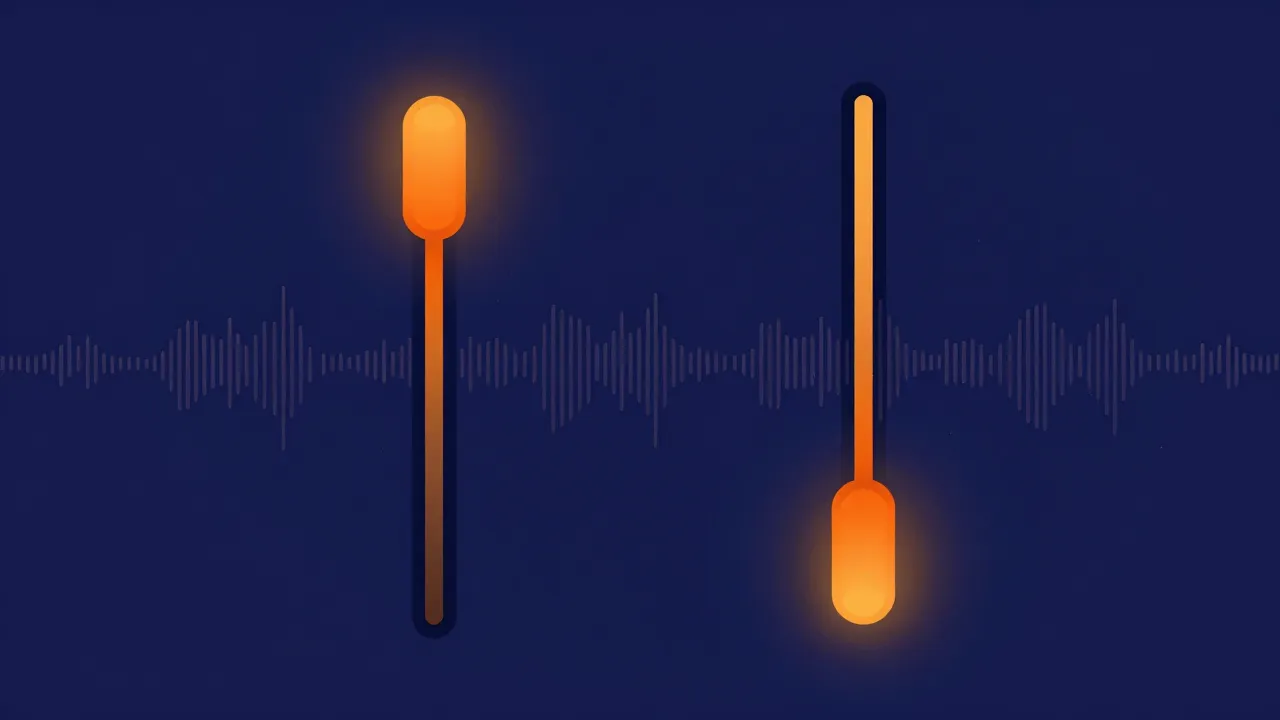
Even pitch-preserving tools have limits, because pitch isn't the only thing that defines a sound. Much of what makes a voice recognizably that voice comes from resonances in the vocal tract that stay roughly fixed no matter the note being sung. Shift pitch a lot and those resonances get dragged along, so the result sounds thin, hollow, or helium-ish — the resonant character no longer matches the new pitch. That's true whether pitch and duration are linked or independent; it's a property of shifting pitch itself. Modest shifts (a few semitones) hold a natural character; octave-sized jumps almost always give themselves away. It's the same reason careful technique matters in pitch shifting without ruining vocals.
What this means when you're working
- Transposing to a comfortable singing range? A few semitones sounds natural and the slight length change is rarely noticeable.
- Matching a sample or acapella to another track's key for a mashup? Small-to-moderate shifts blend convincingly; a large key gap is a sign to pick a different source clip. (Match the tempo too — see how to find the BPM of any song.)
- Duration matters — say, fitting a backing track to a fixed video length? Check the output length after a pitch shift instead of assuming it's unchanged, because with a simple pitch tool that assumption is usually wrong.
The fastest way to build intuition is to try it: on a pitch changer, start with a small shift, listen to how the character holds, then push further until you can hear it break. That threshold is different for every track — and now you know why.
Frequently asked questions
Why did my track get shorter when I raised its pitch? Because the tool changed the playback rate rather than the pitch alone. Speeding playback up raises pitch and shortens the file together — the same physical link as playing a 33 RPM record at 45. Simple, lightweight pitch tools do this by default. If duration matters for your project, check the output length after a shift instead of assuming it's unchanged.
Can I change pitch without changing length, or speed without changing pitch? Yes. Digital processing can decouple these properties in a way no mechanical system could — that's time-stretching, or pitch-preserving processing. Use a pitch changer to move the key while holding duration, and a speed changer to move the tempo while leaving pitch untouched. The tradeoff is more processing and more risk of artifacts at extreme settings.
Why do vocals still sound like a chipmunk even in a good pitch-preserving tool? Because pitch isn't the only thing that defines a voice. Much of what makes a voice recognizably that voice comes from resonances in the vocal tract — formants — that stay roughly fixed regardless of the note being sung. Shift pitch far and those resonances get dragged along, so the result sounds thin or helium-ish. That's a property of shifting pitch itself, not a flaw in the tool.
How many semitones can I shift before it sounds wrong? A few semitones generally holds a natural character; octave-sized jumps almost always give themselves away. The honest answer is that the threshold differs per track, so test it: start small, listen to how the character holds, then push further until you hear it break. For a mashup, a large key gap between two sources is usually a sign to pick a different clip.