How to Reverse Audio (Play It Backwards)
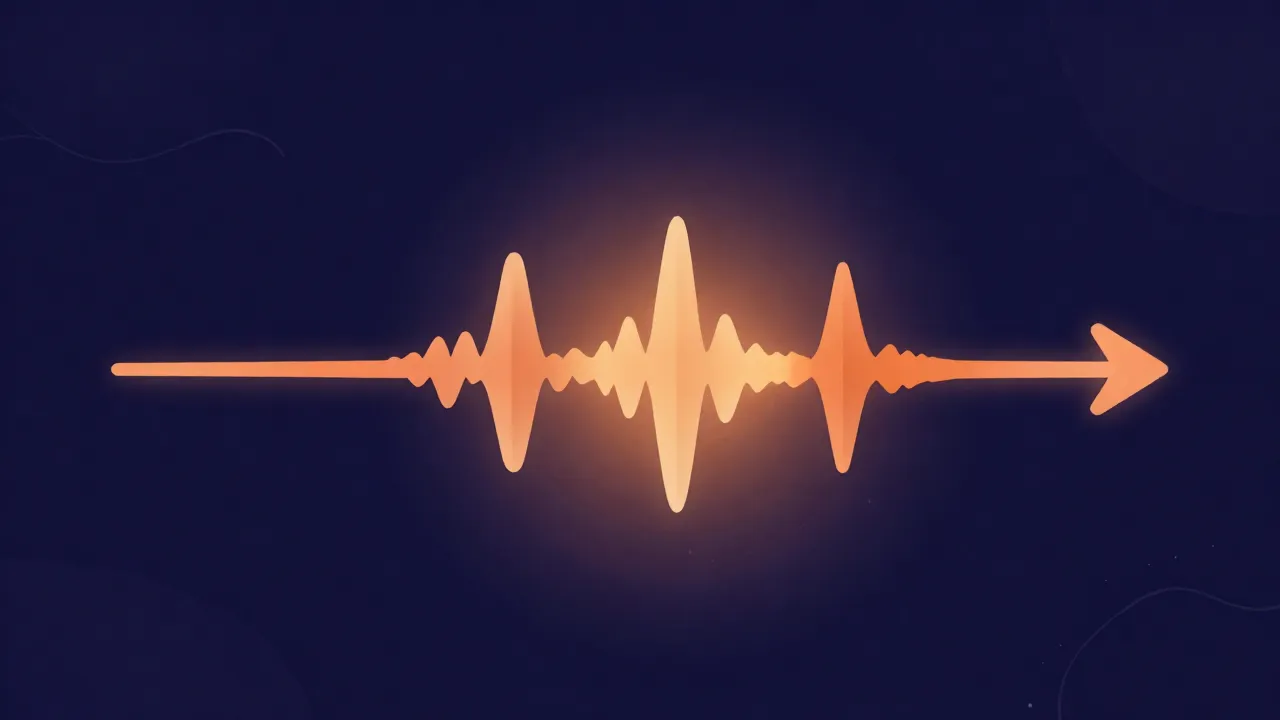
Reversing audio flips a sound so it plays end-to-start — the last moment becomes the first. It's a one-click operation with a surprising number of real uses, from subtle production polish to checking those "hidden message" rumors for yourself. Here's how, and what it's actually good for.
The quick version
- Open the audio reverser and drop in your file.
- It flips the waveform instantly — preview it.
- Download the reversed audio.
It's processed locally in your browser, so nothing uploads, and reversing is lossless: no quality is lost in the flip itself.
What reversing is actually used for
- Reverse reverb swells. The classic trick: reverse a vocal or snare, add reverb, then reverse it back. The reverb now blooms into the note instead of trailing after it, creating that dreamy "sucking-in" swell before a downbeat.
- Transitions and risers. A reversed cymbal, crash, or synth builds tension right before a section change — a staple of electronic and pop production.
- Creative sound design. Reversed speech, instruments, and foley become unfamiliar textures you can layer into a track.
- Backmasking checks. Curious whether a track really has a hidden message played backwards? Reverse it and listen for yourself.
- A quick puzzle-solve. Reversed audio clips show up in games and ARGs; flipping them back reveals the original.
Good to know
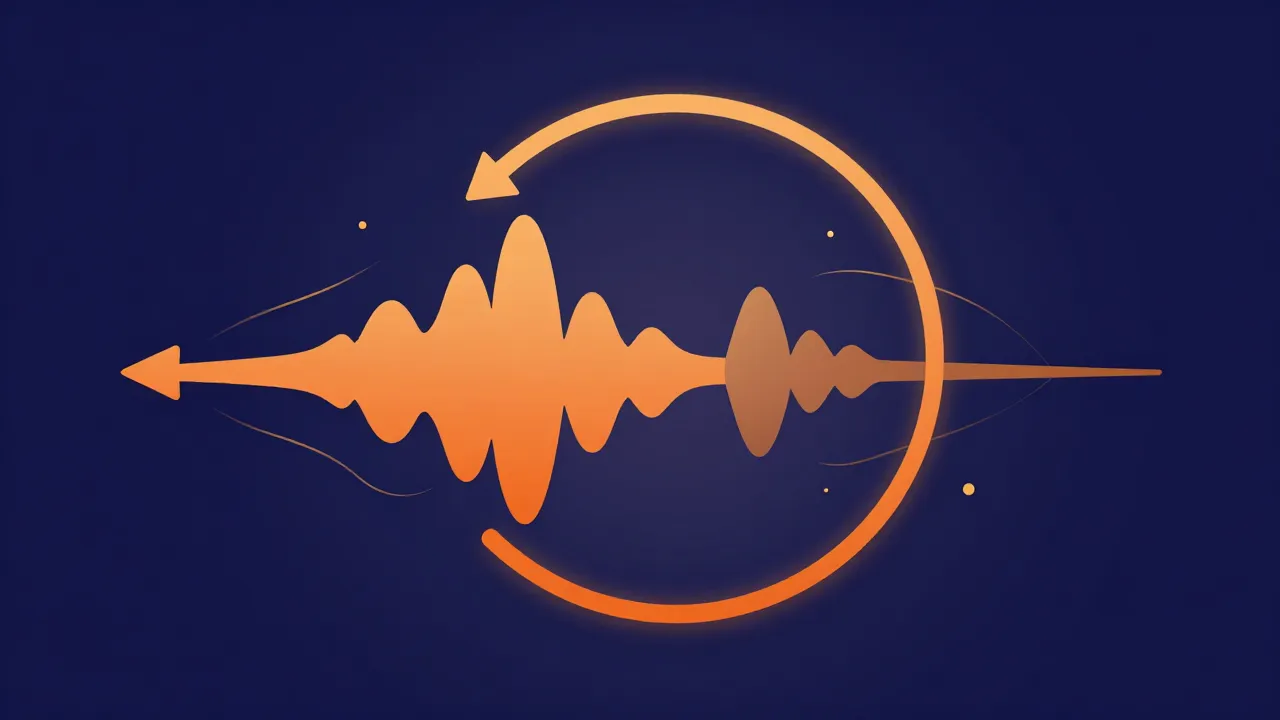
- Reversing is exact and reversible. Reverse a clip twice and you're back exactly where you started — it's just playing the same samples in the opposite order.
- Isolate first for the reverse-reverb trick. The effect is cleanest on a single element, so pull the part out with a vocal remover or stem splitter before reversing, rather than flipping the whole mix.
- Trim before you flip. Because the end becomes the beginning, silence or noise at the tail of your clip ends up at the front after reversing — cut the ends clean first so your reversed clip starts sharply.
Frequently asked questions
Does reversing audio lower its quality? No. Reversing just plays the existing samples in the opposite order — it's completely lossless. Any quality limit comes from your source file, not the flip.
How do I make the reverse-reverb effect? Reverse the clip, add reverb, then reverse it back. The reverb tail now swells into the sound. Works best on a single isolated element.
Can I reverse just part of a song? Trim the section you want first with an audio cutter, then reverse that clip.
Is my file uploaded anywhere? No — the audio reverser runs entirely in your browser.