How AI Noise Reduction Works

Noise reduction is the job of removing the sound you didn't want — the hiss under a voice memo, the low electrical hum from a cheap interface, the air conditioner humming behind an interview — while keeping the sound you did. AI noise reduction does this with a neural network that has been trained to recognise the difference between wanted signal and noise, rather than relying on a fixed rule. This is a genuinely different problem from splitting a song into vocal and instrument tracks, and the tools that solve it work differently too.
It's worth clearing up that difference first, because the two get confused constantly.
Noise reduction is not source separation
Vocal removal, or source separation, takes a finished mix and pulls it apart into its ingredients — the voice on one track, the instruments on another. Every part is something you might want to keep; the model is deciding which wanted thing goes where.
Noise reduction has a simpler goal but a fuzzier target. There's one thing you want (a voice, a guitar, a full mix) and one thing you don't (noise). The catch is that "noise" has no fixed shape. Hiss, hum, wind, keyboard clatter, and room rumble are all different, and the boundary between "noise" and "quiet detail you wanted to keep" is often a judgement call. A separation model keeps everything and sorts it; a noise reducer throws part of the signal away and hopes it only threw away the bad part.
So although both can involve neural networks, they answer different questions. Separation asks where does each sound belong? Noise reduction asks is this sound wanted or not?
What audio noise actually is
Before the tools make sense, it helps to know what you're fighting. Most real-world noise falls into three buckets.
Broadband hiss is the steady, wide "shhh" that sits across the whole frequency range — a noisy preamp, high microphone gain, or tape. Because it covers every frequency at a low level, it's woven right through the parts you care about.
Mains hum is a narrow, tonal buzz at 50 Hz or 60 Hz (depending on your country's electrical grid) plus its harmonics — the ground-loop drone from bad cabling or dimmer switches. Because it lives at a few exact frequencies, it's the one kind of noise that's easy to target surgically.
Background noise is everything else that leaks in: traffic, an air conditioner, a fridge compressor, room reverb, distant chatter. It's the hardest category because it isn't steady and isn't tonal — it changes moment to moment, and some of it (a passing car) sounds a lot like something you might have wanted.
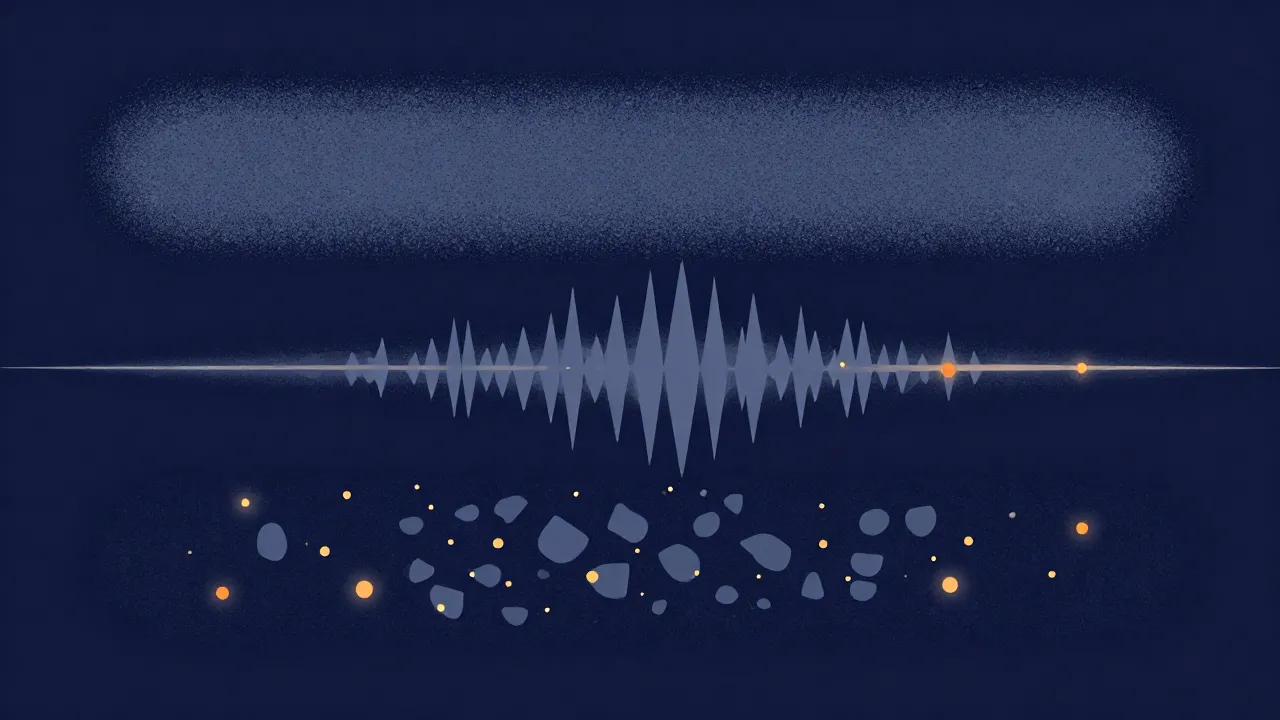
The classic methods: gates and spectral subtraction
Long before AI, two techniques did most of the work, and both are still useful.
A noise gate is the bluntest tool: it simply mutes the audio whenever the level drops below a threshold. The logic is that in the gaps between words the only thing playing is noise, so silencing those gaps cleans up the recording. It makes pauses dead-quiet, but it does nothing about noise underneath the voice while someone is speaking — the hiss is still there the whole time they talk. Set too aggressively, it also chops the quiet tails off words and makes speech sound choppy.
Spectral subtraction (and its gentler cousin, spectral gating) is smarter and is what most "noise reduction" plug-ins are built on. The idea is:
- Learn a noise profile. From a quiet section of the recording — or from the quietest moments throughout it — the tool measures how loud each individual frequency is when only noise is present. That fingerprint is the noise profile.
- Subtract it. The audio is broken into thousands of narrow frequency bands. In each band, the tool turns the level down by roughly the amount of noise it measured there, and leaves bands that are much louder than the noise mostly alone.
Because it works frequency-by-frequency, spectral subtraction can pull hiss out from under a voice, not just between words — a real step up from a gate. But it has a signature failure. When it over-subtracts, it leaves behind isolated flecks of sound at random frequencies, a warbling, bubbly texture engineers call musical noise — the "underwater" sound you've probably heard on an over-processed voice clip. The harder you push it, the cleaner the silence but the more artificial the wanted signal becomes. That tradeoff never fully goes away.
The AI approach: teaching a model what a voice sounds like
Spectral subtraction has one big blind spot: it doesn't actually know what a voice is. It only knows "this frequency was quiet when I sampled the noise, so turn it down." It can't tell the difference between a genuine soft consonant and a random burst of hiss at the same frequency and level.
A modern AI speech-enhancement model closes that gap. Instead of measuring a noise profile from your specific file, it's trained ahead of time on enormous libraries of clean speech mixed with every kind of noise. It sees the noisy version on one side and the clean version on the other, over and over, and learns the fingerprint of a human voice — the shape of vowels, the way pitch bends, the breathy transients of consonants. At runtime it rebuilds, moment by moment, what the clean voice underneath probably sounded like, keeping the speech and suppressing everything that doesn't fit the pattern.
The payoff is that it can handle non-steady background noise a classic subtractor can't — because it's recognising the voice, not measuring the noise. It doesn't need a quiet passage to learn from, and it doesn't get fooled by a sound that merely happens to sit at the same frequency as speech. Push any noise reducer hard enough and you still get artifacts, but a good speech model degrades far more gracefully than spectral subtraction does.
The tradeoff moves rather than disappears: an AI speech model is tuned so specifically to voices that it treats everything else as noise to be removed. That's exactly what you want for a podcast — and exactly what you don't want for music.
Why voice and music are two different jobs
This is the crux, and it's why a single "denoise" button is often the wrong design. A model trained to isolate speech will happily eat a guitar, a synth pad, a cymbal, or a reverb tail, because none of those match its idea of a voice. Run a song through a speech enhancer and you get a thin, gutted mess.
Music needs the opposite instinct: preserve everything musical and remove only the noise floor sitting underneath it. That's a job for the classic, conservative spectral approach — with one important safeguard. A sustained note, a held pad, or a drone is present in every frame of the recording, so a naive "quietest frequencies are noise" profile would mistake that steady note for noise and gate it away. A well-built music denoiser filters its noise profile so it only learns the broad, smooth hiss floor and leaves narrow, sustained musical tones alone.
That split is why Vocal Cut's Noise Reducer has two clearly separated modes rather than one:
- Voice mode runs an AI speech-enhancement model (a compact open-source model called GTCRN) directly in your browser via WebAssembly. It's built for podcasts, voice memos, and interviews, and it outputs mono focused on the speech band. The first time you use it, your browser downloads the small model (about half a megabyte) plus the shared AI runtime, then caches both — so it isn't quite instant on the very first run, but everything after that is local and immediate.
- Music mode uses conservative spectral gating plus an optional 50/60 Hz hum-notch filter, and it is deliberately not AI. It keeps full stereo and the original sample rate, and it's designed to lift a hiss or hum floor off a full mix without gutting the instruments.
Because the modes solve different problems, the tool warns you before running a song through Voice mode — mixing that up is the single worst result a noise reducer can produce.

In both cases the processing happens entirely on your device — your audio is never uploaded. The only thing that ever downloads is the AI model itself, and only for Voice mode. If you'd like the technical contrast with how the separation tools split full mixes into audio stems, that's a related but distinct pipeline.
The best noise reduction starts before you record
No amount of processing fully restores what a bad recording lost, and every denoiser trades some naturalness for cleanliness. The cheapest win is to capture less noise up front: get the microphone close, turn the gain down to avoid hiss, and kill obvious hum sources before you hit record. Our guide to recording audio in your browser covers setting clean levels, and the Audio Recorder records straight to your device with no upload. When you do need to clean up a recording after the fact, reach for the Noise Reducer and pick the mode that matches your material — voice or music, never both at once. For a full walkthrough, see How to Remove Background Noise from Audio.
Frequently asked questions
Is AI noise reduction better than a normal noise gate or spectral filter? For spoken voice, usually yes — an AI speech model recognises what a voice sounds like, so it can remove non-steady background noise that a gate or a fixed spectral filter can't touch, and it degrades more gracefully when pushed. For music, no: a speech model treats instruments as noise and guts the mix. That's why the Noise Reducer uses an AI model for voice but conservative spectral processing for music.
Why does noise-reduced audio sometimes sound underwater or watery? That warbling, bubbly texture is called musical noise. It appears when the tool over-subtracts and leaves isolated flecks of sound at random frequencies. The harder you push the reduction, the cleaner the background but the more artificial the signal becomes. Backing off the amount — for example with a wet/dry mix control — trades a little residual noise for a much more natural result.
Does my audio get uploaded to reduce the noise? No. Both modes run entirely inside your browser tab, so your audio never leaves your device. Data travels in one direction only on first use of Voice mode: the small AI model and its runtime download to your browser once, then cache for later runs. Music mode downloads nothing at all.
How is noise reduction different from removing vocals? They solve different problems. Vocal removal is source separation — it keeps every sound and sorts them into vocal and instrument tracks. Noise reduction keeps one thing (your voice or your mix) and throws away another (the noise). One sorts wanted sounds; the other discards unwanted ones.